
Choosing between a magnetic wireless car charger and a traditional USB-C wired setup depends on your daily driving habits, phone case preferences, and vehicle interior layout. While magnetic mounts offer unmatched drop-and-go convenience, wired connections generally provide more consistent power delivery for heavy navigation use. Rather than declaring a universal winner, this guide helps you evaluate the physical handling, power verification, and mounting stability of both methods so you can select the setup that safely and efficiently fits your specific commute.
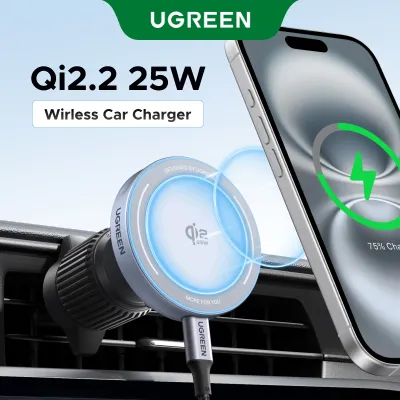
In stop-and-go city traffic, minimizing distractions is essential for road safety. A magnetic wireless option, such as a Ugreen MagSafe car charger, allows you to mount and charge your phone instantly with one hand, keeping your eyes on the road. However, the intense tropical heat and direct sunlight can affect wireless charging efficiency, making a direct USB-C wired connection a highly reliable alternative for longer journeys.
Core Differences in Daily Convenience
Evaluating the physical handling of your charging setup is the first step in optimizing your daily commute. Magnetic wireless chargers excel in convenience by allowing true one-handed operation. When you step into your vehicle, you simply place the phone against the magnetic pad, and it snaps into alignment. This eliminates the need to fumble with cables or manually adjust spring-loaded clamps, which is particularly beneficial if you make frequent stops throughout the day.
Products mentioned in this guide
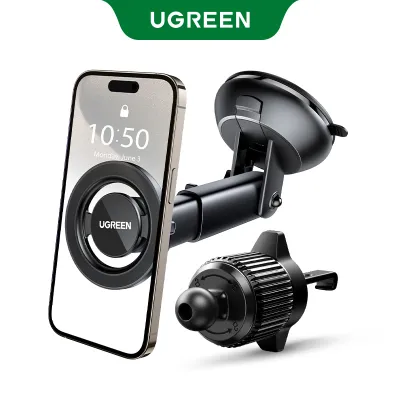
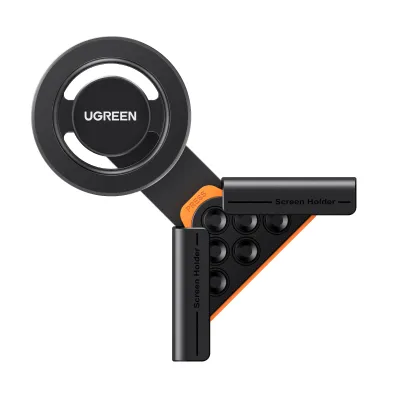
Prices are valid at publication and may change. Please refer to the product page for the latest price.
In contrast, a traditional USB-C wired setup typically requires two hands to locate the cable, align the connector, and plug it into your phone’s port. While this action only takes a few seconds, doing it repeatedly during short trips can become tedious. Over time, constant plugging and unplugging also increases physical wear on your phone’s charging port, whereas a magnetic mount keeps the port unused and protected.
Cable management is another critical factor in maintaining a clean, organized cabin. A magnetic mount still requires a power cable, but this wire remains permanently routed from your car’s power adapter to the mount itself, keeping it tucked away from your primary controls. A standard wired setup often leaves loose cables dangling across your gear shifter, cup holders, or center console, creating physical clutter that can interfere with your driving.
Before choosing a system, inspect your vehicle’s console layout and dashboard space. Some cars feature deep storage trays or vertical air vents that are perfectly positioned for a mounted phone, while others have limited mounting surfaces that might force you to rely on a simple console-based wired cable. Ensure that whichever form factor you select integrates cleanly into your cabin without obstructing your physical controls or infotainment screen.
Charging Speed and Power Delivery Realities
To get the most out of your car charger, you must look past advertised maximum wattages and understand how your specific smartphone manages power. A charger labeled as a high-wattage device will not automatically charge your phone at that maximum speed. Smartphones have strict internal limits on wireless power intake, often capping standard magnetic charging at lower thresholds than what a direct wired connection can accept.

To verify actual performance, read the product packaging and labels carefully for supported charging protocols. Look for Power Delivery (PD) compliance and check the required input specifications. A magnetic wireless charger typically requires a specific input voltage and current from your cigarette lighter adapter to output its maximum wireless wattage. If you plug a high-performance magnetic mount into a weak, built-in USB port on your dashboard, the charger will default to a much slower charging rate.
Thermal performance is a major factor in charging efficiency, especially during warm afternoons. Wireless charging naturally generates more heat than wired charging due to energy loss during magnetic induction. When you combine this internal heat with direct sunlight streaming through your windshield, your phone’s temperature can rise rapidly, triggering safety protocols.
When a smartphone detects excessive heat, it employs thermal throttling, which automatically slows down or pauses the charging process to protect the battery. If you notice your device becoming hot or charging very slowly while mounted, you may need to adjust your vehicle’s climate control to direct cool air onto the back of the mount, or temporarily switch to a USB-C wired cable, which generates significantly less heat during operation.
Mounting Stability and Driving Conditions
A car charger must remain physically secure over speed bumps, uneven road surfaces, and sudden stops. Air vent clips are highly popular because they are easy to install and position your phone within your line of sight. However, they rely entirely on the strength of your vent slats. Heavy phones can cause thin or circular vents to sag, potentially blocking airflow or loosening the mount over time.
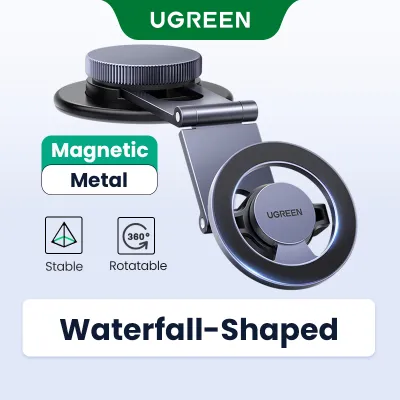
Dashboard adhesive pads and suction cups offer alternative mounting locations on flat surfaces, but they interact differently with various interior materials. Textured vinyl, soft-touch plastics, and leather dashboards may not provide a reliable seal for suction cups, and strong adhesives can leave permanent marks or damage delicate surfaces. Always verify your dashboard material and check the mount’s installation instructions before applying adhesive.
Consider the total weight of your device, including any protective cases or accessories. A large-screen phone combined with a heavy-duty case can exceed the holding capacity of standard magnetic mounts. If the magnetic connection is too weak, a sudden jolt could send your phone sliding into the footwell, creating a dangerous distraction. Check the manufacturer’s specified weight limits to ensure a secure hold.
Safety should always dictate where you place your charger. Consult your vehicle’s owner’s manual to identify the exact deployment zones for all cabin airbags. Never mount a device or route a cable across an airbag cover, as this could turn the charger into a dangerous projectile in an accident. Ensure your chosen mounting location does not obstruct your forward road visibility or block critical driver sightlines.
How to Choose the Right Charger for Your Commute
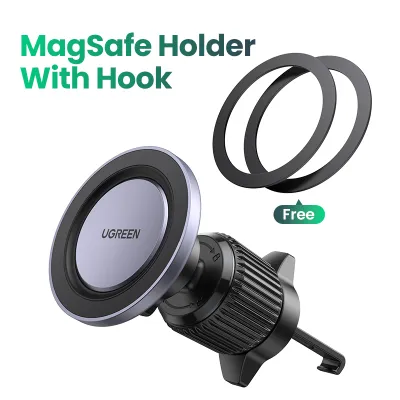
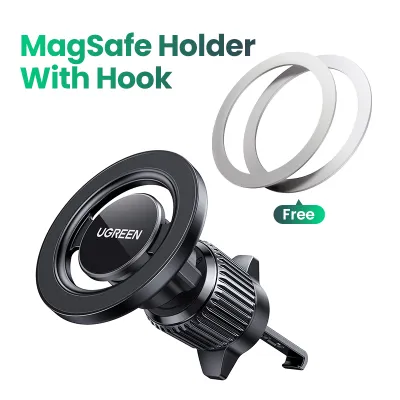
Selecting the right charging method comes down to analyzing your typical driving patterns and hardware compatibility. A magnetic wireless setup, like a Ugreen MagSafe car charger, is highly suited for drivers who prioritize quick drop-and-go access and minimal cable clutter. If your daily drive consists of short commutes, school runs, or frequent errands where you constantly get in and out of the vehicle, the convenience of magnetic mounting is unmatched.
On the other hand, a USB-C wired setup is the practical choice if you are a high-mileage driver, use your phone for long navigation sessions, or need rapid power top-ups between appointments. Running GPS navigation with high screen brightness consumes substantial energy and generates heat. A direct wired connection delivers consistent, high-wattage power directly to your battery with minimal thermal loss, ensuring your phone actually charges rather than just maintaining its current level.
Before purchasing any new hardware, perform a quick compatibility audit of your existing gear. Check if your current phone case is officially magnetic-compatible, as standard plastic or leather cases without built-in magnetic rings will severely weaken the hold of a magnetic mount. Additionally, test your vehicle’s built-in USB ports; if they supply low wattage, you will need to budget for a high-quality cigarette lighter adapter that supports modern Power Delivery standards to power your new charger effectively.
Frequently Asked Questions (FAQ)
Do I need a special case for magnetic car chargers?
Yes, using a compatible case is essential for maintaining a secure hold while driving. Standard thick, rugged, or leather cases without built-in magnetic rings create too much distance between the phone’s internal magnets and the charger, which drastically reduces the magnetic grip. To prevent your phone from falling off the mount over bumps, look for cases that explicitly state they are magnetically compatible or feature an integrated magnetic ring. For the most secure attachment, mount your phone either completely bare or with an officially certified magnetic case.
Can I use both charging methods simultaneously?
It is highly recommended to use only one charging method at a time. Modern smartphones feature smart power management systems that will automatically prioritize the wired USB-C connection and disable the wireless charging receiver to prevent electrical conflicts. However, keeping your phone on a wireless charging mount while it is plugged into a wired cable can still generate unnecessary heat from the magnetic alignment. To protect your phone’s long-term battery health and avoid thermal throttling, rely on a single charging source.
Will leaving a magnetic mount on my dashboard damage the surface?
It depends entirely on your dashboard’s material and the type of mount you use. Suction cups and adhesive pads can react differently to leather, soft-touch plastics, and textured vinyl, especially when exposed to intense cabin heat under the sun. Before installing an adhesive mount, check the manufacturer’s instructions and consider testing the adhesive on a small, inconspicuous area of the dashboard. When removing an adhesive mount, avoid pulling it off forcefully; instead, follow safe removal practices such as gently warming the adhesive with a hairdryer on a low setting or using dental floss to saw through the backing, followed by a mild, surface-safe adhesive remover to clean up any remaining residue without peeling the dashboard’s protective coating.

Community discussion
Share your experience or ask a question. Comments are reviewed before publication.