
Selecting the right phone stand car accessory for rear seat passengers is essential for maintaining a peaceful cabin environment during long journeys, such as cross-border road trips or extended weekend drives. Unlike front-row mounts that attach to the dashboard or windshield, rear-seat entertainment setups rely on the structure of the front seats for support. A well-chosen mount keeps passengers engaged without distracting the driver, but finding one that fits securely requires careful attention to vehicle compatibility, device dimensions, and safety boundaries.
To make an informed decision, you must evaluate how a mount handles road vibrations, whether it physically matches your car’s seat design, and how easily it adjusts to different passenger heights. Because car interiors vary widely—from compact hatchbacks to large multi-purpose vehicles (MPVs)—there is no single mount that fits every vehicle perfectly. Prioritizing mechanical stability and safety checks will ensure your passengers enjoy a comfortable, hands-free viewing experience on any road.
Essential Features for Long-Distance Rear Seat Viewing
The primary challenge of using a mobile device in a moving vehicle is screen instability. Even on well-paved expressways, minor road vibrations, expansion joints, and speed humps can cause a mounted phone to shake continuously. This constant movement leads to eye strain and motion sickness for rear passengers. To prevent this, look for mounts constructed with rigid materials, such as aluminum alloys or high-grade polycarbonate, rather than thin plastics. Dual-arm configurations or mounts with reinforced stabilizer bars provide much greater resistance to shaking than single-point flexible goosenecks.
Products mentioned in this guide
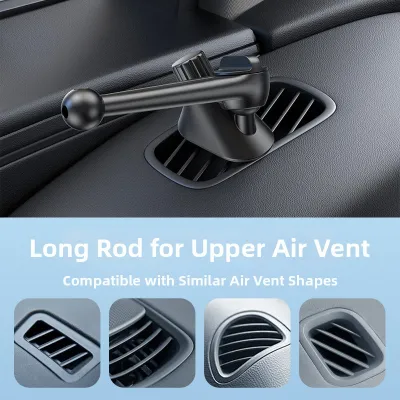
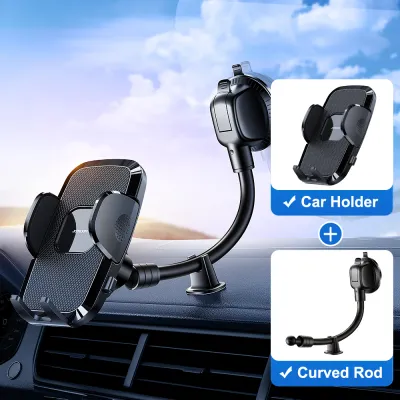
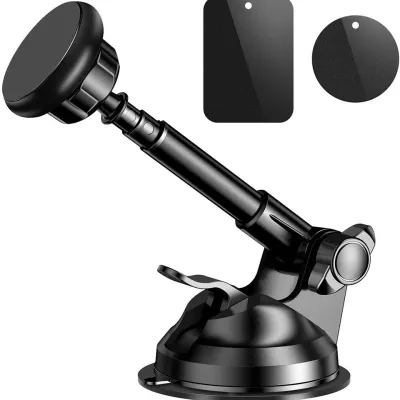
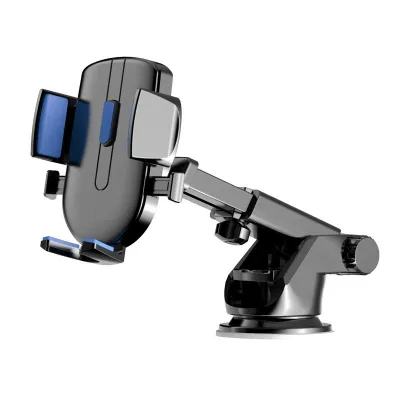

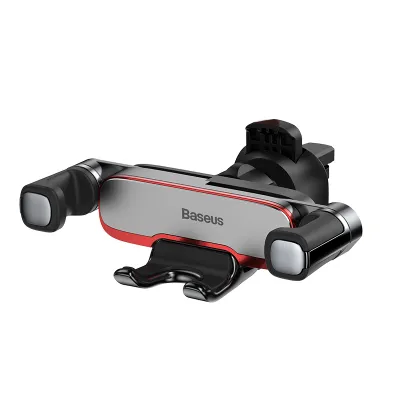
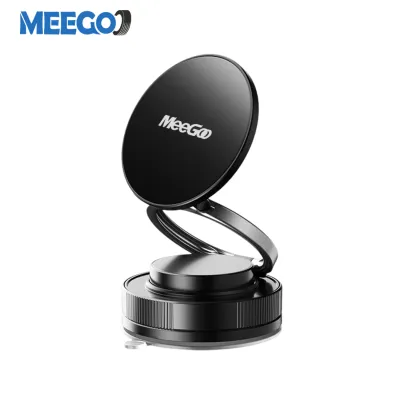
Prices are valid at publication and may change. Please refer to the product page for the latest price.
Another critical factor is the reach and extension capability of the mounting arm. Depending on the cabin layout and the age of the passengers, the distance between the rear seat bench and the front seat back can vary significantly. Younger children strapped into child safety seats sit higher and closer to the front seat, while adult passengers sit further back. An extendable telescopic arm allows you to adjust the viewing distance dynamically, bringing the screen closer for touch interaction or pushing it back to create a wider viewing angle for multiple passengers.
Finally, the physical profile of the mount when not in use is a vital safety consideration. During sudden braking or in the event of a collision, any rigid object protruding from the back of the front seat becomes a potential impact hazard. Opt for foldable or low-profile designs that can be collapsed flat against the seat back when unoccupied. This feature also prevents passengers from accidentally bumping into the mount when entering or exiting the vehicle, protecting both the passengers from injury and the mount from mechanical damage.
Seat Compatibility and Mounting Mechanisms
Before purchasing any rear-seat phone stand car accessory, you must verify the physical architecture of your vehicle’s front seats. The most common mounting style attaches directly to the metal poles of the front headrests. However, headrest designs are not universal. You must measure the diameter of your headrest poles and the precise distance between them, comparing these measurements against the manufacturer’s specifications. Some modern vehicles feature active headrest safety systems or integrated, single-piece bucket seats with no exposed poles, which completely rules out standard pole-mounted brackets.

For vehicles with integrated headrests or delicate upholstery, alternative mounting mechanisms like heavy-duty straps or specialized seat-back clamps are required. If your vehicle features premium leather seats, look for mounts that utilize soft silicone padding or rubberized contact points. Avoid mounts that rely on hard plastic clamps or highly tensioned metal springs without protective barriers, as these can leave permanent indentations, scuffs, or tears in the leather over time. Always consult your vehicle’s owner’s manual to ensure that attaching accessories to the headrest structure does not interfere with the operation of active safety systems.
Additionally, you must perform a thorough clearance check of the surrounding area. A poorly positioned mount can block rear air conditioning vents, which are crucial for passenger comfort in warm tropical climates. It can also obstruct built-in seat-back tray tables, seat pockets, or the reclining mechanism of the front seats. Ensure that when the front seat is fully reclined or adjusted forward, the mount does not pinch against the seat frame or restrict the driver’s ability to find a safe, comfortable driving position.
Device Fit and Adjustability for Passenger Comfort
A versatile rear-seat mount must accommodate a wide range of mobile devices, from compact smartphones to larger media tablets. When evaluating a mount’s grip mechanism, check both the maximum expansion width and the depth of the holding brackets. Many users keep their devices in thick, shockproof protective cases or utility cases with integrated kickstands. If the mount’s bracket depth is too shallow, it will fail to grip a cased phone securely, risking a costly drop. Ensure the grip features deep, curved silicone-lined jaws that wrap securely around the edges of your specific device and case combination.
The durability of the rotation joints is another key factor in long-term usability. Passengers frequently switch between portrait mode for browsing or reading and landscape mode for watching videos. This adjustment relies on a ball-and-socket joint or a rotating hinge. Over time, cheap plastic joints can wear down, causing the screen to droop or tilt downward under the weight of the device. Look for mounts that feature a mechanical locking collar or a tension-adjustment screw, allowing you to tighten the joint manually if it begins to loosen after repeated use.
Furthermore, the mount should offer a generous tilt and swivel range to combat cabin glare. Sunlight streaming through the rear windscreen or side windows can easily wash out a mobile screen, making it unreadable. A mount with a multi-angle swivel joint allows the passenger to tilt the screen away from direct light sources, optimizing visibility without requiring them to strain their neck or adjust their seating posture. This adjustability is particularly beneficial during midday drives when overhead sunlight is most intense.
Safety Boundaries and Driver Visibility
While rear-seat entertainment is intended for passenger comfort, it must never compromise the driver’s safety or situational awareness. The primary safety boundary to respect is the driver’s rearward line of sight. When positioning the phone stand car mount, ensure that neither the bracket nor the mounted device blocks the view through the center rearview mirror. If the device is exceptionally large, it should be mounted lower on the seat back or offset to one side to maintain a clear view of the road behind.
Airbag deployment zones represent another critical safety factor. Many modern vehicles are equipped with side-curtain airbags, seat-mounted side airbags, or even rear-passenger protection systems. You must consult your vehicle’s safety documentation to identify these deployment zones. Never run charging cables or position mounting brackets across any area where an airbag is designed to deploy, as the force of inflation could turn the mount or device into a dangerous projectile inside the cabin.
Finally, establish a clean cable management strategy for charging your devices on the go. Long USB cables running from the front dashboard or center console to the rear seats can easily become tangled around passenger feet, seat adjustment tracks, or gear selectors. Use adhesive cable clips or hook-and-loop straps to route power cables neatly along the center console or under floor mats. Keeping cables secured prevents tripping hazards when passengers exit the vehicle and protects the charging ports on both your car and your mobile devices from sudden, damaging tension.
Frequently Asked Questions (FAQ)
Will a headrest mount damage leather car seats?
A headrest mount can potentially damage leather car seats if it lacks proper protective padding or is over-tightened. To prevent indentations, scratches, or wear on delicate leather upholstery, choose a mount equipped with thick silicone or rubber padding on all contact surfaces. It is also wise to inspect the mounting area periodically during long road trips. Loosening the clamp slightly when the mount is not in use, or shifting its position slightly, helps distribute pressure and prevents permanent compression marks on the leather.
Can I use a seat-back phone stand for a tablet as well?
Whether you can use a seat-back phone stand for a tablet depends entirely on the mount’s structural specifications. Tablets are significantly heavier and wider than smartphones, requiring a stronger grip and stiffer joints. Before mounting a tablet, verify the manufacturer’s stated maximum weight capacity and grip expansion limits. Standard phone-only mounts will droop or fail under the weight of a tablet. For larger devices, select a dedicated hybrid mount designed with heavy-duty spring tension and reinforced aluminum arms to ensure the screen remains stable and secure.

Community discussion
Share your experience or ask a question. Comments are reviewed before publication.