
Choosing the right navigation system can significantly impact your daily commute, especially when navigating busy expressways, Electronic Road Pricing (ERP) zones, and complex urban layouts. The choice between using a mobile-based application via a wireless CarPlay dongle and relying on your vehicle’s factory-installed navigation system comes down to how you value real-time data accuracy, system reliability, and integration.
For drivers who prioritize up-to-the-minute traffic routing, instant point-of-interest (POI) searches, and seamless integration with mobile applications, a CarPlay dongle is highly effective. Conversely, built-in car navigation is more suitable for those who frequently drive through areas with poor cellular coverage, such as remote roads or long underground tunnels, and prefer a system that integrates directly with the vehicle’s instrument cluster without draining phone battery.
How CarPlay Dongles and Built-In Nav Compare on the Road
Map accuracy and update frequency represent the most significant differences between these two systems. Phone-based navigation apps accessed via a CarPlay dongle benefit from continuous, automatic background updates. These apps reflect road changes, new housing estates, and temporary closures almost instantly. In contrast, built-in navigation systems rely on static map databases. Updating these factory systems often requires downloading large files onto an SD card or USB drive, or paying for over-the-air (OTA) update packages from the manufacturer, which are typically released only a few times a year.
Products mentioned in this guide
![[Direct-sales] OTTOCAST Wireless CarPlay U2AIR Pro Adapter for Car Play Dongle For Audi VW Benz Kia Honda Toyota Ford Auto Connect-152c4c8b](https://img.lazcdn.com/g/p/97eafaaf09be774a4048a698e952cb59.png_400x400q80.png_.webp)
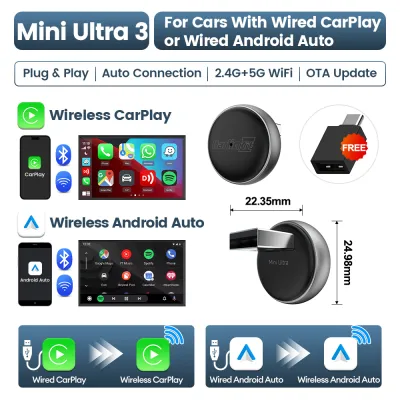
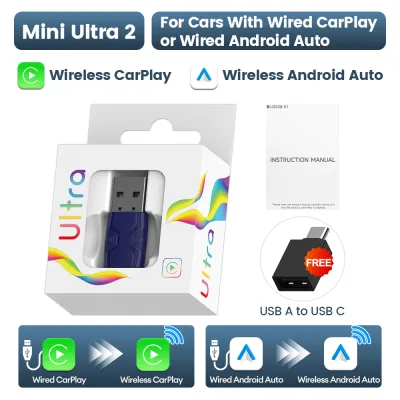
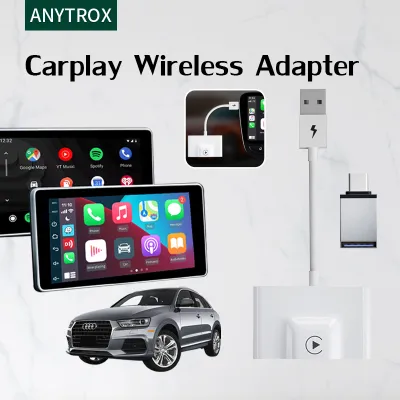
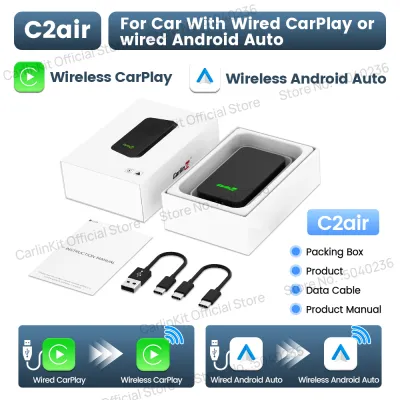
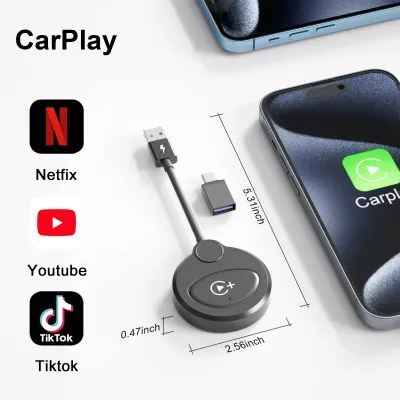
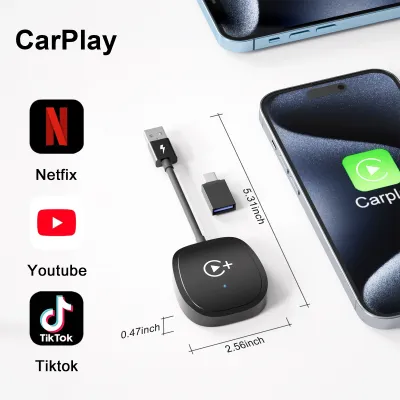
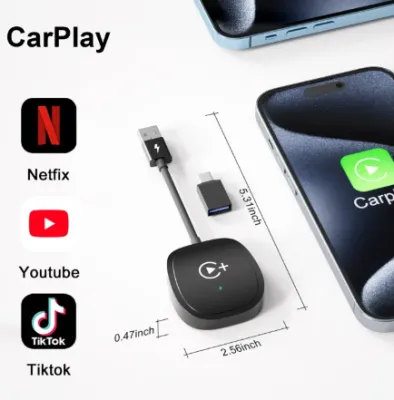
Prices are valid at publication and may change. Please refer to the product page for the latest price.
Real-time traffic routing and incident reporting are areas where phone-based apps excel. By utilizing crowdsourced data from millions of active users, apps like Google Maps or Waze can detect sudden congestion on major expressways and suggest alternative routes immediately. Built-in systems often rely on older traffic broadcast technologies or proprietary connected services that may require an active subscription and are generally slower to update during sudden traffic incidents.
However, signal stability and hardware integration present a different story. When driving through long underground expressways or deep multi-story car parks, GPS signals can drop entirely. Built-in navigation systems are often connected directly to the vehicle’s onboard telemetry, utilizing wheel-speed sensors and gyroscopes (a method known as dead reckoning) to estimate your position even without a GPS signal. A phone connected via a CarPlay dongle relies entirely on the phone’s internal GPS receiver, which can drift or freeze in long tunnels until you emerge back into open air.
Interface responsiveness and voice control also differ. Because a CarPlay dongle leverages your smartphone’s high-performance processor, searching for destinations and rendering maps is usually fast and fluid. Voice assistants like Siri or Google Assistant understand natural language commands much better than most factory voice control systems. The trade-off is a slight latency; wireless dongles transmit data over a local Wi-Fi connection established between the phone and the dongle, which can introduce a one- to two-second delay when skipping audio tracks or viewing real-time map transitions compared to a direct wired connection.
Compatibility Checks: Will a CarPlay Dongle Work in Your Car?
Before purchasing a CarPlay dongle, it is essential to understand its technical limitations. A common misconception is that these devices can add CarPlay functionality to any vehicle with a screen. In reality, standard wireless CarPlay dongles only convert an existing wired CarPlay system into a wireless one. If your vehicle’s head unit does not natively support wired CarPlay from the factory, a standard dongle will not function.

To ensure stable operation, you must verify the power output and data transfer capabilities of your vehicle’s USB ports. Wireless dongles require a consistent power supply to maintain the Wi-Fi and Bluetooth connections. Check your vehicle’s manual to confirm that the designated CarPlay USB port provides sufficient amperage (typically at least 5V/1A). Low-power USB ports can cause the dongle to disconnect intermittently, fail to boot, or drop the connection during phone calls.
System integration is another critical factor to evaluate. While a CarPlay dongle allows you to view maps on your central infotainment screen, it may not integrate with other displays in your vehicle. For example, turn-by-turn navigation prompts from phone apps rarely display on a vehicle’s digital instrument cluster or head-up display (HUD), as these screens are usually locked to the factory navigation system. Additionally, while steering wheel volume controls generally work seamlessly, the behavior of voice control buttons can vary depending on how well the dongle’s firmware communicates with your specific vehicle model.
Upfront Costs vs Long-Term Value: Dongle or Factory Nav?
Evaluating the financial aspect requires looking beyond the initial purchase price to consider long-term operating costs and convenience.
- Initial Purchase vs. Subscriptions: A wireless CarPlay dongle is typically a one-time purchase, with prices ranging from S$50 to S$150 on major online marketplaces. On the other hand, keeping a built-in navigation system updated can involve recurring costs. Some manufacturers charge S$100 to S$300 for map update packages, or require an ongoing monthly subscription to access live traffic data and connected services after the initial vehicle warranty period expires.
- Data Usage and Battery Wear: Relying on a CarPlay dongle means your phone is constantly downloading map data and streaming audio. While local mobile data plans are often generous, roaming charges can accumulate quickly if you drive across the Causeway into Malaysia. Furthermore, transmitting data wirelessly while running GPS causes the phone to run hot, which can accelerate battery degradation over time if the phone is not kept in a cool area or placed on a wireless charging pad.
- Resale Value: A fully functional factory navigation system can appeal to traditional buyers who prefer integrated, manufacturer-supported features. However, having a clean, wireless CarPlay setup—even via a dongle—is highly attractive to tech-conscious buyers in the pre-owned car market, as it modernizes the cabin experience without requiring expensive dashboard modifications.
Final Verdict: Which Navigation Setup Fits Your Driving Habits?
Your final choice should align with your specific driving environment, vehicle capabilities, and personal preferences.
Choose a CarPlay dongle if:
- You commute daily in highly dynamic urban areas where real-time traffic updates and ERP alerts are essential to avoid delays.
- You frequently search for new businesses, cafes, or points of interest that are unlikely to be saved in a static factory database.
- Your vehicle already has wired CarPlay, and you want the convenience of wireless connectivity without managing cables every time you enter the car.
Choose built-in navigation if:
- You regularly drive through long tunnels, remote areas, or cross-border routes where cellular data connections are unstable or expensive.
- You prefer having turn-by-turn directions integrated directly into your vehicle's digital dashboard or head-up display.
- You want to minimize phone battery drain and avoid the heat generation associated with continuous wireless data transmission.
Before making a purchase, always verify that your vehicle’s infotainment firmware is updated to the latest version. Additionally, check the dongle manufacturer’s compatibility list to ensure your specific smartphone model and operating system version are fully supported.
Frequently Asked Questions (FAQ)
Does a CarPlay dongle drain my phone battery faster than built-in navigation?
Yes. Running GPS tracking, processing map data, and transmitting audio and video signals wirelessly over Wi-Fi and Bluetooth puts a heavy load on your phone’s processor. This background activity drains the battery significantly faster than using the car’s built-in navigation, which requires no phone resources. To prevent your phone from running out of power on longer drives, check if your vehicle’s USB ports or wireless charging pad provide enough power output to offset this consumption.
Can I use both the CarPlay dongle and built-in navigation at the same time?
Generally, no. Most vehicle infotainment systems are programmed to prioritize one active navigation source at a time. If you start active route guidance on a phone app via CarPlay, the vehicle’s system will typically cancel any active route on the built-in navigation to prevent conflicting audio prompts. While you may be able to display the built-in map on your instrument cluster while CarPlay runs on the main screen, running dual active routing is usually blocked by the vehicle’s software.
Will a CarPlay dongle work if my car only has an older, non-touchscreen display?
It depends on how your factory system is controlled. If your vehicle has factory-installed wired CarPlay that is navigated using physical rotary dials, trackpads, or steering wheel buttons, a compatible wireless dongle can still work. However, if your vehicle does not support CarPlay at all, a dongle cannot add the interface to your screen. In that scenario, you would need to replace the entire head unit with an aftermarket touchscreen system that supports CarPlay natively.

Community discussion
Share your experience or ask a question. Comments are reviewed before publication.