
Choosing between a factory-built GPS system and wireless CarPlay for daily driving in Singapore comes down to whether you prioritize real-time traffic agility or seamless dashboard integration. Wireless CarPlay excels at delivering live traffic updates, dynamic routing around sudden congestion, and up-to-date Electronic Road Pricing (ERP) rates through smartphone-based mapping applications. Conversely, built-in navigation systems offer unmatched hardware integration, utilizing the vehicle’s dedicated GPS antenna and instrument cluster displays without relying on mobile network stability or draining your phone’s battery.
Core Differences in Map Accuracy and Real-Time Traffic
Singapore’s road network is highly dynamic, with frequent changes due to major infrastructure projects, temporary road closures, and fluctuating ERP toll rates. Smartphone-based navigation apps running via wireless CarPlay pull live data continuously from cloud servers, reflecting these changes almost instantly. This real-time connectivity allows drivers to bypass sudden bottlenecks on major expressways like the Pan Island Expressway (PIE) or Central Expressway (CTE) by recalculating routes on the fly based on crowdsourced traffic conditions.
In contrast, traditional built-in navigation systems rely on pre-loaded map databases stored within the vehicle’s infotainment hardware. While some modern luxury vehicles feature embedded SIM cards that pull live traffic data, many standard built-in systems require manual updates or phone tethering to receive real-time information. Without an active data connection, a built-in system may direct you into heavy traffic or fail to recognize newly constructed roads and modified exit ramps.
Products mentioned in this guide
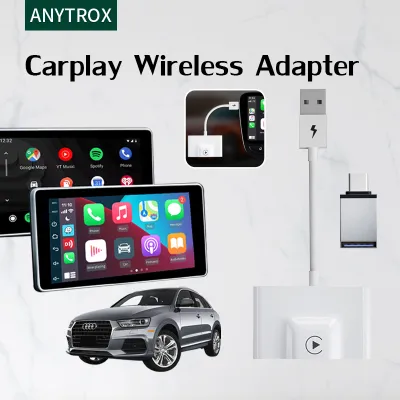
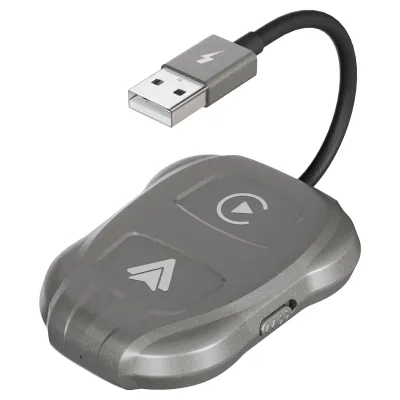
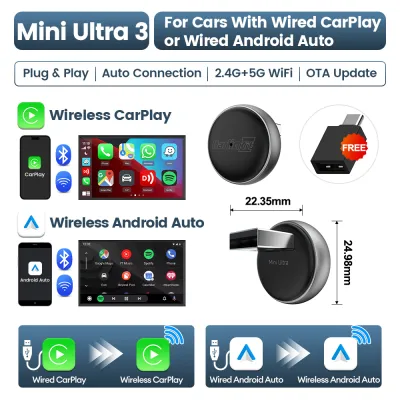
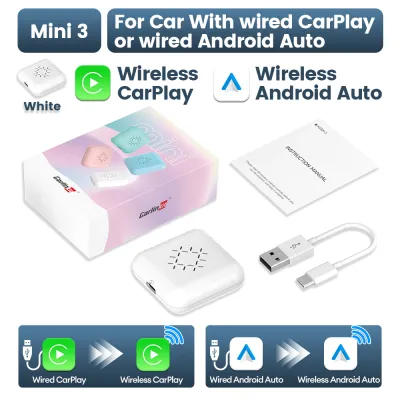
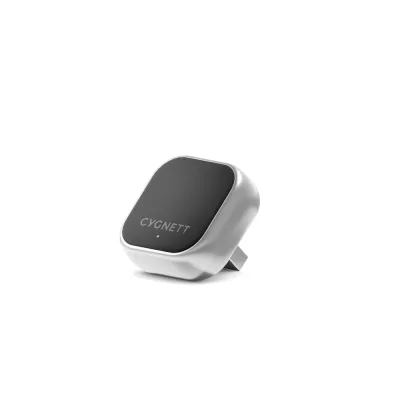
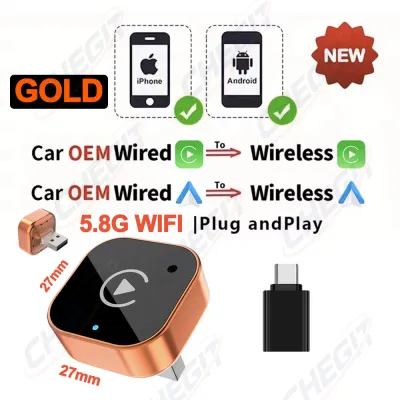
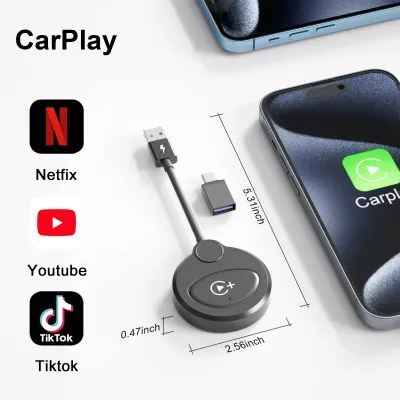
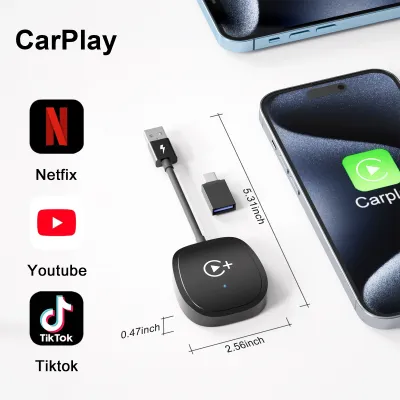
Prices are valid at publication and may change. Please refer to the product page for the latest price.
Mobile network coverage is another critical factor to consider when navigating Singapore’s urban landscape. Wireless CarPlay relies entirely on your smartphone’s cellular connection, which can occasionally drop or lag when driving through deep underground tunnels, underpasses, or heavily shielded basement parking lots. Built-in navigation systems utilize dedicated GPS hardware and vehicle speed sensors, allowing them to maintain accurate positioning and continuous route guidance even when cellular signals are completely blocked.
Furthermore, the integration of local toll systems is a key differentiator. Smartphone apps are frequently updated to include the latest ERP pricing schedules and active gantry locations, helping drivers calculate the most cost-effective route during peak hours. Built-in systems rarely update these toll schedules automatically, meaning you might receive outdated cost estimates unless you manually update the vehicle’s navigation software regularly.
Connection Stability and Daily Convenience
The daily convenience of wireless CarPlay lies in its automated, cable-free connection process. Once the initial pairing is complete, the system typically establishes a connection via a Bluetooth and Wi-Fi handshake within seconds of starting the vehicle. This allows you to keep your phone in your pocket or bag while your preferred navigation app and media playlist automatically launch on the dashboard screen.

However, wireless connections are inherently susceptible to occasional signal interference and hardware lag. In areas with high electromagnetic activity or dense wireless traffic, you may experience brief audio dropouts or map screen stuttering. Furthermore, running GPS navigation, streaming audio, and maintaining a high-bandwidth Wi-Fi connection simultaneously places a heavy processing load on your smartphone, which can lead to noticeable battery drain and increased device temperature during longer commutes.
Built-in navigation systems offer a turn-key, highly stable alternative that requires no smartphone interaction whatsoever. Because the system is hardwired directly into the vehicle’s electronics, there is no pairing process, connection lag, or risk of wireless interference. The navigation system is fully operational the moment you turn on the ignition, preserving your phone’s battery life and eliminating the need to manage wireless connections before setting off.
Additionally, the convenience of a built-in system is highly apparent during short, multi-stop trips. If you are frequently getting in and out of your vehicle to run errands, wireless CarPlay must re-establish its connection handshake every time you restart the engine. While this process is usually automated, it can occasionally fail or take up to a minute to stabilize, whereas a built-in system resumes its previous state instantly without any wireless delay.
Hardware Integration and Display Experience
One of the most significant advantages of a factory-installed navigation system is its deep integration with the vehicle’s physical hardware and safety displays. Built-in systems can project turn-by-turn directions directly onto the driver’s instrument cluster or a Head-Up Display (HUD) on the windshield. This allows you to keep your eyes focused on the road ahead rather than glancing down at the central infotainment screen.
Wireless CarPlay, while highly functional, operates within a sandboxed environment on the car’s head unit. While some newer vehicle models have begun supporting CarPlay turn-by-turn directions on secondary screens, many vehicles restrict CarPlay display data strictly to the main center console. Additionally, steering wheel controls and physical dial inputs may have limited functionality when navigating third-party smartphone apps compared to the native vehicle menus.
Before deciding on a setup, it is essential to verify your vehicle’s specific hardware capabilities. Drivers with older head units can check their vehicle documentation to see if wireless CarPlay is supported natively, or if they must rely on a wired connection. If your vehicle only supports wired CarPlay, aftermarket wireless adapters are available, but you should verify their compatibility, mounting stability, and safety instructions to ensure they do not distract from safe driving or interfere with vehicle controls.
Furthermore, the physical screen layout of your car’s dashboard can affect how CarPlay is displayed. Some widescreen infotainment systems do not scale CarPlay apps perfectly, resulting in black bars on the sides of the screen or stretched interfaces. Built-in navigation systems are custom-designed for the specific dimensions and resolution of your vehicle’s display, ensuring a clean, optimized visual experience that matches the overall interior aesthetic.
Cost, Map Updates, and Long-Term Value
The long-term cost of ownership differs significantly between these two navigation methods. Smartphone navigation apps used via wireless CarPlay are generally free to download and update, with map data maintained continuously by the app developers. The primary ongoing cost is your mobile data plan, which is typically already factored into your monthly personal expenses.
Built-in navigation systems, on the other hand, often involve proprietary software that requires periodic updates to remain accurate. Depending on the vehicle manufacturer, these map updates may require a paid subscription or a physical visit to an authorized service center to load new data via a USB drive. Over several years of ownership, these proprietary updates can accumulate substantial costs, and manufacturers may eventually stop supporting older hardware models entirely.
Your smartphone’s hardware lifecycle also plays a role in long-term value. As you upgrade your phone every few years, your wireless CarPlay experience benefits from faster processors and updated operating systems. A built-in infotainment system is fixed to the vehicle’s hardware lifecycle, meaning its processing speed, screen responsiveness, and menu design will gradually age and cannot be easily upgraded without replacing the entire head unit.
Additionally, the resale value of the vehicle can be influenced by these systems. While a built-in navigation system was once a premium selling point, modern used-car buyers in Singapore often prioritize the presence of wireless CarPlay or Android Auto compatibility over an outdated factory GPS. A vehicle equipped with seamless smartphone integration is often perceived as more modern and user-friendly on the secondary market.
How to Choose the Right Navigation Setup
To choose the best system for your daily driving needs in Singapore, evaluate your typical routes, vehicle features, and personal habits.
Choose wireless CarPlay if you prioritize real-time traffic avoidance, frequent map updates, and a familiar smartphone interface. This setup is ideal for daily commuters who navigate peak-hour traffic and want instant routing adjustments around ERP gantries and sudden road incidents.
Choose built-in navigation if you value deep dashboard integration, such as HUD projections, and prefer a highly stable, distraction-free system that does not rely on cellular signals or drain your phone’s battery. This is also the preferred choice for drivers who frequently park in deep underground structures where mobile reception is unreliable.
Before making any hardware changes or purchasing aftermarket accessories, consult your vehicle’s manual to verify compatibility. If you decide to install an aftermarket wireless CarPlay adapter or head unit, ensure the installation is performed by a qualified professional to protect your vehicle’s electrical system and maintain road safety compliance.
Frequently Asked Questions (FAQ)
Does wireless CarPlay drain my phone battery faster than wired CarPlay?
Yes, wireless CarPlay drains your phone battery significantly faster than a wired connection. Because the phone must continuously transmit high-bandwidth map and audio data over Wi-Fi while using Bluetooth for the initial handshake, the device’s processor works harder and consumes more power. To mitigate this drain during longer drives, you can place your phone on a compatible wireless charging pad or connect it to a dedicated USB charging port.
Can I use both built-in navigation and wireless CarPlay at the same time?
Generally, a vehicle’s infotainment system can only display one active navigation interface on the main screen at a time. If you launch a route on a smartphone app via wireless CarPlay, the built-in navigation system will typically suspend its active route guidance. However, depending on your vehicle’s specific software configuration, you may still be able to receive background audio alerts or view basic compass directions from the built-in system while CarPlay is active.

Community discussion
Share your experience or ask a question. Comments are reviewed before publication.