
Quick Answer: Which Navigation System Should You Use?
Choosing between built-in car navigation and phone navigation via a wireless CarPlay adapter in Singapore depends on how you value real-time updates versus signal reliability. If you prioritize instant traffic alerts, automatic rerouting around Electronic Road Pricing (ERP) gantries, and up-to-date maps of rapidly developing residential estates, phone navigation displayed through a CarPlay adapter is highly effective.
However, if you frequently drive through long underground tunnels where mobile signals drop, your vehicle’s built-in system might offer more stable tracking. Before purchasing an adapter, you must verify your car’s existing infotainment capabilities and ensure your smartphone is fully compatible with the hardware.
Map Accuracy and Update Frequency
Singapore’s road network changes frequently with the development of new housing estates, expressway realignments, and temporary construction diversions. Built-in navigation systems rely on map databases provided by the vehicle manufacturer. Updating these systems often requires downloading large files onto a USB drive, paying for dealership service appointments, or subscribing to proprietary over-the-air update packages. Because these official updates are typically released only a few times a year, built-in maps can quickly become outdated, potentially directing you down closed roads or missing new slip roads.
Products mentioned in this guide
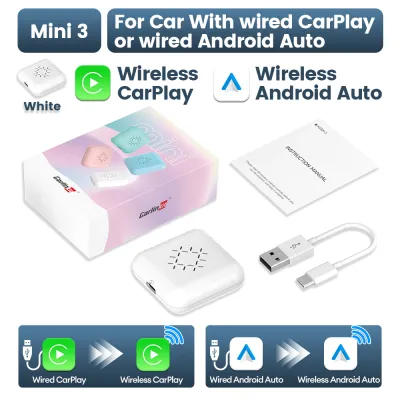
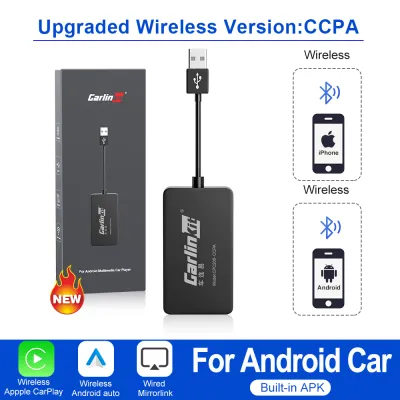
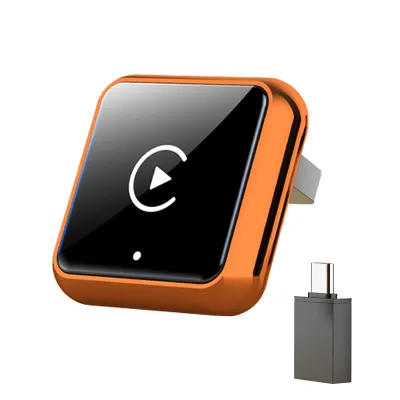
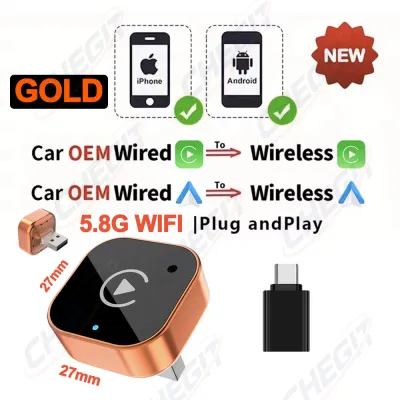
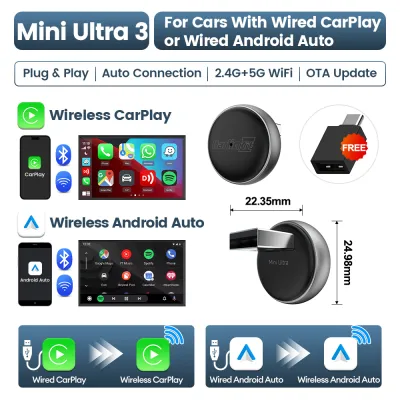
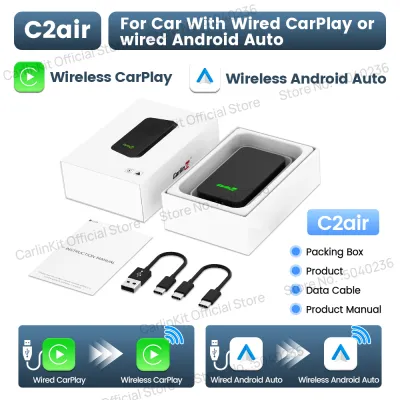
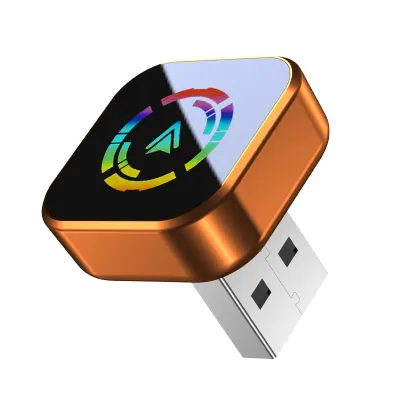
Prices are valid at publication and may change. Please refer to the product page for the latest price.

In contrast, smartphone-based navigation applications update their mapping data continuously in the background. These platforms reflect new road openings, modified lane configurations, and temporary detours almost immediately without requiring manual intervention or extra fees. This rapid turnaround ensures that your route guidance remains highly accurate even in rapidly transforming suburban sectors.
To ensure reliable routing, drivers should check their vehicle manufacturer’s specific map update policy and schedule. Simultaneously, verify that your smartphone’s navigation apps are set to update automatically over cellular data or Wi-Fi. Relying on outdated maps can lead to unnecessary detours, so keeping both systems verified is the safest approach to local navigation.
Real-Time Traffic and Local Road Handling
Navigating peak-hour traffic in Singapore requires dynamic routing to avoid sudden congestion and optimize travel times. Phone navigation apps excel in this area by utilizing active cellular data to gather crowd-sourced traffic reports, accident alerts, and speed camera warnings. This constant stream of information allows the software to calculate alternative routes on the fly, helping you bypass unexpected bottlenecks or heavily congested ERP zones.
Built-in navigation systems, on the other hand, often operate on static map data unless the vehicle is equipped with an active telematics subscription or a connected services package. Without these premium services, a built-in system cannot adjust your route based on live traffic conditions, meaning you might be directed straight into a major traffic jam. Drivers must review their vehicle’s manual to determine if live traffic data is supported and whether it requires an ongoing subscription fee.
However, local infrastructure presents unique challenges for GPS signals. Singapore features extensive underground expressways and tunnels, such as the Marina Coastal Expressway (MCE) and the Kallang-Paya Lebar Expressway (KPE). In these subterranean environments, smartphone GPS signals can drift or lose connection entirely, leading to missed exits. Many built-in navigation systems mitigate this by connecting directly to the vehicle’s onboard dead-reckoning sensors, which track wheel speed and steering angles to maintain accurate positioning even when satellite signals are completely blocked.
Screen Usability and Driver Distraction
The way you interact with your navigation screen directly impacts driving safety and convenience. A CarPlay adapter allows your smartphone’s navigation interface to display directly on your car’s factory dashboard screen, utilizing familiar touch gestures, clear text sizes, and optimized layouts. This integration supports voice commands via virtual assistants, enabling you to input destinations, search for nearby petrol stations, or make hands-free calls without taking your eyes off the road.
Factory-installed navigation systems are designed specifically for the vehicle’s screen and physical button layout, offering seamless integration with steering wheel controls and instrument cluster displays. However, their user interfaces can sometimes feel clunky, slow to respond, or overly restrictive, especially when trying to type in postal codes while the vehicle is in motion.
To minimize driver distraction, safety must remain the top priority. Drivers should configure “Do Not Disturb While Driving” features on their smartphones to suppress non-essential notifications while navigating. Additionally, when using an aftermarket CarPlay adapter, it is crucial to test the connection stability in a stationary vehicle. A low-quality or incompatible adapter can suffer from screen freezing, delayed touch responses, or sudden disconnections, which can distract you at critical junctions.
CarPlay Adapter Compatibility and Setup Checks
If your vehicle has a head unit that supports wired CarPlay but lacks wireless convenience, adding a wireless CarPlay adapter can upgrade your driving experience. These adapters plug directly into the car’s existing USB data port and establish a wireless connection to your phone via Bluetooth and Wi-Fi. It is important to note that these adapters generally do not add CarPlay functionality to a car that does not already support it natively; they simply convert an existing wired connection into a wireless one.
Before purchasing an adapter, you must perform several compatibility checks. Verify your car’s specific head unit model, firmware version, and the power output of the USB data port against the adapter manufacturer’s specifications. Some vehicles may require a firmware update from the dealership to ensure stable communication with external USB accessories.
Furthermore, aftermarket adapters can introduce minor technical trade-offs. You may experience slight audio latency when skipping music tracks, minor delays in map scrolling, or occasional connection drops in areas with high electromagnetic interference. To safeguard your purchase, always review the retailer’s return policies and warranty terms, ensuring you can return or exchange the adapter if it proves incompatible with your specific vehicle model.
Decision Framework: Which Setup Fits Your Driving Needs?
To determine the best navigation setup for your daily commute, consider your specific driving habits and vehicle capabilities.
Choose Phone Navigation via Adapter if:
- You prioritize real-time, crowd-sourced traffic updates to avoid peak-hour congestion and ERP charges.
- You want access to daily map updates that reflect new housing estates and road changes instantly.
- Your vehicle already supports wired CarPlay, and you want the convenience of wireless connectivity without plugging in your phone every trip.
Choose Built-In Navigation if:
- You frequently drive through long tunnels, underground expressways, or areas with poor cellular reception where GPS signals drop.
- You prefer a system that integrates directly with your vehicle's instrument cluster, head-up display, and physical steering wheel controls.
- You want to avoid using your smartphone's battery, data plan, or processing power for navigation.
Verify First if:
- Your car's USB port provides sufficient power to run the adapter stably without overheating.
- Your mobile data plan has adequate allowance for continuous navigation and map streaming.
- Your phone is placed in a well-ventilated area of the cabin, as running wireless navigation while charging can cause the device to warm up quickly.
Frequently Asked Questions (FAQ)
Does a wireless CarPlay adapter drain my phone battery faster?
Yes, using a wireless CarPlay adapter consumes more phone battery than a standard wired connection. The wireless connection requires your phone to run Wi-Fi and Bluetooth continuously while processing GPS data and streaming the display to your car’s screen. Because a wired connection charges your device while in use, switching to wireless means your battery will deplete over time. For longer journeys, it is highly recommended to monitor your phone’s battery level and temperature, and keep a physical charging cable or a wireless charging mount handy to prevent your phone from running out of power.
Can I use built-in navigation and CarPlay at the same time?
In most vehicles, you cannot run both navigation systems simultaneously. When a CarPlay adapter is active, the vehicle’s infotainment system typically prioritizes the CarPlay interface, which may mute, pause, or completely disable the built-in navigation software. Attempting to run a route on your phone while using the built-in map can cause audio routing conflicts or screen switching issues. You should consult your vehicle’s specific head unit manual to see if your system supports split-screen displays or allows background audio from the built-in system while CarPlay is active.

Community discussion
Share your experience or ask a question. Comments are reviewed before publication.