
The choice between a built-in car navigation system and using a smartphone with a car mount depends on whether you prioritize seamless vehicle integration and offline reliability or real-time traffic accuracy and lower upfront costs. Built-in systems offer a cleaner dashboard aesthetic and deeper integration with vehicle sensors, but they often lag in map updates and live traffic rerouting. Conversely, a phone paired with a reliable car mount provides superior real-time data and flexibility, though it requires careful attention to mounting safety, device overheating, and cable management. This guide breaks down the core trade-offs to help you select the setup that best matches your driving habits and budget.
Core Differences: Built-In Systems vs. Phone and Car Mount Setups
Upfront costs vary significantly between these two setups. A dedicated built-in navigation head unit, whether factory-installed or purchased as an aftermarket upgrade, represents a substantial initial investment that can range from a few hundred to over a thousand S$. In contrast, using a smartphone relies on hardware you already own, requiring only the purchase of a physical car mount, which typically costs a fraction of that amount.
Ongoing expenses also follow different structures. While smartphone navigation apps are often free to use, they consume mobile data, which may incur monthly subscription fees depending on your cellular plan. Built-in systems do not require cellular data for basic GPS routing, but updating their proprietary maps can sometimes involve purchasing physical SD cards or paying for dealer-installed software updates.
Products mentioned in this guide
Prices are valid at publication and may change. Please refer to the product page for the latest price.
Hardware performance and user experience differ in daily use. Built-in screens are generally larger, integrated directly into the dashboard, and designed with anti-glare coatings to remain visible under direct sunlight. Smartphones offer highly responsive capacitive touchscreens and rapid processing speeds, but their smaller displays can suffer from glare and may require strategic positioning to remain easily readable while driving.
Furthermore, the physical integration of the GPS receiver plays a role in accuracy. Built-in systems utilize external antennas mounted on the vehicle’s roof or trunk, which provide a stronger, more consistent signal. Smartphones rely on internal GPS chips that can sometimes struggle to establish a lock when placed deep within the cabin or under heavily tinted windows.
Evaluating Built-In Car Navigation Systems
Built-in car navigation systems excel in reliability and vehicle integration. Because these systems connect directly to the vehicle’s GPS antenna and internal sensors—such as the speedometer and gyroscope—they can maintain accurate tracking even when driving through long underground tunnels, under heavy tree canopies, or in areas with poor cellular coverage.

This deep integration extends to the vehicle’s physical controls and safety features. Built-in systems typically interface seamlessly with steering wheel buttons, voice control systems, and reverse cameras, allowing you to manage your route or view your surroundings without taking your hands off the wheel. The audio prompts also integrate smoothly, automatically lowering the volume of your music when a navigation instruction is announced.
However, these systems have notable limitations when it comes to dynamic data. Map databases on built-in units can quickly become outdated, failing to reflect new roads, changed traffic directions, or recently opened points of interest. Rerouting during sudden traffic jams is often slower or non-existent compared to connected mobile apps, as many built-in systems lack real-time traffic feeds.
Before investing in a built-in system or an aftermarket head unit, you should carefully check the manufacturer’s specifications. Verify the supported map regions, the process for obtaining updates, and whether the manufacturer charges ongoing fees for map revisions.
Evaluating Phone Navigation with a Car Mount
Using a smartphone paired with a car mount leverages the continuous connectivity of modern mobile networks. Navigation apps provide highly accurate, real-time traffic rerouting and precise estimated time of arrival (ETA) predictions by analyzing live data from thousands of active road users. Their points of interest databases are updated constantly, ensuring you can easily find new businesses, petrol stations, or parking facilities.
Despite these advantages, relying on a smartphone introduces specific hardware challenges, particularly in tropical climates like Singapore’s. Mounting a phone on the dashboard or windshield exposes the device to direct sunlight and solar heat gain. Combined with the high power consumption of active GPS tracking and screen usage, this exposure can cause the phone to overheat, leading to dimmed screens, thermal shutdown, or accelerated battery degradation.
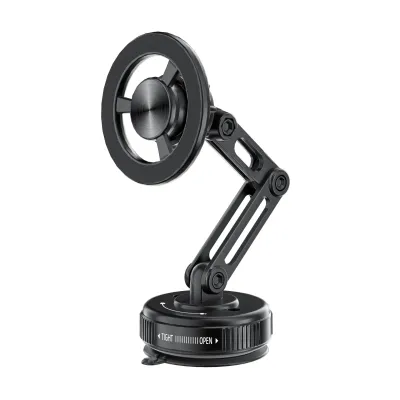
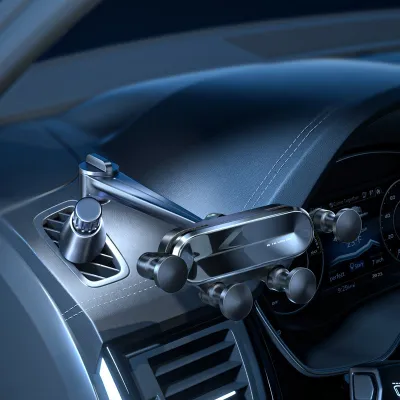
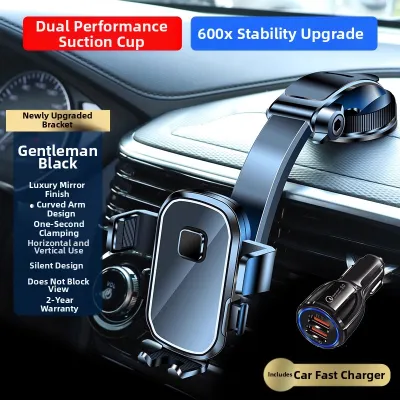
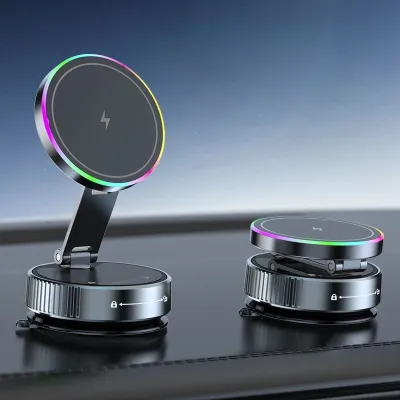
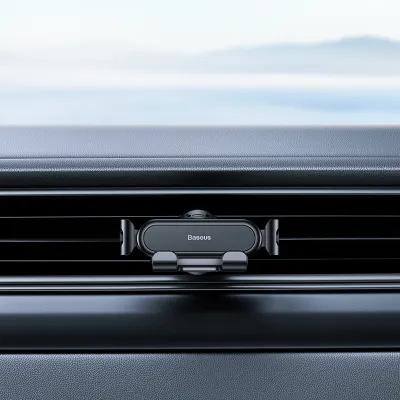
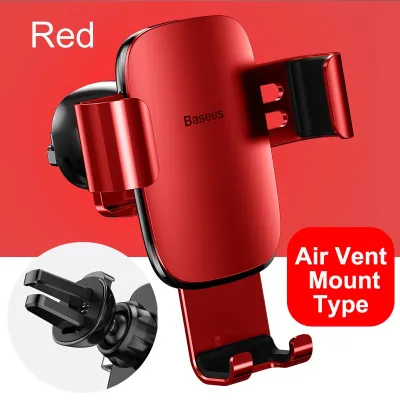
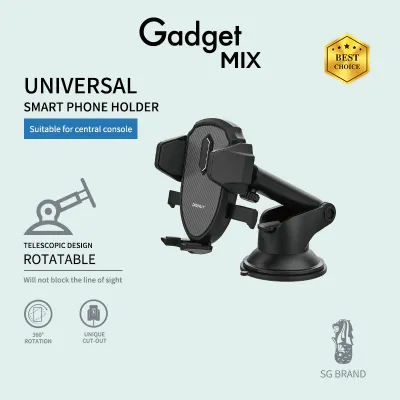
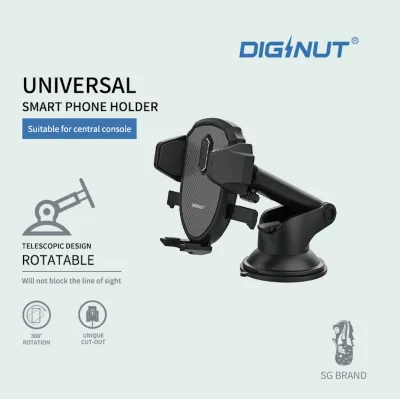
Choosing the right car mount type is essential to mitigate these risks and ensure stability. Air vent mounts position the phone directly in front of the air conditioning flow, which helps keep the device cool during long drives, though they may block some airflow to the cabin. Dashboard and windshield mounts offer flexible positioning for optimal eye-level visibility, but they expose the phone to more direct sunlight and rely on suction cups or adhesives that can degrade over time. CD slot mounts provide a highly stable mounting point lower on the console, but they are only compatible with older head units that feature physical disc slots.
When selecting a mount, you must verify that its physical specifications match your specific device. Check the maximum weight capacity and grip width of the mount against your phone’s dimensions, taking into account the added thickness and weight of your phone case to ensure a secure fit that will not slip during sudden braking.
Safety, Visibility, and Legal Compliance Checks
Ensuring your navigation setup complies with safety standards and local regulations is critical for safe driving. In Singapore, drivers must maintain a clear, unobstructed view of the road. Any phone mount attached to the windshield or dashboard must be positioned so that it does not block your forward line of sight or create blind spots at intersections.
Furthermore, local traffic laws strictly prohibit the hand-held use of mobile communication devices while driving. Utilizing a secure car mount is not just a matter of convenience; it is a legal necessity if you intend to use your phone for navigation while the vehicle is in motion.
Physical placement must also respect the vehicle’s safety systems. Never install a car mount or route charging cables over airbag deployment zones, which are typically marked on the dashboard and steering wheel column. A mount placed in these areas can become a dangerous projectile if the airbags deploy during a collision.
Proper cable management is another vital safety consideration. If you use a phone mount, secure any charging cables using clips or ties to prevent them from hanging loose. Loose wires can easily snag on the gear shifter, handbrake, or foot pedals, creating a severe hazard that could interfere with your ability to control the vehicle.
For those opting for a built-in aftermarket system, the installation process can be complex. If the installation requires modifying your vehicle’s dashboard, splicing into the electrical harness, or altering the steering column, you should stop and consult a qualified professional. Improper electrical work can void vehicle warranties, damage sensitive onboard electronics, or compromise safety systems.
Decision Framework: Matching the Setup to Your Driving Profile
To determine which navigation setup best fits your daily commute and driving style, consider how your habits align with the strengths of each system.
Choose built-in navigation if you prioritize a clean, clutter-free dashboard aesthetic, frequently drive through areas with poor cellular reception or underground tunnels, and prefer the convenience of integrated steering wheel controls and automatic audio ducking.
Choose phone navigation with a car mount if you rely heavily on real-time, crowd-sourced traffic alerts to bypass congestion, want to avoid the high upfront costs of upgrading a vehicle’s head unit, or frequently switch between different vehicles, such as rental cars or car-sharing services.
Verify first if your current car mount can safely support the weight and dimensions of your smartphone, or check whether your vehicle’s existing built-in system still receives active map updates and technical support from the manufacturer before committing to a specific setup.
Frequently Asked Questions (FAQ)
Can I use both built-in navigation and a phone mount simultaneously?
Yes, many drivers find value in combining both systems to leverage their respective strengths. For example, you can use the larger built-in screen to display a broad overview of your route or manage media playback, while using a phone secured in a car mount to monitor real-time traffic alerts or alternative routes. However, you must never interact with either screen while the vehicle is in motion. Set your destinations before starting your journey to maintain full focus on the road ahead.
Do car mounts damage air vents or dashboards?
Some car mounts can cause wear or damage if installed incorrectly or used with incompatible materials. Air vent mounts can put excessive stress on fragile plastic louvers, potentially cracking them under the weight of heavy, modern smartphones. Dashboard mounts that use strong adhesives or suction cups can leave sticky residues, discolor plastics, or even peel delicate leather or vinyl surfaces over time. To prevent damage, check your vehicle’s interior material specifications and choose a mount type that matches your dashboard’s surface characteristics.

Community discussion
Share your experience or ask a question. Comments are reviewed before publication.