
A 100W Type-C car charger is a highly versatile accessory for keeping your mobile office powered on the go. Whether you are commuting, traveling, or working from your vehicle, having access to high-wattage power can be a lifesaver. However, plugging in your laptop, smartphone, or tablet does not automatically guarantee you will receive a full 100 watts of power.
Understanding how these chargers interact with your specific electronics is key to avoiding slow charging speeds and protecting your vehicle’s electrical system. Many users assume that a higher wattage rating automatically translates to faster charging for every device, but the reality is governed by communication protocols and hardware limits. By learning how power negotiation works, you can make informed decisions and keep your devices running efficiently.
Understanding 100W Output and Device Power Requirements
A 100W rating on a car charger indicates the maximum power the charger is capable of delivering, not the amount of power it will force into every connected device. Your devices will only draw the amount of power they actually need and are designed to handle. This means you can safely connect a low-power device, such as a pair of wireless earbuds or a smartwatch, to a high-wattage port without risking damage.
Products mentioned in this guide
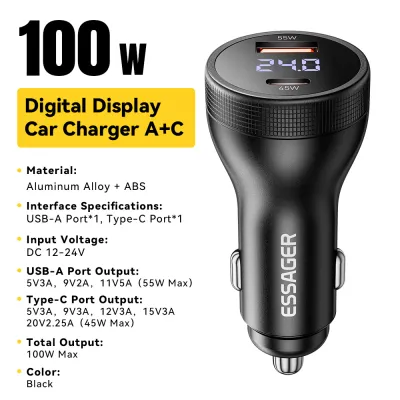
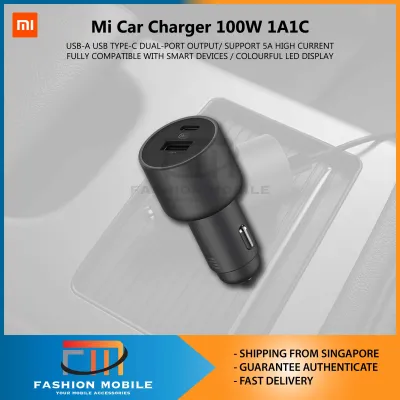
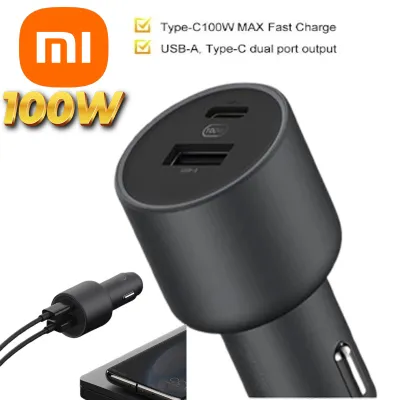
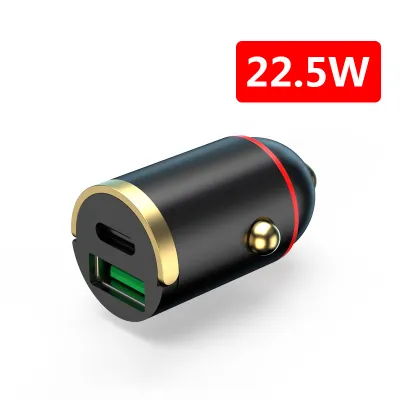
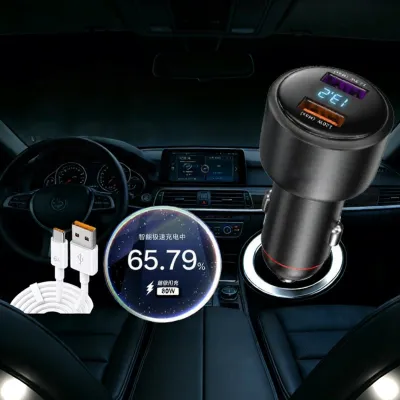
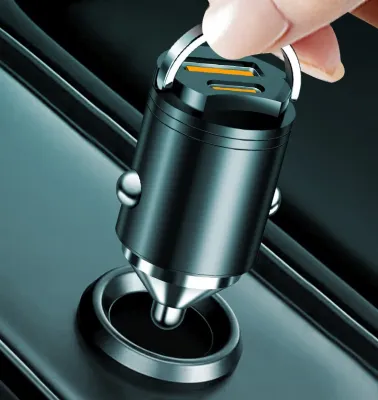
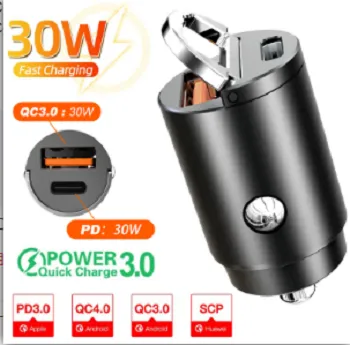
Prices are valid at publication and may change. Please refer to the product page for the latest price.
To determine how much power your device requires, check the original power adapter that came with it or consult the manufacturer’s official specification sheet. The power rating is usually printed in small text on the back of the charging brick, listed in watts (W). If only voltage (V) and amperage (A) are shown, you can calculate the wattage by multiplying these two numbers together. For example, an adapter showing 20V and 3.25A delivers 65W of power.
The negotiation of power between the charger and your device is managed by the USB Power Delivery (PD) protocol. When you plug in a device, it communicates with the charger to establish a safe voltage and current profile. If your device does not support the specific voltage profiles offered by the charger, the system will default to a lower, standard charging speed to ensure safety. This handshake happens instantly and continuously monitors the connection.
Laptop Compatibility and Charging Expectations
Charging a laptop in your vehicle requires verifying that the machine’s USB-C port actually supports power input. Many laptops feature USB-C ports that are strictly intended for data transfer or video output, meaning they cannot receive power to charge the battery. Check your laptop’s user manual or look for a small power plug or lightning bolt icon next to the port to confirm USB-C PD charging compatibility.

Once compatibility is confirmed, compare your laptop’s original power brick wattage with the 100W output of the car charger. Laptops that originally ship with a 45W, 65W, or even a 90W charger will generally charge at full speed when connected to a 100W port. The charger easily covers their maximum power demands under normal operating conditions, allowing you to work and charge simultaneously.
For high-performance gaming laptops or mobile workstations that require more than 100W, charging behavior will vary. These demanding machines may charge slowly while in sleep mode, or they might simply maintain their current battery level without actually gaining a charge while in use. In some cases, the laptop’s internal power management may reject the charger entirely if the supplied wattage falls below a specific threshold. Always check the manufacturer’s documentation for the minimum supported PD voltage and current profiles.
Smartphone and Tablet Charging Realities
Smartphones and tablets have built-in power limits that are significantly lower than 100W. When you connect a phone to a high-wattage car charger, the charger automatically steps down its output to match the device’s maximum safe intake. Your phone will only draw what its internal charging circuitry allows, which protects the battery from overheating and premature degradation.
Many smartphone manufacturers use proprietary fast-charging protocols to achieve their highest advertised speeds. These custom protocols often require brand-specific chargers and cables to function. When connected to a third-party USB-C PD car charger, these phones will typically revert to standard USB PD speeds or basic charging rates, which are safe but noticeably slower than the brand’s proprietary speeds.
You do not need to worry about overcharging or hardware damage when using a high-wattage charger. Modern mobile devices feature sophisticated internal power management circuits that actively monitor battery temperature and charge levels. These circuits automatically reduce the incoming power as the battery nears full capacity, ensuring a safe and controlled charging cycle from start to finish.
Multi-Port Power Distribution Rules
Most 100W car chargers feature multiple ports, such as a mix of USB-C and USB-A connections. It is crucial to understand that the advertised 100W limit is often a combined total across all ports, or it is only available when using a single designated port. When you plug in multiple devices simultaneously, the charger dynamically redistributes the available power.
For example, a charger might offer a full 100W from its primary USB-C port when it is the only one in use. However, if you connect a second device to another port, the charger’s internal controller may split the power into fixed combinations, such as limiting the primary port to 65W and allocating 30W to the secondary port. This power splitting can cause a laptop that was charging at full speed to suddenly charge much slower or stop charging altogether.
To get the best performance, locate and read the power distribution matrix, which is typically printed in very small text on the side of the charger body or detailed in the user manual. When you need to charge a power-hungry laptop, it is best to use the designated high-power port exclusively and temporarily unplug other accessories. This ensures the laptop receives the maximum possible wattage without interruption.
Safety Checks and Vehicle Power Limits
Before relying on a high-wattage car charger, you must verify that your vehicle’s electrical system can support the demand. Always verify your vehicle’s accessory socket specifications, mounting position, and safety impact from your vehicle’s official documentation before plugging in high-draw electronics. Most vehicle accessory sockets (commonly known as cigarette lighter sockets) are protected by a fuse rated for 10 to 15 amps. At a standard vehicle voltage of 12V to 14V, this limits the total power draw from the socket to around 120W to 180W. Running a 100W charger near its limit, especially alongside other vehicle accessories, can get close to these thresholds.
Using a high-quality, certified USB-C cable is just as important as the charger itself. Standard USB-C cables are often only rated for 3A of current, which limits power delivery to 60W. To safely carry the 5A required for a full 100W charge, you must use a cable equipped with an E-marker chip. This chip communicates the cable’s power-handling capabilities to both the charger and the device, preventing overheating and potential fire hazards.
Finally, be mindful of your vehicle’s starter battery. Charging high-power devices like laptops for extended periods while the engine is turned off can quickly drain the car’s battery, leaving you stranded. It is safest to use high-wattage charging only while the engine is running and the alternator is actively maintaining the vehicle’s electrical system.
Frequently Asked Questions (FAQ)
Will a 100W car charger damage my phone's battery?
No, a 100W car charger will not damage your phone’s battery. USB-C Power Delivery technology relies on a digital handshake between the charger and your phone before any high-voltage power is sent. The charger will only supply the exact voltage and current requested by your phone’s internal charging controller, ensuring a safe charge.
Why is my laptop charging slowly while using the car charger?
Slow laptop charging usually happens because the charger’s power is being split among multiple connected devices, or because you are using a standard USB-C cable that lacks an E-marker chip, which caps the power at 60W. Additionally, if you are running demanding tasks on your laptop while charging, it may consume power almost as fast as the charger can supply it.
Community discussion
Share your experience or ask a question. Comments are reviewed before publication.