
Choosing the right car charger depends on your vehicle’s existing ports, your devices’ power requirements, and your preference for speed versus convenience. If you need rapid charging for modern smartphones or laptops, a USB-C charger is the optimal choice. For older devices or legacy cables, a USB-A charger offers reliable, basic power. If you prefer a clutter-free dashboard and your phone supports Qi standards, a wireless car charger mount provides unmatched convenience, albeit at slower charging speeds.
Assessing Your Vehicle Ports and Device Requirements
Before purchasing any charger, inspect your vehicle’s cabin layout and power sources. Most cars feature a 12V auxiliary power outlet (commonly known as the cigarette lighter socket), which serves as the primary hub for aftermarket chargers. While many modern vehicles also include built-in USB-A or USB-C ports, these factory-installed ports often deliver limited power output, sometimes as low as 5W. This is barely enough to maintain your phone’s battery level while running navigation apps.
Next, identify your devices’ charging protocols. Modern smartphones, tablets, and laptops rely on fast-charging standards like USB Power Delivery (PD) or Programmable Power Supply (PPS). Older electronics might use Quick Charge (QC) or standard 2.4A charging. Additionally, consider how many devices you need to power simultaneously. A driver operating a dashcam alongside a personal phone will require a multi-port adapter that can distribute wattage efficiently without overheating.
Products mentioned in this guide
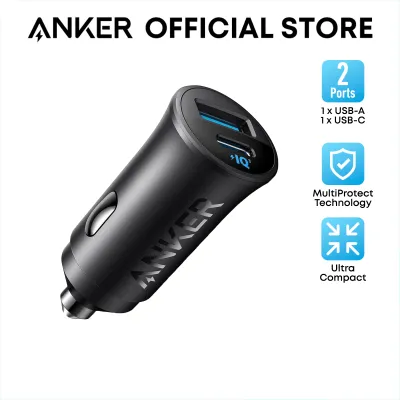
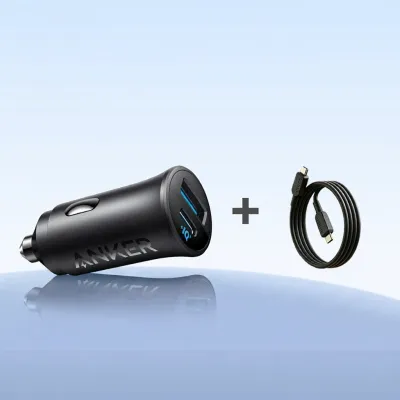
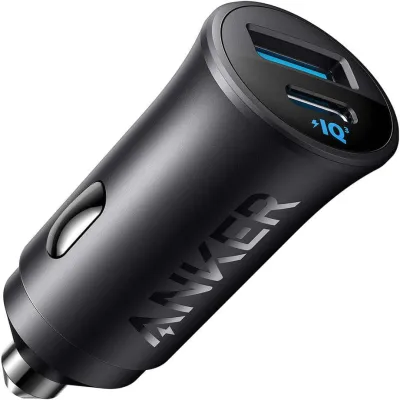
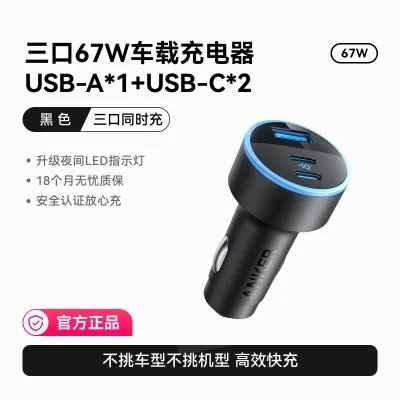
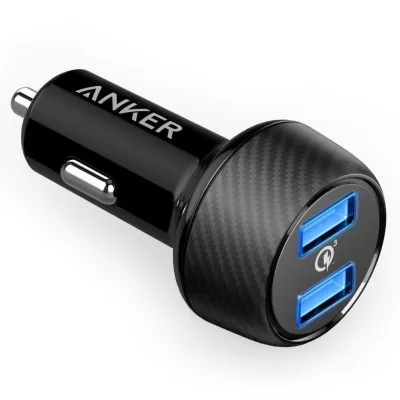
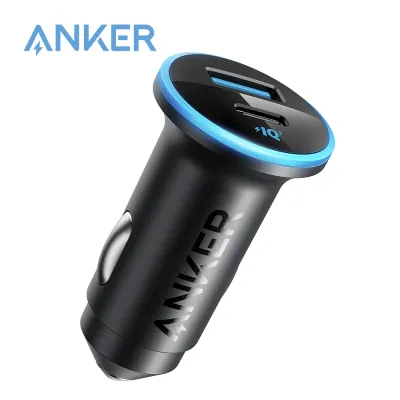
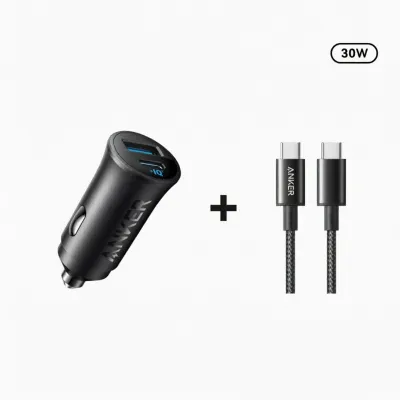
Prices are valid at publication and may change. Please refer to the product page for the latest price.
Anker USB-A Car Chargers: Reliable Power for Legacy Setups
Anker USB-A car chargers are the traditional choice for drivers with older vehicle models or legacy electronics. These chargers typically plug into the 12V socket and provide one or more USB-A ports. They are highly compatible with older cables, such as USB-A to Lightning, Micro-USB, or older USB-C variants. If your primary goal is to keep a secondary phone, a GPS unit, or a dashcam powered without needing rapid top-ups, this technology remains a dependable and cost-effective option.

However, USB-A technology has inherent power limitations. Standard USB-A ports generally max out at 12W to 18W per port. This means they cannot support the high-speed charging protocols required by modern flagship smartphones, nor can they power larger devices like tablets or laptops. When evaluating these chargers, check the product packaging for the total wattage distribution. A charger labeled “24W” with two ports usually splits the power evenly, providing 12W to each port simultaneously rather than delivering the full wattage to a single device.
Anker USB-C Car Chargers: Maximum Speed for Modern Devices
For users who prioritize charging speed and power efficiency, Anker USB-C car chargers represent the modern standard. Utilizing USB Power Delivery (PD) technology, these chargers can deliver significantly higher wattages, often ranging from 30W to over 100W from a single port. This high output allows you to fast-charge compatible smartphones from empty to half capacity in approximately 30 minutes, and can even supply sufficient power to run a laptop during long commutes.
To unlock these high speeds, you must pair the charger with a compatible, high-quality USB-C to USB-C or USB-C to Lightning cable. Using an outdated or low-quality cable will bottleneck the power transfer, limiting your charging speed to standard rates. Additionally, while some newer cars come equipped with factory USB-C ports, using a dedicated high-wattage 12V USB-C adapter is often necessary to achieve true fast-charging speeds, as built-in vehicle ports rarely match the output of dedicated aftermarket accessories.
Anker Wireless Car Chargers: Convenience and a Clutter-Free Dashboard
Anker wireless car chargers combine a mounting bracket with built-in Qi wireless charging technology, offering a highly convenient “drop-and-go” experience. By mounting the charger to your car’s air vents, dashboard, or windshield, you can secure your phone in view for navigation while charging it without plugging in a cable manually. This setup keeps your center console free of tangled wires and reduces wear and tear on your phone’s charging port.
Despite the convenience, wireless charging involves several trade-offs. Wireless power transfer is inherently less efficient than a wired connection, resulting in slower charging speeds—typically capped between 7.5W and 15W. This inefficiency also generates heat. In warm tropical climates like Singapore, mounting a wireless charger on the dashboard under direct sunlight can cause both the charger and your phone to overheat, leading the phone to temporarily halt charging to protect its battery. Furthermore, the wireless mount itself still requires a physical cable running to a 12V adapter or USB port to receive power, meaning your dashboard will not be entirely wireless.
Comparing the Three Technologies: What to Check on the Box
To make an informed decision, it is helpful to compare these three charging options across key performance and physical dimensions. When browsing online marketplaces or local electronics stores, pay close attention to the specifications printed on the packaging.
| Feature | USB-A Chargers | USB-C Chargers | Wireless Chargers |
|---|---|---|---|
| Max Power Output | Typically 12W to 18W per port | Up to 100W+ via Power Delivery | Typically 7.5W to 15W |
| Primary Cable Type | USB-A to Lightning / Micro-USB | USB-C to USB-C / USB-C to Lightning | USB-C to USB-C (to power the mount) |
| Best For | Legacy devices, dashcams, basic power | Modern smartphones, tablets, laptops | Clutter-free dashboard, convenience |
| Physical Footprint | Compact, sits flush in 12V socket | Compact, sits flush in 12V socket | Larger, occupies vent or dash space |
| Key Safety Features | Overcurrent protection, basic fuses | Advanced temperature control, PPS | Foreign object detection, thermal cutoff |
Beyond electrical specifications, consider the physical footprint of each option. Flush-fit USB-A and USB-C adapters sit almost entirely inside your 12V socket, maintaining a clean, factory-installed look. In contrast, wireless charging mounts occupy physical space on your dashboard or air vents, which may obstruct your view or block airflow. Always look for safety certifications on the packaging, such as temperature control systems and overcurrent protection, to safeguard your vehicle’s electrical system.
Final Verification Steps Before Purchasing
Before finalizing your purchase, perform a few quick compatibility checks. First, inspect your car’s 12V socket. Some vehicle models feature deep or unusually contoured sockets that may prevent certain ultra-compact or flush-fit adapters from making secure electrical contact. Reading user forums or checking the manufacturer’s compatibility notes can help prevent this issue.
Second, if you opt for a wireless charger, verify your phone case’s thickness and material. Most wireless chargers cannot penetrate cases thicker than 5mm, and any metal plates, magnetic rings, or credit card slots on the back of the case will block the wireless signal entirely and pose a safety hazard. Finally, ensure you purchase from authorized local distributors to secure a valid warranty, allowing for straightforward returns if the charger does not fit your vehicle’s interior layout.
Frequently Asked Questions (FAQ)
Can I use an Anker USB-C car charger in an older car with only a 12V socket?
Yes. Most Anker USB-C car chargers are designed as adapters that plug directly into a standard 12V auxiliary power outlet (cigarette lighter socket). They convert the vehicle’s direct current (DC) power into the appropriate voltage for USB-C Power Delivery, allowing older vehicles to support modern fast-charging speeds.
Will a wireless Anker car charger drain my car battery when the engine is off?
This depends entirely on how your vehicle’s 12V socket is wired. In many cars, power to the 12V socket is cut automatically when the ignition is turned off. However, in some vehicles, the socket remains constantly powered. If your car keeps the socket live, leaving a wireless charger or wired adapter plugged in can cause a slow parasitic drain on your car battery over several days of inactivity. Consult your vehicle’s owner’s manual to verify how your auxiliary outlets behave.
Do I need a special cable to get fast charging from an Anker USB-C car charger?
Yes, achieving maximum charging speeds requires a compatible cable. To utilize USB-C Power Delivery, you must use a high-quality USB-C to USB-C or USB-C to Lightning cable that is rated to handle the charger’s output wattage. Standard or older data cables often lack the internal circuitry and wire gauge required to negotiate and carry high-wattage currents safely.
Community discussion
Share your experience or ask a question. Comments are reviewed before publication.