
Upgrading your car’s infotainment system with an Android Auto-compatible head unit is one of the most effective ways to modernize your driving experience. By projecting your smartphone’s navigation, communication, and media apps directly onto a dashboard display, you can keep your eyes on the road while staying connected. However, selecting the right head unit requires balancing physical installation constraints, hardware specifications, and audio performance.
To make an informed decision, you must evaluate several critical dimensions: physical fitment, connectivity options, processing power, display quality, and system expandability. A well-chosen head unit not only enhances daily convenience but also preserves or improves vehicle safety and usability. This guide outlines the essential specifications, compatibility checks, and installation considerations to help you choose the appropriate unit for your vehicle.
Verify Vehicle Compatibility and Installation Safety First
Before looking at screen sizes or audio features, you must confirm what physically and electrically fits your vehicle. Car dashboards generally follow standard sizes known as DIN (Deutsches Institut für Normung) standards. A single-DIN head unit measures approximately 2 inches by 7 inches (50mm by 180mm), while a double-DIN unit is twice as tall at 4 inches by 7 inches (100mm by 180mm). Most modern Android Auto head units require a double-DIN slot to accommodate their larger touchscreen displays, though some single-DIN models feature floating screens that mount in a smaller slot but extend outward.
Products mentioned in this guide
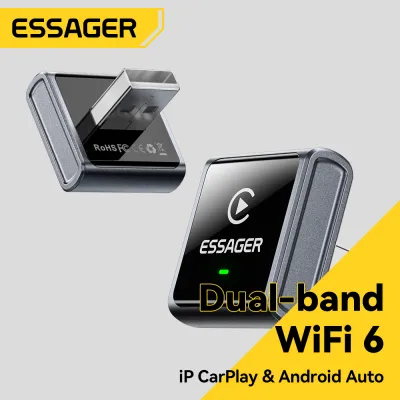
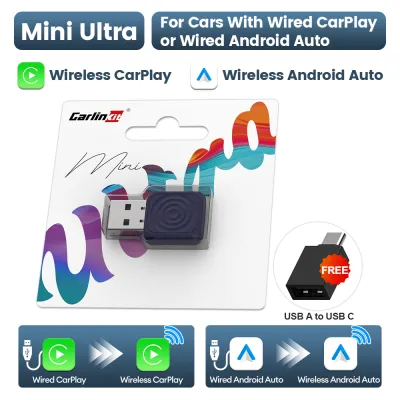
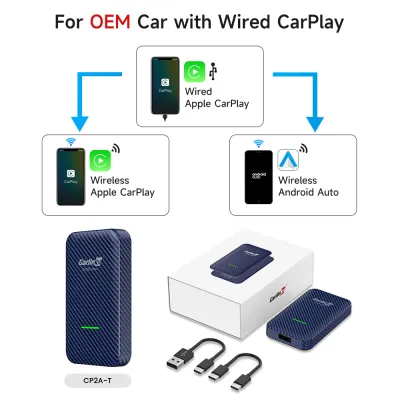
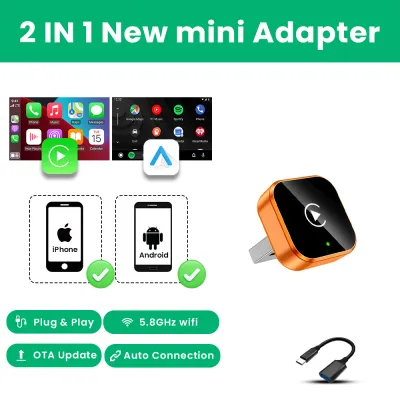
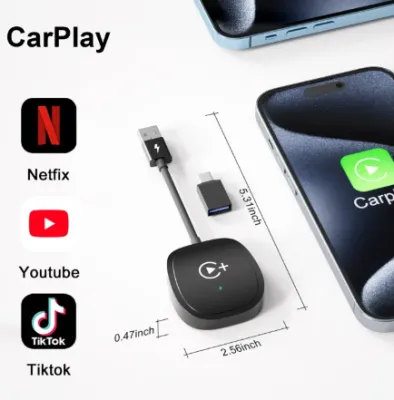
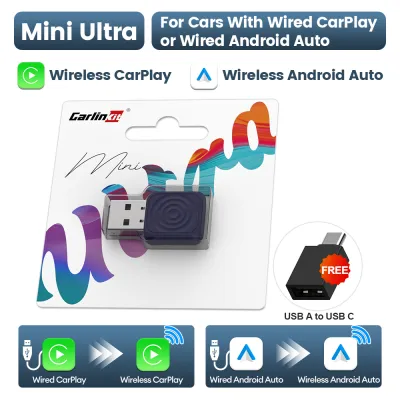
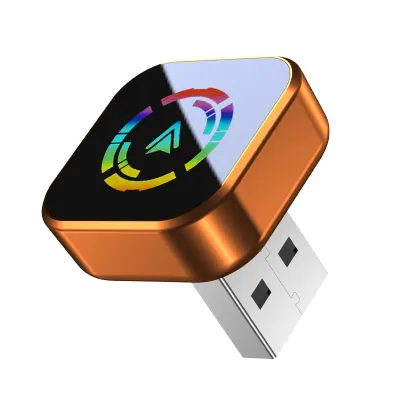
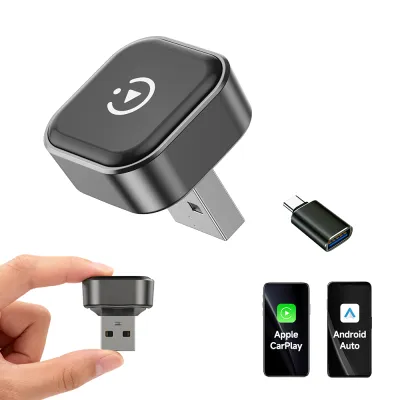
Prices are valid at publication and may change. Please refer to the product page for the latest price.
Identifying your vehicle’s dash configuration is only the first step. You must also determine if a vehicle-specific mounting kit (often called a dash kit or fascia) is required to fill any gaps and match the texture of your original dashboard. Furthermore, modern vehicles often integrate climate controls, vehicle settings, and safety warnings into the factory screen. Replacing this screen requires a specialized integration harness or a CAN bus (Controller Area Network) adapter to retain these essential factory functions.
Safety must be your primary concern during any car electronics upgrade. Working on a vehicle’s electrical system carries inherent risks, including short circuits, blown fuses, and accidental airbag deployment. Before starting any installation, always disconnect the vehicle’s negative battery terminal. You must review both the vehicle owner’s manual and the aftermarket head unit’s installation guide to identify wiring paths, fuse ratings, and airbag clearance zones. If your dashboard contains passenger airbag modules or complex wiring looms, routing new cables incorrectly can interfere with safety systems.
For vehicles with highly integrated electronics, steering column controls, or factory-amplified sound systems, professional installation is strongly advised. A qualified automotive technician has the specialized tools, such as wire strippers, soldering irons, and heat-shrink tubing, to ensure secure, insulated electrical connections. They can also program integration modules to ensure your steering wheel buttons, backup cameras, and vehicle diagnostics continue to work seamlessly with the new head unit.
Core Specifications for a Responsive Android Auto Experience
Once you have established compatibility, you must evaluate how the head unit connects to your smartphone. Android Auto is available in both wired and wireless configurations. Wired Android Auto requires connecting your phone to the head unit via a USB cable. This connection is stable, minimizes audio latency, and charges your phone while you drive. However, you must ensure the head unit’s USB port provides sufficient power delivery (ideally 1.5 amperes or higher) to charge your phone while it runs demanding GPS and streaming applications.

Wireless Android Auto offers the convenience of leaving your phone in your pocket or bag. It establishes an initial connection via Bluetooth and then switches to a high-speed Wi-Fi connection to project the interface. While convenient for short trips, wireless projection consumes significant phone battery power. If your vehicle does not have a wireless charging pad, you may still need to plug your phone in on longer journeys, which partially negates the benefit of a wireless connection. If you choose a wired-only head unit, you can sometimes add wireless functionality later using a dedicated, compatible wireless adapter module, though native wireless support is generally more reliable.
The responsiveness of the user interface depends heavily on the head unit’s internal hardware. When browsing product labels or specifications, look for units with multi-core processors and adequate RAM (ideally 2GB or more for aftermarket units running proprietary operating systems, or higher for Android-based units). A slow processor leads to frustrating lag when switching between navigation maps and music playlists. This lag is not just annoying; it is a safety hazard if it distracts you while you are driving.
The display screen is your primary interface, making its specifications critical for daily usability. Touchscreens generally fall into two categories: resistive and capacitive. Resistive screens rely on physical pressure to register inputs, making them feel sluggish and prone to wear over time. Capacitive screens, similar to modern smartphones, detect the electrical properties of your finger, offering smooth, responsive touch control and supporting multi-touch gestures like pinching to zoom on maps.
Screen resolution and visibility are equally important. Look for a display with a high resolution (such as 800×480 pixels for budget models, or 1280×720 pixels and above for premium models) to ensure text and map details are sharp and legible. Additionally, verify that the screen features an anti-glare or anti-reflective treatment. In bright daylight conditions, a highly reflective screen can become completely unreadable, forcing you to squint or lean over, which takes your attention away from the road.
Audio Quality and Expandability Features
An aftermarket head unit is not just a screen upgrade; it is also the heart of your car’s audio system. If you plan to upgrade your speakers, add an amplifier, or install a subwoofer in the future, the head unit’s audio outputs are critical. Look for units with multiple preamp outputs (RCA outputs). A standard setup includes front, rear, and dedicated subwoofer outputs. The voltage of these preamp outputs also matters; higher voltage outputs (such as 4V or 5V compared to standard 2V outputs) deliver a cleaner signal to external amplifiers, reducing background hiss and improving overall sound quality.
For those who appreciate high-fidelity sound, advanced audio tuning features are highly desirable. Look for a head unit with a robust graphic equalizer (EQ) with at least 13 bands, allowing you to fine-tune specific frequencies to match your car’s cabin acoustics. Time alignment is another powerful feature; it delays the audio signals from speakers closer to your ears so that the sound from all speakers arrives at your driver’s seat simultaneously, creating a balanced and realistic soundstage.
Beyond audio, a quality head unit serves as a hub for safety and driver assistance systems. Ensure the unit has dedicated inputs for a backup camera, and ideally, support for additional cameras like front-facing dash cams or side-view blind-spot cameras. Some advanced head units can overlay dynamic parking guidelines onto the backup camera feed, which adjust as you turn the steering wheel to help you park safely in tight spaces.
The physical interface design of the head unit directly impacts driving safety. While a sleek, completely flat glass screen looks modern, it can be difficult to operate while driving because you cannot feel where the buttons are. Head units that retain physical buttons, a rotary volume knob, or a dedicated mute button are much safer to use. They allow you to adjust the volume or skip tracks by feel alone, keeping your eyes focused on the road ahead. If you prefer a full-touch screen, ensure your vehicle’s steering wheel controls can be mapped to the unit so you can adjust settings without taking your hands off the wheel.
Building Your Shortlist and Purchase Checklist
To translate these technical specifications into a practical buying decision, you should follow a structured selection process. Start by filtering candidates based on your vehicle’s physical constraints. Measure your dashboard opening and check online databases or consult a local car audio specialist to confirm whether you need a single-DIN, double-DIN, or custom-fit head unit. At this stage, also identify the exact dash kit and wiring harness adapter required for your specific car make, model, and year.
Next, establish a realistic total budget in S$. When upgrading your car audio, the cost of the head unit itself is only part of the equation. You must also budget for installation accessories, which can include the dash fascia kit, wiring harness adapters, steering wheel control modules, antenna adapters, and camera interfaces. If you are not comfortable performing electrical work, allocate a portion of your budget for professional installation labor at a reputable local car audio workshop. A typical installation in Singapore can vary in price depending on the complexity of the vehicle’s wiring and the number of components being integrated.
Before making a final purchase, cross-reference the head unit manufacturer’s official compatibility database. Most reputable brands provide online tools where you can enter your vehicle’s exact details to verify fitment and identify any known integration issues. Additionally, check your smartphone’s compatibility. While most modern Android phones support Android Auto, older devices or specific operating system versions may have limitations, particularly when it comes to wireless connection stability.
Finally, inspect the physical product packaging or official specifications sheet to verify safety certifications and warranty coverage. Purchasing from authorized local distributors ensures you receive a genuine product with a valid local warranty, which is invaluable if you encounter hardware issues or require firmware updates to maintain compatibility with future Android operating system releases.
Frequently Asked Questions (FAQ)
Can I add Android Auto to my existing factory screen?
Yes, in many cases you can add Android Auto to an existing factory screen without replacing the entire head unit. This is often achieved using aftermarket integration modules or interface boxes that plug into the back of your factory radio. These modules intercept the screen’s video signal and project the Android Auto interface when a specific button is pressed. However, this approach depends heavily on your vehicle’s make, model, and the generation of its infotainment system. Some older factory screens with low resolutions or resistive touch technology may not provide an optimal user experience. For proprietary or highly integrated systems, you must consult your vehicle manufacturer or a qualified car electronics specialist to determine if a compatible interface module is available and safe to install.
Does a wireless Android Auto head unit drain my phone battery?
Yes, wireless Android Auto causes a noticeable increase in phone battery consumption. Because the system relies on a continuous high-speed Wi-Fi connection to stream video and audio data, alongside Bluetooth for initial pairing and GPS tracking, your phone’s processor works harder and generates more heat. For short daily commutes, the battery drain is usually manageable. However, for longer drives, it is highly recommended to use a dedicated wireless charging pad or plug your phone into a high-output USB port. If you plan to use a wired connection to keep your phone charged, ensure the head unit’s USB port delivers at least 1.5A of current; older or lower-spec USB ports may only provide 0.5A, which is not enough to charge a phone while running navigation and media apps simultaneously.
Will I lose my steering wheel controls after upgrading?
You do not have to lose your steering wheel controls when upgrading to an aftermarket head unit, but retention is not automatic. To keep your factory steering wheel buttons working, you must install a dedicated steering wheel control (SWC) adapter module. This interface translates the signals from your car’s steering wheel buttons into commands that the new aftermarket head unit can understand. Some premium wiring harnesses come with these integration modules built-in, while others require you to purchase a separate, universal SWC adapter. Before purchasing, always verify that the adapter is compatible with both your specific vehicle make and model and the brand of the head unit you have selected.

Community discussion
Share your experience or ask a question. Comments are reviewed before publication.