
Quick Answer: Which Car Fast Charger Fits Your Setup?
Finding the right car fast charger is not just about picking the most expensive option; it requires matching your vehicle’s electrical output with your smartphone’s charging capabilities. The ideal choice depends on your priorities: USB-C is the undisputed standard for raw speed and modern device compatibility, USB-A offers a practical solution for legacy cables and low-draw accessories, and wireless charging provides unmatched convenience for a tidy, cable-free dashboard.
Many drivers assume that plugging their phone into the vehicle’s built-in USB port will deliver rapid charging. However, most factory-installed USB ports—especially in older models—are designed primarily for low-power data transfer, such as running Apple CarPlay or Android Auto, and often output a meager 5 watts. To achieve genuine fast charging, you will almost always need to purchase a dedicated adapter that plugs into your vehicle’s 12V auxiliary power outlet (commonly known as the cigarette lighter socket). By choosing the correct adapter type, you can ensure your phone stays powered even during short commutes across Singapore.
Understanding the Three Car Charging Technologies
To make an informed decision, it is essential to understand how each of these three charging technologies operates within a vehicle’s electrical ecosystem. Each type utilizes distinct physical connectors, communication protocols, and power delivery methods to transfer energy from your car’s alternator to your mobile device.
Products mentioned in this guide
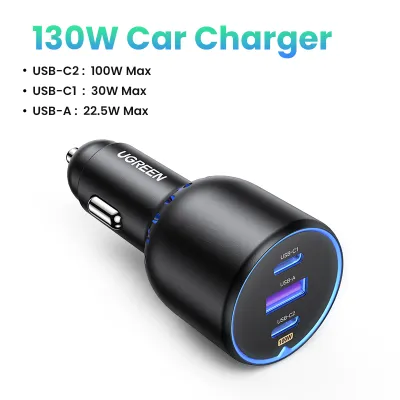
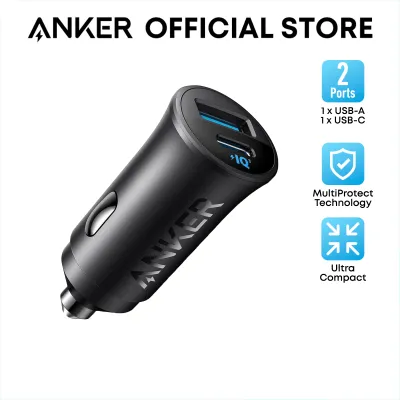
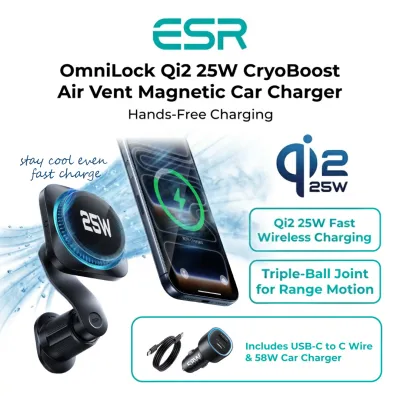
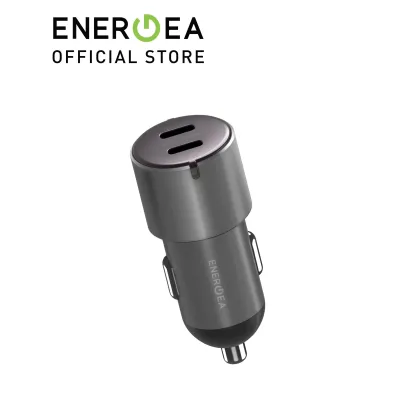
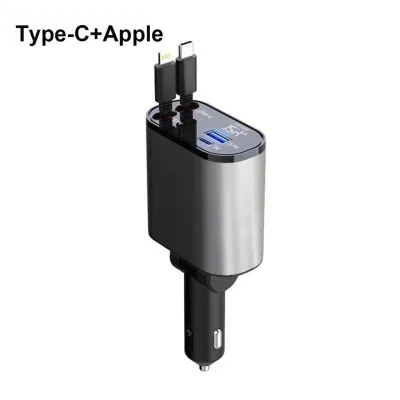
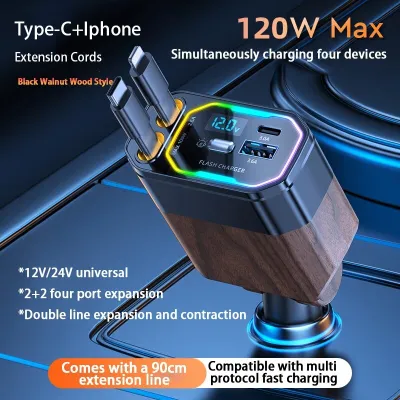
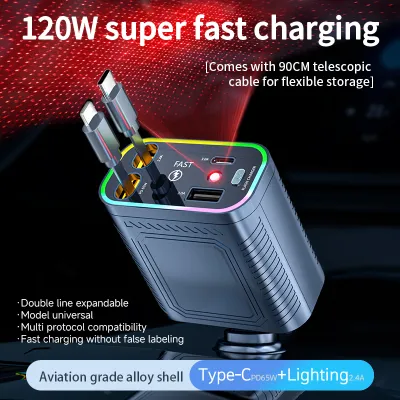
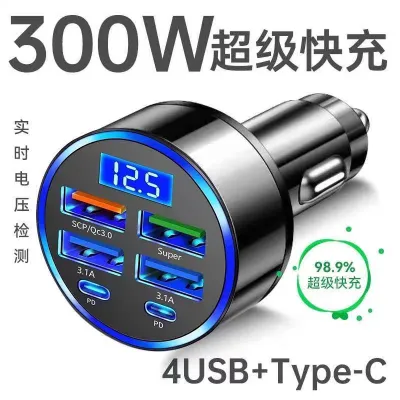
Prices are valid at publication and may change. Please refer to the product page for the latest price.

USB-A Car Chargers
The USB-A port is the classic, rectangular connector that has been the industry standard for decades. While it is highly familiar and universally compatible with older cables, its physical design limits its power delivery capabilities. Standard USB-A ports typically output 5V at 1A (5W) or 2.4A (12W). While some manufacturers developed proprietary fast-charging protocols for USB-A—such as Quick Charge—these require specific, compatible cables and devices to work.
If you choose a USB-A car fast charger, you must carefully read the technical specifications on the product label. Generic or budget-friendly USB-A adapters often default to basic, slow charging speeds. USB-A remains a highly practical option if you are powering legacy devices, such as older dashcams, GPS navigators, or secondary smartphones that do not support modern rapid-charging standards.
USB-C Car Chargers
The USB-C port is the modern, oval-shaped, reversible connector that has rapidly become the standard for almost all new consumer electronics. Unlike its predecessor, USB-C was built from the ground up to support high-wattage power transmission. It utilizes the open USB Power Delivery (PD) protocol, which allows the charger and the connected device to dynamically negotiate the safest and fastest voltage and current levels.
With a high-quality USB-C car fast charger plugged into your 12V socket, you can easily access charging speeds of 18W, 30W, 45W, or even higher. This technology is powerful enough to charge not only modern flagship smartphones but also larger devices like tablets and compact laptops. To utilize this technology, your vehicle must either feature native high-power USB-C ports or be equipped with a robust 12V to USB-C adapter paired with a certified USB-C to USB-C cable.
Wireless Car Chargers
Wireless car chargers eliminate the need to physically plug a cable into your phone every time you step into the cabin. These devices rely on electromagnetic induction, utilizing the global Qi standard. The charger, which is typically integrated into a dashboard, windshield, or air vent mount, contains a transmitter coil that creates an alternating electromagnetic field. When you place a Qi-enabled smartphone onto the mount, its internal receiver coil converts this field back into electrical energy to charge the battery.
It is important to note that wireless car chargers are not entirely wireless; the mounting cradle itself must still be connected to a power source, such as a USB-C or USB-A port, via a physical cable. Furthermore, wireless charging efficiency is highly dependent on precise physical alignment between the phone and the cradle’s coils, as well as the thickness and material of your phone case.
Key Comparison Dimensions for Car Fast Chargers
To determine which technology is best suited for your daily drives, we must compare them across three critical real-world dimensions: speed, hardware compatibility, and overall cabin convenience.
Charging Speed and Power Delivery
When it comes to raw charging speed, USB-C is the clear winner. A standard USB-C Power Delivery (PD) car fast charger can typically charge a compatible smartphone from 0% to 50% in approximately 30 minutes. This rapid transfer is achieved by delivering higher voltages (such as 9V or 12V) at stable currents, matching the maximum intake capacity of modern devices.
In contrast, USB-A fast chargers are generally slower, capped by physical pin limitations and older charging standards. While a fast USB-A port can provide decent speeds for older Android devices, it cannot match the efficiency of a modern USB-C PD connection.
Wireless charging is the slowest of the three options. Under ideal conditions, standard Qi wireless car chargers max out at 7.5W for iPhones and 10W to 15W for compatible Android devices. Furthermore, because inductive charging is only about 60% to 70% efficient, the remaining energy is lost as heat. As your phone heats up, its internal battery management system will automatically throttle (slow down) the charging speed to protect the battery from heat damage, making wireless charging even slower in practice.
Device and Vehicle Compatibility
Before purchasing any car fast charger, you must verify the compatibility of your vehicle’s ports and your smartphone. A fast charger is only as effective as the weakest link in the charging chain.
Many modern vehicles come equipped with factory USB ports, but you must consult your vehicle’s owner’s manual to determine their exact power output. If these built-in ports are designed solely for media integration, they will not support fast charging. In such cases, a 12V auxiliary power adapter is required to draw sufficient current from your car’s electrical system.
For a USB-C setup, you need a phone that supports USB PD and a high-quality, certified USB-C cable. For USB-A, you need a compatible fast-charging cable that can handle higher currents without overheating. For wireless charging, your smartphone must have built-in Qi or Qi2 wireless charging capabilities. Additionally, you must ensure that your phone’s physical dimensions, including any protective case, fit securely within the wireless charging mount’s cradle.
Convenience, Heat, and Cable Management
Operating a car fast charger in Singapore presents unique environmental challenges. The tropical climate means cabin temperatures can rise rapidly, especially when parked in open-air car parks. When you use your phone for GPS navigation and music streaming while simultaneously charging, the device generates significant internal heat.
Wireless chargers exacerbate this heat issue due to the inherent inefficiency of inductive power transfer. If your phone is mounted on the dashboard in direct sunlight while charging wirelessly, it is highly likely to overheat, causing the screen to dim, navigation to lag, or charging to stop entirely.
Wired chargers (both USB-C and USB-A) generate far less heat at the device level because the power conversion occurs inside the 12V adapter rather than inside the phone itself. However, wired chargers require physical cables, which can clutter your center console and interfere with your gear shifter or handbrake if not managed properly. Wireless mounts offer a much cleaner dashboard aesthetic and allow you to quickly mount and dismount your phone with one hand, making them highly convenient for short, multi-stop trips.
Feature Comparison Matrix
Below is a comparison of the three car charging technologies to help you visualize their strengths and trade-offs.
| Feature | USB-A Car Chargers | USB-C Car Chargers | Wireless Car Chargers |
|---|---|---|---|
| Typical Use Case | Legacy devices, dashcams | Modern smartphones, tablets | Commuting, clean dashboard |
| Cable Required | USB-A to device cable | USB-C to USB-C or Lightning | Cable to mount only |
| Relative Speed | Standard to Moderate | Fastest (Power Delivery) | Slowest (Inductive) |
| Vehicle Port | 12V adapter or built-in USB-A | 12V PD adapter or built-in USB-C | 12V adapter or high-power USB |
| Best For | Budget setups, older cars | Rapid top-ups, power users | Convenience, short trips |
How to Verify Compatibility and Safety Before Buying
To ensure your new car fast charger operates safely and efficiently without risking damage to your vehicle’s electrical system or your smartphone, follow these verification steps before making a purchase.
First, audit your vehicle’s built-in ports and electrical limits. Check your vehicle’s owner’s manual to locate the fuse rating for your 12V auxiliary power outlet (usually rated at 10A or 15A). This ensures the outlet can safely handle high-wattage multi-port adapters, which typically range in price from S$15 to S$40. If your car has built-in USB ports, look for a small lightning-bolt icon or check the manual to see if they support power delivery or are strictly for data transfer.
Second, identify your smartphone’s specific fast-charging protocol. Apple devices rely on USB Power Delivery (PD), while many Android manufacturers use proprietary standards or USB PD Programmable Power Supply (PPS). Ensure the car fast charger you choose explicitly lists compatibility with your phone’s specific protocol on its packaging.
Third, look for reputable safety certifications. High-quality car chargers feature built-in protection circuits to guard against overcurrent, overvoltage, short circuits, and overheating. While local mains-powered electronics require the Enterprise Singapore Safety Mark, car accessories powered by 12V DC are generally exempt, but you should still look for international safety certifications such as CE, FCC, and RoHS to guarantee manufacturing quality.
Fourth, prioritize mounting safety. If you choose a wireless charging mount, verify its installation location. The mount must not block your forward line of sight, obscure side mirrors, or obstruct any air vents. Crucially, ensure the mount and its cables do not cross or interfere with your vehicle’s airbag deployment zones. The mount must feature a robust gripping mechanism—such as automatic motor-driven clamps or strong magnets—to keep your phone securely in place during sudden braking or sharp turns on busy expressways like the PIE.
Final Decision Framework: Choose Based on Your Setup
To make your final decision, evaluate your daily driving habits, your vehicle’s interior layout, and your smartphone’s technical specifications against these clear, conditional scenarios.
Choose USB-C if:
- You own a modern flagship smartphone and require the absolute fastest charging speeds possible.
- You frequently make short trips and need to rapidly replenish your phone's battery in 15 to 30 minutes.
- You need a versatile charger capable of powering larger devices, such as tablets, handheld gaming consoles, or compact laptops, during long drives.
- You are willing to manage a physical cable in exchange for reliable, high-wattage power delivery and minimal heat generation.
Choose USB-A if:
- Your vehicle is an older model equipped only with built-in USB-A ports, and you prefer not to use a 12V adapter.
- You primarily charge secondary, low-draw accessories such as dashcams, GPS units, or older phone models that do not support modern fast-charging protocols.
- You already own a collection of high-quality legacy USB-A cables and want a cost-effective, straightforward charging solution.
Choose Wireless if:
- Your smartphone supports Qi or Qi2 wireless charging, and you prioritize a clean, modern, and cable-free dashboard aesthetic.
- You frequently enter and exit your vehicle throughout the day and appreciate the convenience of docking your phone with a simple, one-handed motion.
- Your daily commute consists of longer drives where maximum charging speed is less critical, allowing your phone to charge gradually over time.
Verify first if:
- You use a thick, rugged, or magnetic phone case, as materials thicker than 3mm to 5mm, or those containing metal, will block inductive wireless charging and can cause dangerous heat buildup.
- Your vehicle's 12V auxiliary outlet remains active even when the engine is turned off, which could lead to battery drain if accessories are left plugged in overnight.
Frequently Asked Questions (FAQ)
Can I use a USB-C car charger in a USB-A port?
You cannot physically plug a USB-C cable directly into a USB-A port because the connectors have completely different shapes and pin layouts. While you can purchase a USB-A to USB-C adapter or use a hybrid cable to connect your modern USB-C phone to an older USB-A port, doing so will not deliver true fast-charging speeds. The charging rate will be strictly limited by the lower power output of the host USB-A port. To experience genuine USB-C fast charging, the power source itself—whether a built-in vehicle port or a 12V adapter—must natively support the USB Power Delivery protocol.
Does wireless car charging drain the car battery?
When your vehicle’s engine is running, the alternator actively generates electricity, making the power consumed by a wireless car charger completely negligible. However, if your vehicle’s 12V auxiliary socket remains powered when the ignition is switched off—a common design in several European and American car brands—leaving a wireless charger plugged in with a phone docked can slowly drain your car’s 12V starter battery over several hours. To prevent a dead battery, always unplug your charger or remove your phone from the cradle when parking your vehicle for extended periods.
Community discussion
Share your experience or ask a question. Comments are reviewed before publication.