
Selecting the ideal car charger adapter is no longer just about finding a plug that fits your vehicle’s 12V accessory port. With smartphones serving as navigation hubs, music players, and communication tools during daily commutes, keeping your device powered is a necessity. The market offers three primary technologies: USB-A, USB-C, and wireless car chargers. Each option serves a distinct purpose, and finding the right fit depends on your specific devices, charging speed requirements, and vehicle dashboard layout.
USB-A adapters remain a reliable, budget-friendly choice for legacy electronics and low-power accessories. USB-C adapters represent the modern standard, offering rapid charging speeds capable of powering smartphones, tablets, and even laptops. Wireless car chargers provide unmatched convenience by eliminating the need to plug in a cable every time you step into your car. While all three options ultimately draw their electrical power from your vehicle’s 12V accessory socket, they differ significantly in power delivery efficiency, physical setup, and overall user experience.
Evaluating these technologies requires looking beyond marketing claims. Understanding how each technology operates within the unique environment of a vehicle cabin will help you make an informed decision. By analyzing charging speeds, cable clutter, heat generation, and physical compatibility, you can select an adapter that integrates seamlessly into your daily driving routine.
Products mentioned in this guide
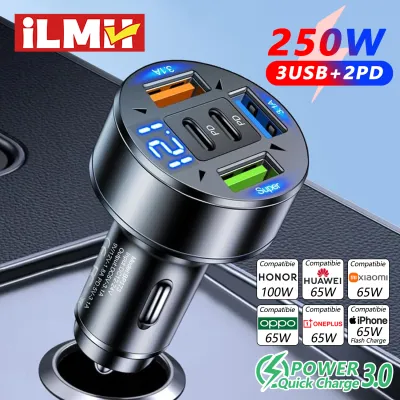
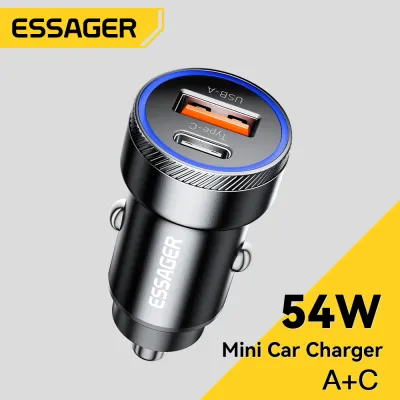
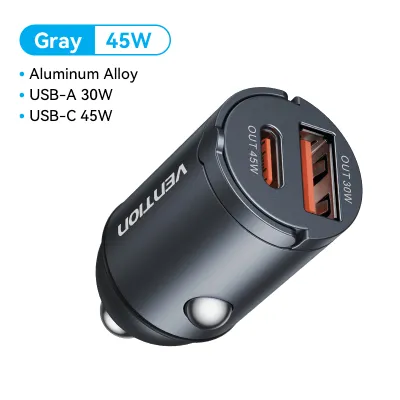
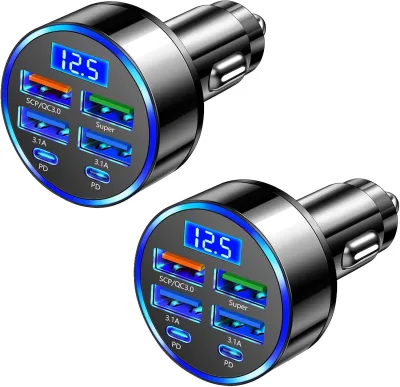
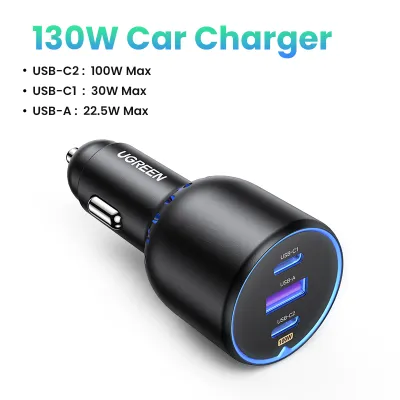
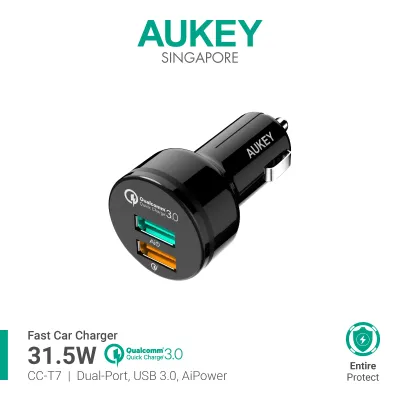
![[Reay stock] KIPRUN Quick Car Charger Voltage Display 3.1A 5V Dual USB Car Charger LED Display Quick Fast Charge Moblie Phone Fast Charging Smart Protection](https://img.lazcdn.com/g/p/c03786f7c7513be880fc8de470e10b8c.jpg_400x400q80.jpg_.webp)
![[SG STOCK] Fast Charging Multi Port Quick Charge 3.0 USB Car Adapter Charger](https://img.lazcdn.com/g/p/cf74a1b74b5f404d63df40ca9dbfabee.jpg_400x400q80.jpg_.webp)
Prices are valid at publication and may change. Please refer to the product page for the latest price.
USB-A, USB-C, and Wireless Car Chargers Explained
To choose the right car charger adapter, it is essential to understand the physical and electrical characteristics of each option. USB-A is the familiar, rectangular port that has been the industry standard for decades. Because of its long history, USB-A is highly compatible with older cables and devices. However, the physical design of USB-A limits its ability to support modern, high-wattage fast-charging protocols safely. It remains a staple for low-power accessories, but it is gradually being phased out in favor of more efficient designs.
USB-C is the modern, oval-shaped, reversible connector designed to handle both high-speed data transfer and high-wattage power transmission. Unlike USB-A, USB-C was built from the ground up to support advanced power delivery protocols. The reversible design means you no longer have to worry about plugging the cable in upside down, which is a subtle but significant safety benefit when you are focusing on the road. USB-C ports are now standard on almost all modern smartphones, tablets, and laptops, making a USB-C car charger adapter highly future-proof.
Wireless car chargers introduce a different approach by utilizing magnetic induction to transfer power. Most wireless chargers rely on the Qi standard, where induction coils inside the charger create a localized electromagnetic field that a compatible coil inside your phone converts back into electrical energy. It is a common misconception that these chargers are entirely wireless. The charging pad, cradle, or mount itself must still be physically connected via a cable to a USB port or a 12V adapter plug in your vehicle. The “wireless” convenience applies only to the connection between the mount and your phone.
Because power delivery standards vary widely across brands, you should always check the manufacturer labels on both the charger and your specific devices. Do not assume that a charger will automatically deliver its maximum rated speed to your phone. Devices negotiate power delivery dynamically, meaning your phone and charger must support the same electrical profiles to achieve optimal performance.
How to Compare Car Charger Adapters for Your Setup
When comparing car charger adapters, looking at the connector type is only the first step. To find the setup that best fits your vehicle and driving habits, you must evaluate how these technologies perform across several practical dimensions. These include charging speed, physical cable management, heat dissipation, and how the hardware physically fits into your cabin.

Charging Speed and Power Delivery
Charging speed is often the most critical factor for drivers, especially during short commutes where every minute of charging counts. USB-C adapters utilizing the USB Power Delivery (PD) standard offer the fastest charging speeds available in a vehicle. These adapters can dynamically adjust voltage and current, allowing them to fast-charge modern smartphones from empty to over fifty percent in about thirty minutes. This high-wattage output makes USB-C the only viable option if you need to charge larger devices like tablets or laptops while on the go.
USB-A adapters are generally much slower. While some USB-A chargers support older proprietary fast-charging standards, they are typically limited to lower wattages. If you are running demanding applications like GPS navigation and screen-intensive driving apps simultaneously, a standard USB-A port might only supply enough power to keep the battery level stable rather than actually charging it.
Wireless charging is the slowest of the three options. Inductive charging suffers from significant energy loss, with a notable percentage of the power escaping as ambient heat rather than entering your phone’s battery. Even high-output wireless chargers cannot match the raw speed of a wired USB-C connection. Additionally, a high-wattage charger will not force more power into a device than it is designed to accept; your phone’s internal charge controller determines the maximum intake to protect battery health.
Device Compatibility and Cable Management
Cable management plays a massive role in maintaining a clean, distraction-free vehicle interior. Wired adapters using USB-A or USB-C offer excellent device compatibility because you can easily swap out the cable. A single multi-port adapter can accommodate an iPhone, an Android device, or a dedicated dashcam simply by plugging in the appropriate cables. This flexibility is highly beneficial if you regularly share your car with family members or passengers who use different device brands.
However, wired setups can easily lead to dashboard clutter. Loose cables trailing across the center console can interfere with your gear shifter, handbrake, or physical climate controls, creating both an aesthetic nuisance and a potential safety hazard. While passenger-facing cables can be tucked away, driver-focused cables often remain visible and messy unless routed carefully through trim gaps.
Wireless car charger mounts solve this clutter issue by providing a dedicated docking station for your phone. Once the mount’s power cable is neatly routed and hidden behind the dashboard or console panels, you can mount and charge your phone with a simple one-handed motion. The trade-off is compatibility: wireless charging pads are highly device-specific. They require your phone to support wireless charging, and physical alignment is critical. Furthermore, thick protective phone cases, integrated metal plates for magnetic mounts, or wallet attachments holding credit cards can block the inductive signal entirely, forcing you to remove the case before charging.
Heat Management and Physical Fit
Vehicles present a challenging thermal environment, particularly in tropical climates like Singapore where parked cars accumulate immense heat. Wireless charging naturally generates more heat at the physical contact point between the phone and the charger due to the inefficiencies of magnetic induction. When you combine this inductive heat with direct sunlight hitting a dashboard-mounted phone, the device’s temperature can spike rapidly. To protect its lithium-ion battery from permanent degradation, your phone’s internal software will automatically throttle charging speeds or halt charging entirely until the device cools down.
Wired charging via USB-A or USB-C generates far less heat at the device itself because the power conversion occurs primarily inside the metal adapter plugged into the 12V socket. This makes wired connections much more reliable in hot weather or during long drives when the phone is mounted near the windshield.
Physical fit inside the cabin is another key differentiator. Compact USB-A and USB-C plugs are designed to sit almost flush within your vehicle’s 12V accessory socket, keeping the center console clean and leaving physical storage areas unobstructed. Wireless chargers, by contrast, have a much larger physical footprint. They require dedicated mounting hardware, such as air vent clips, suction cups for the windshield, or heavy dashboard adhesive pads. These mounts can block air conditioning vents, obstruct your view of the road, or fail to hold securely on textured dashboard materials.
Choose the Right Car Charger Adapter for Your Setup
To determine which car charger adapter is best for your vehicle, consider how your daily driving habits, budget, and device preferences align with the strengths of each technology.
- Choose USB-A if: You are looking for a highly budget-friendly option and primarily need to power legacy devices. It is an excellent choice if you want to utilize your existing collection of older cables or if you need a reliable, low-power connection for dedicated car accessories like dashcams, GPS units, or portable air purifiers that do not require high-wattage fast charging.
- Choose USB-C if: You prioritize charging speed and want to future-proof your vehicle's charging setup. This is the optimal choice if you carry modern smartphones, tablets, or laptops and need to rapidly replenish your battery during short commutes. It is also ideal for drivers who want the flexibility to charge multiple high-power devices simultaneously using a single, compact adapter.
- Choose Wireless if: You value daily convenience and want a clean dashboard with minimal cable clutter. This setup is perfect for drivers who frequently get in and out of their vehicles and want to mount their phone with a simple, one-handed motion without constantly plugging and unplugging cables. It is best suited for those whose phones support wireless standards and who do not mind slower charging speeds.
- Verify first if: Your vehicle's dashboard lacks a flat, stable surface for a wireless mount, or if your air vent blades are too weak to support a heavy, phone-laden cradle. You should also verify compatibility if you use a thick, rugged phone case or a wallet case, as these will likely interfere with wireless charging induction.
What to Check Before Buying a Car Charger Adapter
Before purchasing any car charger adapter, performing a few quick checks will save you from compatibility issues, slow charging speeds, or potential safety hazards. First, investigate your vehicle’s 12V accessory socket behavior. In many vehicles, the 12V socket is “switched,” meaning it turns off automatically when you switch off the ignition. However, some vehicles keep the 12V socket “always-on” or live even when the engine is off and the keys are removed. If your car has an always-on socket, leaving a high-draw adapter or a wireless mount plugged in can slowly drain your car battery over days of inactivity.
You should also verify the fuse rating of your vehicle’s 12V accessory circuit, which is typically detailed in the owner’s manual. Most passenger car accessory sockets are fused at 10 to 15 amps. While this is more than enough for standard phone chargers, if you plan to run a high-wattage multi-port USB-C adapter to charge multiple laptops and tablets simultaneously, you must ensure the total power draw does not exceed your vehicle’s circuit limits.
Next, check the physical dimensions of your vehicle’s 12V socket location. Some manufacturers place these sockets deep inside recessed cubby holes, underneath the dashboard overhang, or inside the center armrest storage box. If your socket is recessed, a bulky, wide-headed adapter or one with ports exiting at odd angles may not fit physically, or it may block nearby storage compartments and cup holders. Opt for a flush-fitting adapter if space is tight.
Finally, prioritize safety certifications over low prices. Look for reputable safety marks such as CE, FCC, and RoHS on the product packaging. High-quality adapters feature built-in protection circuits that safeguard your expensive mobile devices against over-current, over-voltage, short-circuits, and overheating. Avoid unbranded, extremely cheap adapters, as they often lack these critical safety components and can cause electrical interference with your car’s radio reception or, in worst-case scenarios, damage your vehicle’s electrical system.
Frequently Asked Questions (FAQ)
Can I use a USB-C to USB-A cable with a USB-A car charger?
Yes, you can physically connect a USB-C to USB-A cable to a USB-A car charger to power your modern phone. However, doing so will limit your charging speed. The power output will be restricted by the maximum capabilities of the older USB-A port and the cable’s internal wiring. Even if your smartphone supports high-speed Power Delivery, it will charge at standard, slower speeds because USB-A ports cannot negotiate the high-voltage profiles required for true fast charging.
Do wireless car chargers drain the car battery when the engine is off?
Whether a wireless car charger drains your battery depends entirely on how your vehicle’s 12V accessory socket is wired. If your car cuts power to the socket when the ignition is turned off, the wireless charger will draw zero power. If your vehicle has an always-on socket, the wireless charger will continue to draw a small amount of standby power even when no phone is mounted. Over several days of parking, this parasitic draw can weaken or drain an older car battery, so it is best to unplug the adapter during extended periods of inactivity.
Is it safe to leave the car charger adapter plugged in all the time?
For most modern vehicles with switched 12V sockets, it is generally safe to leave a high-quality car charger adapter plugged into the socket continuously. Quality adapters draw virtually no standby power when no device is connected. However, if you park your vehicle in direct sunlight or in high-temperature environments for extended periods, the extreme cabin heat can cause thermal stress to the cheap plastic and internal capacitors of low-grade adapters. Unplugging the adapter during long parking periods in hot weather helps prolong its lifespan and prevents potential thermal degradation.
Community discussion
Share your experience or ask a question. Comments are reviewed before publication.