
Quick Answer: Which Car Charger Should You Pick?
Choosing the right car charger depends on your specific device ports, your daily commuting patterns, and your tolerance for dashboard cable clutter. With multiple charging technologies available, matching the charger to your lifestyle ensures your devices stay powered without compromising safety or convenience.
When shopping for a new car charger type c options stand out as the modern benchmark for speed and compatibility. A Type-C charger is the ideal choice if you own modern smartphones, tablets, or laptops and require rapid power delivery during short commutes. Wireless chargers offer unmatched convenience and a clean, cable-free dashboard setup, making them perfect for longer drives where steady power maintenance is preferred over rapid top-ups. USB-A chargers remain a highly reliable, budget-friendly choice for legacy devices, dedicated dashcams, and basic auxiliary accessories.
Understanding the distinct advantages and operational limits of each technology will help you select the perfect power accessory for your daily drives. The following sections break down the technical differences, performance metrics, and safety considerations to guide your buying decision.
Products mentioned in this guide
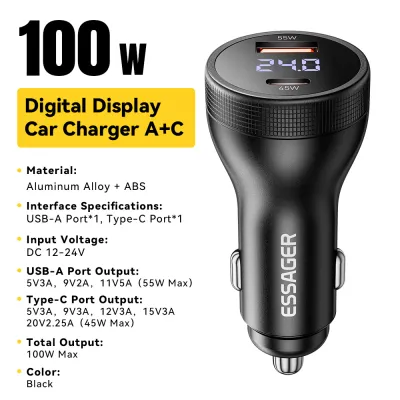
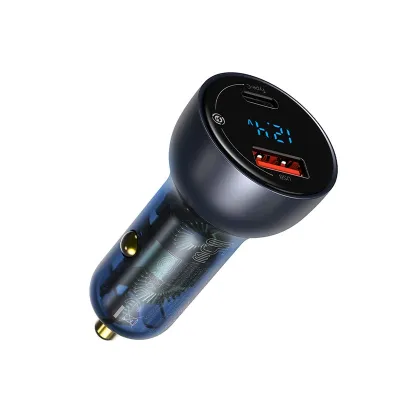
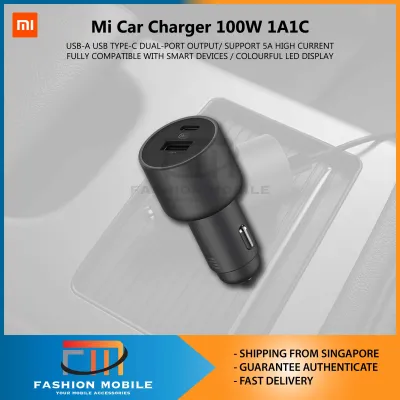
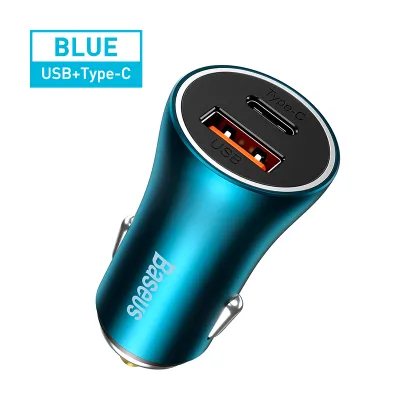
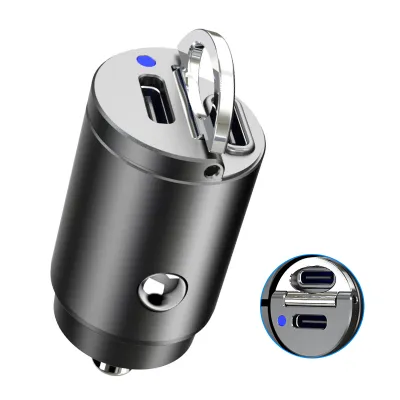
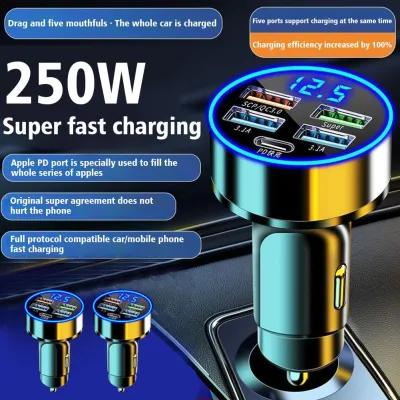
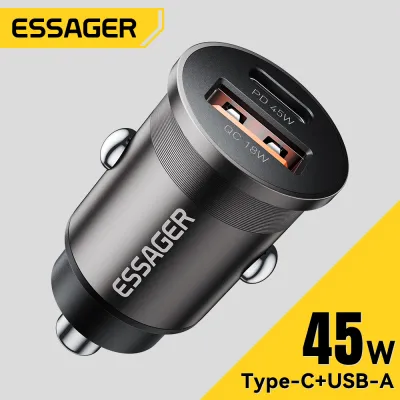
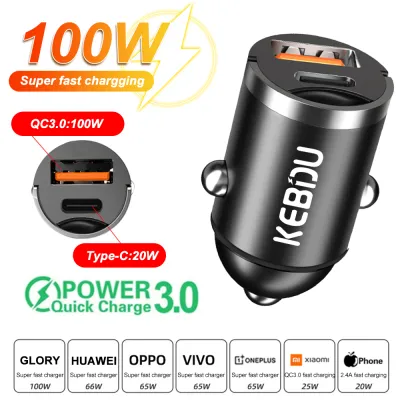
Prices are valid at publication and may change. Please refer to the product page for the latest price.
Core Technologies: USB-A, Type-C, and Wireless Explained
To make an informed decision, it is essential to understand how these three charging technologies operate and the hardware standards that govern them.

USB-A: The Legacy Standard
USB-A is the familiar rectangular connector that has dominated consumer electronics for decades. This standard is highly reliable and universally recognized, making it easy to find compatible cables for almost any older device. However, USB-A is mechanically limited in its power delivery capabilities. Standard USB-A ports typically output 5V at up to 2.4A, capping basic power delivery at around 12W. While some manufacturers developed proprietary fast-charging protocols over USB-A, these require specific matching cables and devices, making them less versatile for general multi-device fast charging.
USB Type-C: The Modern Powerhouse
USB Type-C is the current global standard for wired connectivity, featuring a slim, reversible connector that eliminates the frustration of trying to plug it in the wrong way. Beyond its physical convenience, Type-C is engineered to support advanced charging protocols, most notably USB Power Delivery (USB-PD) and Programmable Power Supply (PPS). These protocols allow the charger and the connected device to negotiate dynamic voltage and current levels. Consequently, a high-quality car charger type c port can easily deliver 30W, 45W, or even up to 100W of power. This massive output capability makes Type-C essential for rapidly charging modern smartphones, tablets, and even power-hungry laptops while on the road.
Wireless (Qi and Qi2): Inductive Convenience
Wireless car chargers utilize electromagnetic induction to transfer energy from the charger’s internal coils to a receiver coil inside your smartphone. The global standard for this technology is Qi, with the newer Qi2 standard introducing magnetic alignment features similar to Apple’s MagSafe. Wireless charging completely eliminates the need to plug a cable into your phone every time you enter the vehicle; you simply place the device onto a charging pad or mount. However, this convenience comes with physical trade-offs. Inductive charging is less efficient than a direct wired connection, resulting in slower charging speeds and increased heat generation. Precise physical alignment between the coils is also necessary to maintain a stable, continuous charge.
Key Comparison Dimensions for Daily Driving
Evaluating how these technologies perform under real-world driving conditions is crucial for selecting the right option for your vehicle.
Charging Speed and Power Delivery
Charging speed is often the most critical factor for drivers who need to replenish their device’s battery during short trips. USB Type-C chargers utilizing the Power Delivery protocol offer the fastest charging speeds available on the market. A high-output Type-C port can charge a compatible modern smartphone from 0% to 50% in approximately 30 minutes. This rapid transfer rate is incredibly valuable during brief commutes across the city, where every minute connected to power counts.
In contrast, wireless charging is generally the slowest option. Standard Qi wireless car chargers typically output between 7.5W and 15W of power. Because energy is lost as heat during inductive transfer, the actual power reaching your phone’s battery is lower than the rated output. Furthermore, if your phone gets too warm during wireless charging, its internal thermal management systems will automatically throttle the charging speed to protect the battery, slowing the process even further.
USB-A sits in the middle of the speed spectrum. While some USB-A ports support quick-charging standards that can deliver up to 18W or 24W, they generally lag behind the high-wattage capabilities of Type-C. When selecting a charger, always look at the specific wattage (W) rating printed on the product packaging and cross-reference it with your device’s maximum supported input wattage. A 45W charger will not charge a phone any faster if the phone is capped at an 18W intake limit, but it provides the headroom needed for larger devices like tablets.
Device Compatibility and Convenience
Device compatibility dictates which charger will actually work with your personal electronics and those of your passengers. Type-C has become the mandatory standard for almost all modern mobile devices, including the latest iPhone series, Android smartphones, iPads, and modern wireless earbuds. Having a Type-C car charger ensures that your vehicle’s charging setup remains compatible with any new electronics you purchase in the coming years.
USB-A remains highly relevant for powering dedicated in-car accessories. Many dashcams, standalone GPS navigation units, and older action cameras rely on USB-A to Micro-USB or Mini-USB cables for their power supply. If you have an active dashcam recording your drives, maintaining at least one USB-A port in your vehicle is often necessary to keep these legacy accessories running without needing specialized adapter cables.
Wireless charging offers excellent convenience for solo drivers who frequently get in and out of the car. However, it requires a Qi-compatible smartphone and a physical mount that fits your specific phone dimensions. If you frequently share your vehicle with family members or passengers who use different phone models, a wireless mount can become inconvenient. Adjusting the mounting arms or alignment brackets for different phone sizes can be tedious, whereas a simple charging cable can be quickly passed to anyone in the vehicle regardless of their phone’s physical size.
Cable Management and Dashboard Clutter
An organized dashboard is not just about aesthetics; it also directly impacts driving safety. Wireless chargers excel at keeping the driver’s cockpit clean and clutter-free. By mounting a wireless charging cradle to your air vent or dashboard, you eliminate the need to constantly plug and unplug cables, reducing physical wear on your phone’s charging port and keeping cords out of your way.
Wired charging setups (both USB-A and Type-C) require physical cables running from the 12V accessory socket to your device. If these cables are too long or left loose, they can easily drape over your gear shifter, interfere with your handbrake, or tangle around your steering column. To maintain a safe driving environment, drivers using wired chargers should implement smart cable management solutions. Utilizing short, coiled cables or securing loose cords with adhesive cable clips along the center console can keep your controls clear and prevent dangerous driving distractions.
Decision Framework: Choosing the Right Charger for Your Car
To help you select the best charging setup for your vehicle, consider the following scenario-based recommendations.
Choose Type-C if:
- You own modern devices that support fast charging (such as USB-PD or PPS protocols).
- Your daily drives are short, and you need to maximize battery gain in a brief window of time.
- You want a future-proof setup that can power larger electronics, including tablets and laptops, directly from your dashboard.
- You frequently run high-drain applications like live GPS navigation with maximum screen brightness while driving.
Choose Wireless if:
- You prioritize a clean, minimalist dashboard aesthetic and want to eliminate cable clutter around your center console.
- Your smartphone supports Qi or Qi2 wireless charging standards.
- Your daily commutes are longer, allowing for a slower, steady trickle charge to top up your battery over time.
- You value the convenience of one-handed mounting and docking without fumbling with physical cables every time you enter or exit the car.
Choose USB-A if:
- You are on a strict budget and want a simple, cost-effective charging solution.
- You need to power legacy accessories, such as older dashcams, GPS units, or older-generation smartphones.
- Your vehicle has built-in USB-A ports that you simply want to supplement with basic power capabilities.
Critical Verification Checks Before You Buy
Before purchasing any aftermarket car charger, perform these essential compatibility and safety checks:
- Check Your Vehicle's 12V Socket Rating: Consult your vehicle's owner's manual to find the fuse rating for your 12V accessory socket (typically 10A or 15A). Ensure that the total wattage of your multi-port car charger does not exceed the safe operating limits of your vehicle's electrical circuit.
- Measure Your Phone Case Thickness: Wireless charging signals generally cannot penetrate materials thicker than 3mm to 5mm. If you use a heavy-duty rugged case, a wallet case with credit cards, or a case with an integrated metal kickstand, wireless charging may fail or cause excessive heat buildup.
- Assess Passenger Needs: If your vehicle is shared among family members with different device ecosystems, a multi-port charger featuring both a high-output Type-C port and a standard USB-A port offers the most versatile and practical compromise.
Safety, Installation, and Vehicle Compatibility
Operating electronic accessories in a vehicle requires careful attention to electrical safety, environmental conditions, and physical placement.
Electrical Safety Boundaries
Your vehicle’s electrical system is sensitive to voltage fluctuations. When shopping for an aftermarket car charger, always select products from reputable manufacturers that feature certified built-in safety protections. These safety systems should include overcurrent protection, overvoltage protection, short-circuit prevention, and automatic thermal shutdown. Cheap, unbranded charging adapters often lack these essential safeguards, putting your vehicle’s fuses and your expensive mobile devices at risk of electrical damage. Always refer to your vehicle’s original owner’s manual to locate your fuse box and understand how to replace an accessory socket fuse if an overload occurs.
Heat Management in Tropical Climates
Vehicle cabin heat is a major factor in tropical environments like Singapore, where cars parked in open-air carparks can quickly reach internal temperatures exceeding 60°C. High-power Type-C charging and inductive wireless charging both generate significant operational heat. When a charging device is exposed to high ambient temperatures and direct sunlight, it will trigger thermal throttling, significantly reducing charging speeds to protect the battery from permanent degradation.
To manage heat effectively:
- Avoid mounting wireless charging pads or phone cradles directly on top of the dashboard where they are exposed to intense, direct sunlight through the windshield.
- Opt for air-vent-mounted brackets. Placing your charging setup in front of an active air conditioning vent helps cool both the charger and your smartphone, maintaining optimal charging efficiency.
- Never leave your smartphone docked on a wireless charger or exposed on the dashboard when parking your vehicle in direct sunlight.
Mounting and Placement Safety
When installing any car mount or charging accessory, you must ensure it does not compromise driver safety or vehicle operation.
Before securing your mount, verify the following safety points:
- Driver Visibility: The mount and your docked phone must not obstruct your forward field of vision or block your view of the side mirrors.
- Airbag Deployment Zones: Consult your vehicle's owner's manual to identify the exact locations and deployment paths of all passenger, steering wheel, side, and knee airbags. Never place a phone mount, cable, or charger within or near these deployment zones, as a deploying airbag can turn these objects into dangerous high-speed projectiles.
- Control Obstruction: Ensure the charger, cables, and mount do not block your physical access to essential dashboard controls, the gear shifter, the hazard light button, or your view of the instrument cluster.
- Professional Installation: If you plan to hardwire a multi-port USB charger or a wireless charging pad directly into your vehicle's fuse box or electrical wiring, always consult a qualified automotive technician to prevent damaging your vehicle's electrical system or voiding your manufacturer warranty.
Frequently Asked Questions (FAQ)
Can I use a Type-C to USB-A cable in a USB-A car charger?
Yes, physically connecting a Type-C to USB-A cable to a USB-A car charger is safe and compatible. However, your charging speed will be strictly limited by the maximum output capabilities of the USB-A port, which is typically capped at 12W. You will not benefit from the rapid fast-charging speeds associated with true USB Power Delivery, even if your smartphone supports it.
Does wireless car charging drain the car battery when the engine is off?
It depends on how your vehicle’s 12V accessory socket is wired. In many continental and older vehicle models, the 12V auxiliary socket remains constantly powered even after the engine is turned off and the keys are removed. If your vehicle is wired this way, leaving a wireless charger plugged in can cause a slow, parasitic drain on your car battery overnight. Always check your vehicle’s manual or unplug your charger when parking the car for extended periods.
Will a thick phone case block wireless car charging?
Yes, thick protective cases can interfere with the inductive energy transfer. Most wireless car chargers require a physical distance of less than 3mm to 5mm between the charger’s transmitter coils and the phone’s receiver coils. Heavy-duty rugged cases, wallet cases containing credit cards, or cases with integrated metal plates, rings, or magnetic mounts will block the charging signal and can cause severe overheating. Always check the charger manufacturer’s specified case thickness limits before purchasing.
Community discussion
Share your experience or ask a question. Comments are reviewed before publication.