
Quick Answer: Which Car Phone Holder Should You Choose?
Choosing between a MagSafe holder and a USB-C wired holder depends on your daily driving habits, device compatibility, and charging priorities.
Select a MagSafe holder if you prioritize cable-free convenience, frequent short trips, and seamless one-handed mounting. This option is ideal if you own a compatible device and want to keep your dashboard free of loose cables.
Select a USB-C wired holder if your priority is maximum charging speed, universal compatibility across different phone brands, and a highly secure physical grip. Wired connections are also better suited for long drives where running intensive navigation apps can cause wireless setups to overheat.
Products mentioned in this guide
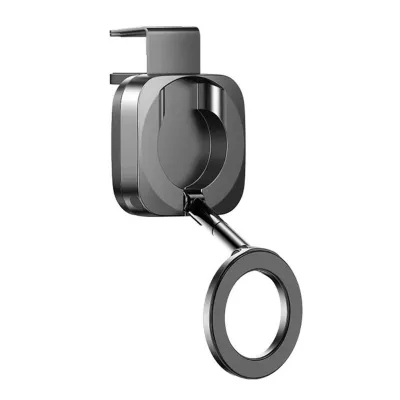
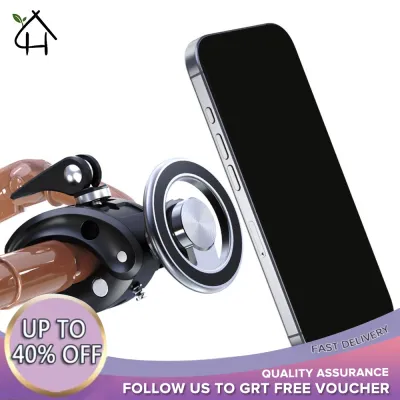
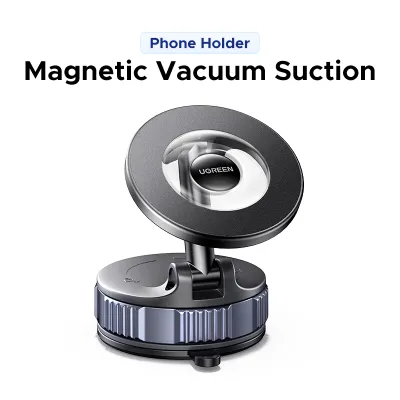
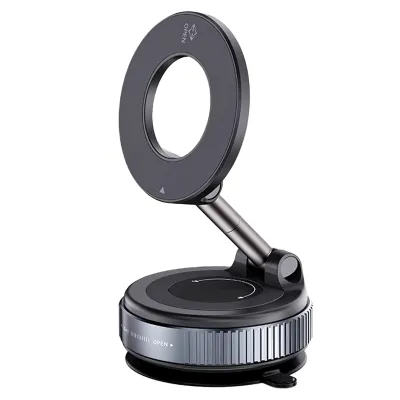
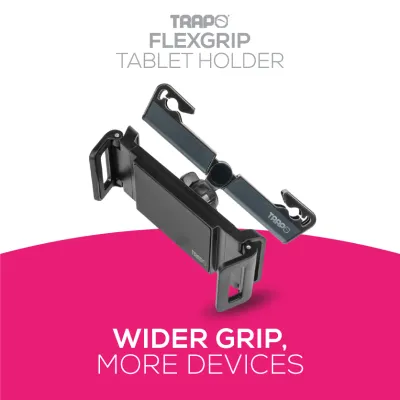
Prices are valid at publication and may change. Please refer to the product page for the latest price.
Actual charging performance and mounting stability will always depend on your vehicle’s specific power output and the manufacturer specifications of the mount you choose.
Core Differences in Daily Driving Experience
The choice between magnetic wireless mounting and a physical wired connection directly shapes your daily routine behind the wheel. Understanding how these technologies perform under real-world driving conditions is key to making the right choice.

Mounting convenience is the most immediate difference. A MagSafe holder allows you to simply place your phone against the magnetic pad, where it instantly snaps into alignment and begins charging. This one-handed operation is highly efficient when running quick errands. Conversely, a traditional USB-C holder typically requires you to open mechanical clamps and manually plug in a cable, a process that usually demands both hands and extra attention before you can drive off.
Charging efficiency and thermal management are critical factors, especially in warm tropical climates. Wireless charging naturally generates more heat due to energy loss during induction. When a phone is mounted on a sunny dashboard in Singapore, running power-hungry GPS navigation while charging wirelessly can cause the device to heat up rapidly. To prevent damage, many smartphones will automatically slow down or pause wireless charging when they reach high temperatures. A wired USB-C connection is inherently more efficient, generating less heat at the back of the phone and maintaining a steadier charge even under direct sunlight.
Physical stability on the road is another practical consideration. MagSafe mounts rely entirely on magnetic attraction to hold your phone. While high-quality magnetic mounts offer a strong grip, severe road vibrations, speed bumps, or sudden emergency braking can occasionally dislodge a heavy phone. USB-C holders often feature physical side arms and bottom feet that cradle the phone securely, offering superior mechanical stability on uneven roads.
Cable management affects both safety and interior aesthetics. A MagSafe mount still requires a power cable running from the mount itself to the car’s USB port or 12V adapter, but this wire remains permanently routed and out of the way. With a direct USB-C setup, you must plug the cable directly into the bottom of your phone every time, leaving a loose wire dangling across your console that can interfere with your gear shifter or climate controls.
MagSafe Car Holders: Benefits and Limitations
MagSafe car holders leverage integrated magnetic arrays to combine mounting and wireless charging into a single, fluid action. Evaluating this option requires looking closely at how it fits your specific device setup.
Benefits of MagSafe Mounts
- Effortless Docking: The magnetic alignment automatically centers the phone over the charging coil, eliminating the need to adjust clamps or search for the charging port in the dark.
- Reduced Port Wear: By eliminating the need to constantly plug and unplug a physical cable, you protect your phone's USB-C or Lightning port from mechanical wear and tear.
- Clean Dashboard Aesthetic: Once the mount's power cable is neatly routed and tucked away, your phone area remains completely free of clutter.
Limitations of MagSafe Mounts
- Device Restrictions: Native compatibility is limited to newer iPhone models (iPhone 12 and later) or Android devices equipped with specialized magnetic cases.
- Slower Charging Speeds: Wireless charging is generally slower than a direct wired connection, meaning it may struggle to rapidly top up your battery during short commutes.
- Thermal Sensitivity: The heat generated by wireless induction, combined with cabin heat from open-air parking, can trigger thermal throttling, reducing charging speeds significantly.
Before purchasing, verify the mount’s magnetic holding force specifications. Ensure your phone case is explicitly rated for magnetic mounts; standard thick plastic, leather, or wallet cases will block the magnetic field and cause your phone to fall while driving.
USB-C Wired Car Holders: Benefits and Limitations
USB-C wired car holders represent the traditional, highly reliable approach to keeping your device powered and secured. They remain the preferred choice for drivers who prioritize raw performance over minimalist design.
Benefits of USB-C Mounts
- Maximum Power Delivery: A direct wired connection supports fast-charging protocols, allowing you to quickly replenish your battery even during short drives.
- Universal Compatibility: Any phone with a USB-C port can be charged, making this setup highly practical for shared family vehicles or commercial drivers.
- Lower Operating Temperatures: Because wired charging does not rely on magnetic induction, it generates less localized heat, allowing the phone to charge consistently without thermal interruptions.
Limitations of USB-C Mounts
- Two-Handed Operation: Securing the phone in a mechanical clamp and inserting the cable typically requires both hands, which can be inconvenient when getting in and out of the vehicle frequently.
- Cable Clutter: The charging cable must plug directly into the phone, often leaving a loose wire draped across the dashboard or center console.
- Physical Wear: Constant plugging and unplugging can gradually wear down both the cable connector and the phone's internal charging port.
To maximize the benefits of a wired setup, confirm the power delivery (PD) wattage of both the mount and your car’s power source. Many built-in vehicle USB ports only supply low amperage; you may need a high-output 12V cigarette lighter adapter to achieve true fast-charging speeds.
Decision Framework: Matching the Mount to Your Needs
To finalize your decision, evaluate your specific driving habits, vehicle layout, and device ecosystem against this structured framework.
First, assess your device ecosystem. If you use a compatible iPhone or an Android phone with a dedicated magnetic case, a MagSafe holder offers unmatched convenience. However, if multiple drivers with different phone models share the vehicle, a universal mechanical clamp mount with a USB-C cable is the only way to ensure everyone can charge their devices without swapping out hardware.
Next, analyze your typical commute profile. For short, stop-and-go city driving where you frequently enter and exit the vehicle, the speed of snapping your phone onto a MagSafe mount saves time and hassle. For long-distance highway driving, road trips, or professional driving where the screen remains on constantly for navigation, the high-speed power delivery and thermal stability of a wired USB-C connection are essential to keep the battery from draining.
Finally, consider your vehicle’s interior layout. Look at the distance between your preferred mounting location and the nearest high-power USB port. If the port is far away, routing a long USB-C cable directly to your phone can look untidy and create safety hazards. In this scenario, permanently routing a cable to a fixed MagSafe mount is often the cleaner, safer solution.
Installation, Safety, and Vehicle Checks
Regardless of the charging method you choose, proper installation is vital to protect your vehicle’s interior and ensure road safety.
If you choose an air vent mount, verify the strength and design of your vehicle’s vent blades. Heavy modern smartphones combined with the weight of a charging mount can crack fragile plastic blades. Additionally, avoid blocking essential climate control sensors, and never direct hot heater air directly onto a mounted phone, as this will cause rapid overheating.
For dashboard or windshield mounts that use suction cups or adhesives, ensure the mounting surface is thoroughly cleaned. In hot climates, dashboard surfaces can reach extreme temperatures when parked in direct sunlight. Low-quality adhesives can melt, leaving sticky residues or permanently damaging soft-touch dashboard materials. Always position the mount so that the phone remains completely outside your direct line of sight through the windshield.
Cable routing must be handled with extreme care. Never allow charging cables to hang loosely near the steering column, gear shifter, or foot pedals, as a snagged cable can lead to a loss of vehicle control. Ensure no wires cross the deployment paths of your vehicle’s airbags, which are typically marked on the pillars and dashboard.
Before installing any aftermarket electronic accessory, always consult your vehicle’s owner manual to verify the maximum wattage limits of your 12V auxiliary power outlets and to identify safe mounting zones.
Frequently Asked Questions (FAQ)
Will a MagSafe holder drain my car battery when the engine is off?
Whether a mount drains your battery depends entirely on your vehicle’s electrical configuration. Some vehicles cut power to the USB ports and 12V auxiliary outlets immediately when the ignition is turned off, while others keep these ports live indefinitely. If your vehicle has an always-on port, a connected MagSafe mount with active standby circuitry or LED indicator lights will continue to draw a small amount of power. To prevent battery drain, consult your vehicle’s manual to confirm port behavior, and unplug the adapter if you plan to leave the car parked for an extended period.
Can I use a thick phone case with a USB-C or MagSafe car mount?
For USB-C mounts, compatibility depends on the physical width of the mount’s clamping arms and whether the case’s bottom cutout is wide enough to allow the charging cable to plug in fully. For MagSafe mounts, thick non-magnetic cases will obstruct the magnetic field, preventing a secure hold and causing the phone to slip off on bumpy roads. To use a MagSafe mount safely, you must use a thin case or a specialized case featuring integrated magnets designed to pass the magnetic force through to the mount.

Community discussion
Share your experience or ask a question. Comments are reviewed before publication.