
Determining whether your older vehicle can support a Carlinkit CarPlay adapter requires evaluating your current infotainment system’s software, physical ports, and power delivery. Many drivers assume that these adapters can add CarPlay functionality to any older vehicle, but they actually function as converters or bridges rather than standalone operating systems. To use most of these adapters, your vehicle must already possess a factory-installed wired CarPlay system or run a compatible aftermarket Android head unit. By systematically checking your head unit’s capabilities, verifying system specifications, and inspecting your physical USB ports, you can make an informed decision before purchasing any hardware.
Understand Your Current Head Unit Capabilities
Before looking at specific adapter models, you must establish the baseline technology of your car’s existing infotainment setup. The vast majority of wireless CarPlay adapters on the market do not create a CarPlay interface from scratch. Instead, they plug into an existing wired CarPlay port to transmit the signal wirelessly to your phone. If your older vehicle does not have a factory-installed wired CarPlay system, a standard conversion adapter will not function.
To determine what system your car uses, start by consulting your vehicle’s original owner’s manual or looking for a specification label on the head unit itself. Some older vehicles feature proprietary operating systems developed by the manufacturer that cannot be modified or expanded. Other vehicles, particularly those fitted with aftermarket screens, run on standard Android operating systems which may support specific adapter applications designed for Android-based displays.
Products mentioned in this guide
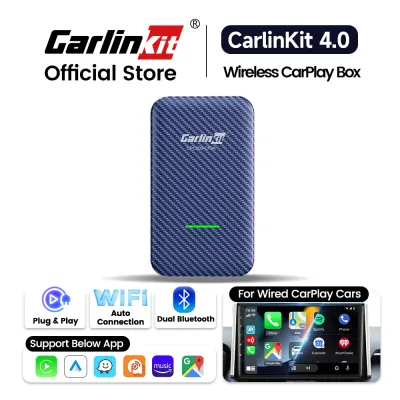
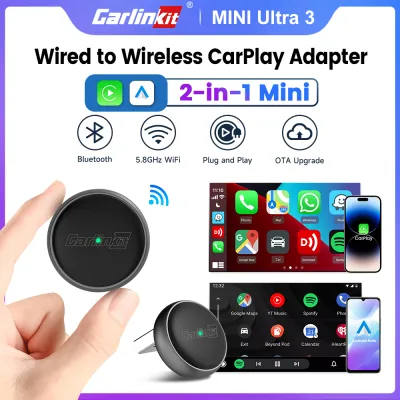
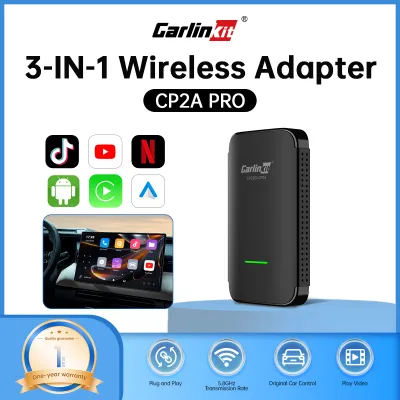
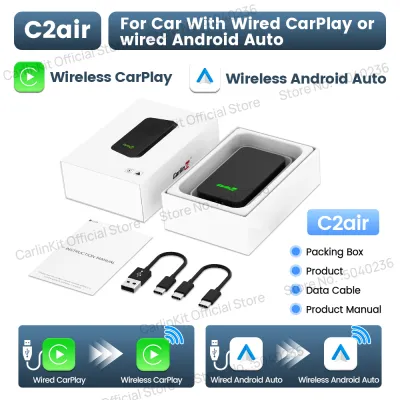
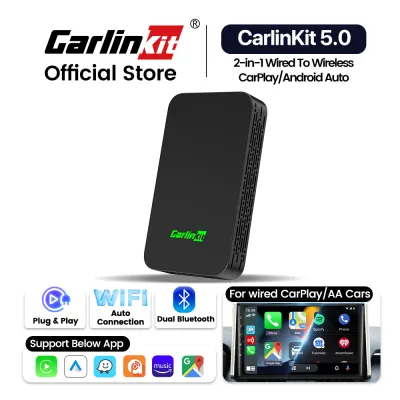
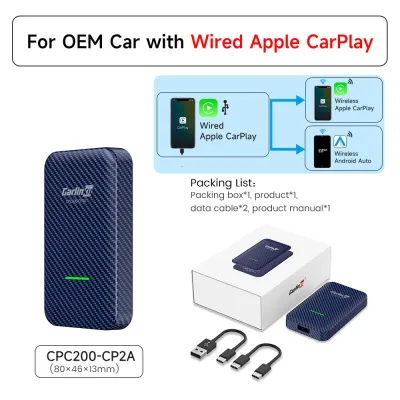
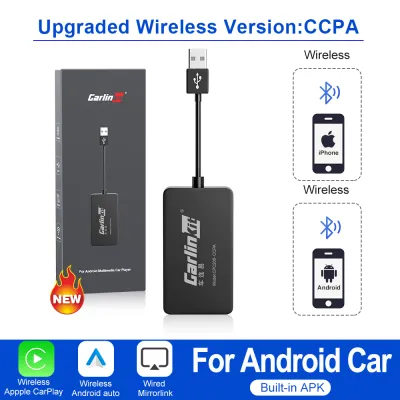
Prices are valid at publication and may change. Please refer to the product page for the latest price.
If you are unsure whether your factory system includes wired CarPlay, you can test it directly by connecting a compatible iPhone to the vehicle’s primary USB port using a certified lightning or USB-C cable. If the CarPlay interface launches on your dashboard screen, your head unit possesses the necessary foundation for a wireless conversion adapter. If nothing happens, or if the system only recognizes the phone as an external media player or USB drive, your head unit lacks the native integration required for standard wireless adapters.
Verify Vehicle and System Specifications
Once you have identified your head unit’s basic operating system, you must cross-check your vehicle’s specific make, model, and production year against the adapter manufacturer’s official compatibility documentation. Carlinkit and other adapter manufacturers maintain detailed compatibility lists online that outline which vehicle models and model years have been verified to work with their hardware. Because automotive manufacturers frequently update infotainment hardware during mid-cycle vehicle refreshes, two cars of the same model from adjacent production years may have entirely different head units.

In addition to the vehicle’s physical model year, the firmware version running on your head unit plays a critical role in compatibility. Over time, car manufacturers release software updates to resolve bugs, improve stability, and maintain compatibility with newer mobile devices. You can typically find your current firmware version within the system settings menu of your head unit. Compare this version number against the minimum baseline requirements specified in the adapter’s documentation to ensure the two systems can communicate reliably.
You must also verify whether your vehicle utilizes a standard USB data port or a proprietary media interface. Some older European and Japanese vehicles use specialized multi-pin media connectors rather than standard USB-A or USB-C ports. While adapters are available to convert these proprietary plugs to standard USB interfaces, they can introduce signal degradation or power fluctuations. Checking the exact interface type beforehand helps you determine if you will need to source specialized wiring harnesses or adapters to complete the installation safely.
Inspect Physical Ports and Installation Space
Physical compatibility is just as important as software compatibility when integrating new electronics into an older vehicle. Begin by examining the USB ports located on your dashboard or center console. Many older cars feature USB ports that are wired exclusively for charging mobile devices and do not possess the data lines necessary to transmit video and audio signals to the head unit. You can identify a data-capable port by looking for a smartphone or laptop icon next to the port, or by testing whether the port can read files from a standard USB flash drive.
The physical layout of your vehicle’s cabin and console also requires careful assessment. Wireless adapters must remain plugged into the data port continuously, which means the dongle will occupy physical space near your dashboard. You should evaluate the available space behind, below, or around the head unit console to determine where you can safely mount or tuck the adapter. Securing the device prevents it from sliding around during transit, which could strain the USB port or distract you while driving.
Electrical stability is another critical factor for older vehicles. CarPlay adapters require a consistent, stable power supply from the USB port to maintain the high-bandwidth wireless connection to your phone. Older vehicle electrical systems, or those with aging batteries and alternators, may experience voltage drops that trigger intermittent disconnects or cause the adapter to reboot. Before purchasing, ensure your vehicle’s electrical system is in good health and that the USB port provides the standard five-volt output required by modern USB accessories.
Decide on Your Next Steps Based on the Results
After completing your software, specification, and physical inspections, you can confidently decide on the best path forward for your vehicle. If your car passes every check—meaning you have a factory-wired CarPlay system, a compatible USB data port, and a healthy electrical system—you can proceed with selecting the specific Carlinkit model that matches your phone type and connection preferences. This route offers the most straightforward installation, typically requiring nothing more than plugging the adapter into your designated USB port.
If your vehicle’s factory head unit lacks wired CarPlay or runs on an incompatible proprietary operating system, you will need to consider alternative upgrade paths. The most reliable solution in this scenario is replacing the factory head unit with an aftermarket system that natively supports both wired and wireless CarPlay. Modern aftermarket head units are designed to fit a wide variety of older vehicles and can restore modern connectivity features without relying on external conversion dongles.
For complex installations involving proprietary wiring harnesses, fiber-optic audio systems, or integrated climate controls, attempting a DIY upgrade can risk damaging your vehicle’s electronics. If the compatibility requirements, firmware updates, or physical wiring steps remain unclear after your inspection, it is highly recommended to consult a professional car audio installer in Singapore. A qualified technician can assess your vehicle’s specific wiring configuration, recommend compatible hardware, and perform a clean, safe installation that preserves your vehicle’s original interior aesthetics and electrical integrity.
Frequently Asked Questions (FAQ)
Will a Carlinkit adapter work if my car only has a standard Bluetooth audio system?
No, a standard Bluetooth audio system is not sufficient to support a Carlinkit CarPlay adapter. Basic Bluetooth connections only have enough bandwidth to transmit compressed audio streams and basic telephony data, such as contact lists and call controls. CarPlay projection requires a high-bandwidth connection to transmit real-time video, touch inputs, and high-fidelity audio simultaneously. To use a conversion adapter, your vehicle must already feature a factory-installed wired CarPlay system or a compatible Android-based head unit that can handle these intensive data requirements.
Do I need to update my car's firmware before installing the adapter?
It is highly recommended to check the adapter manufacturer’s documentation for any specific firmware prerequisites before installation. While some adapters work seamlessly with older factory firmware, others require the vehicle’s head unit to be updated to the latest official version to prevent connection drops or display glitches. If your vehicle requires a firmware update that is not accessible through the user settings menu, you should consult your vehicle manufacturer’s local service center or a qualified technician to perform the update safely.
Can I use a USB hub if my older car lacks a free data-capable USB port?
Using a third-party USB hub to connect a CarPlay adapter is generally not recommended. CarPlay data transmission requires a highly stable, high-speed connection with minimal latency. Standard USB hubs often introduce signal interference, split the available power supply among multiple devices, and cause frequent connection drops or lag. To ensure reliable performance, you should connect the adapter directly to the vehicle’s primary, factory-designated USB data port without any intermediate hubs or extension cables unless specifically approved by the adapter manufacturer.
Community discussion
Share your experience or ask a question. Comments are reviewed before publication.