
To run a dash cam properly without sudden reboots or corrupted footage, you generally need a usb c car charger that can deliver a dedicated output of at least 10W (5V/2A) for standard models, or 15W (5V/3A) for advanced 4K and dual-channel systems. While many drivers assume any standard USB plug will suffice, dash cams are highly sensitive to voltage drops and current fluctuations. Selecting an adapter with insufficient wattage is one of the most common causes of missing footage during critical moments on the road.
Understanding the relationship between your camera’s power draw and your charger’s capability ensures your vehicle’s surveillance system remains active and reliable. By matching the exact power specifications of your hardware, you protect your memory card from file corruption and guarantee that your camera captures every second of your commute.
Identify Your Dash Cam’s Exact Power Input Requirements
Before purchasing a new usb c car charger, you must determine the precise electrical requirements of your specific camera model. This information is typically printed on a regulatory sticker located on the underside of the camera, on its mounting bracket, or within the technical specifications section of the user manual. If these physical sources are unavailable, the manufacturer’s official website or product documentation sheet will list the required input values.
Products mentioned in this guide
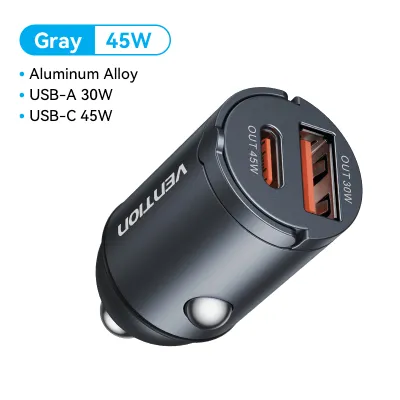
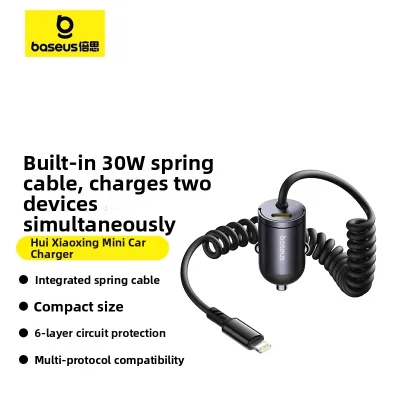
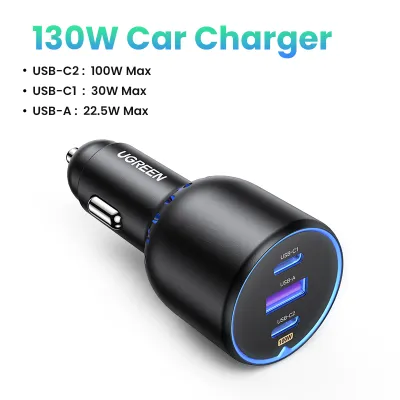
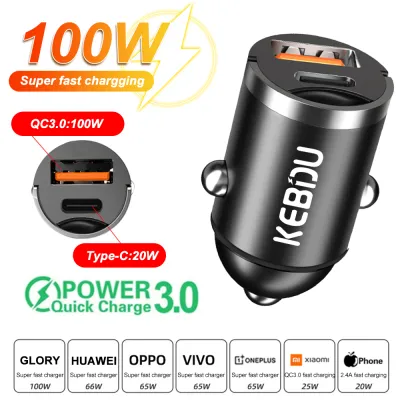
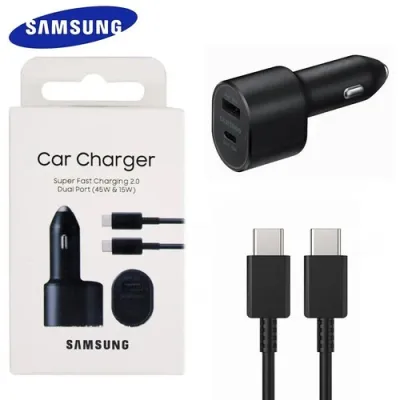
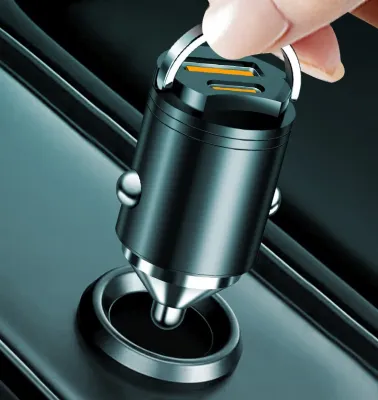
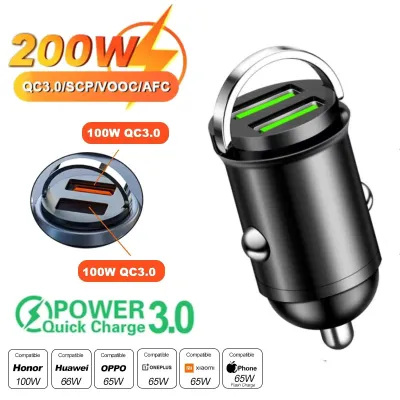
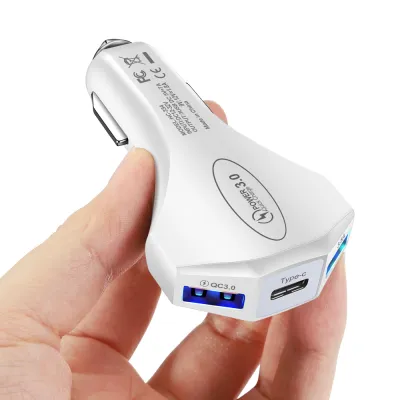
Prices are valid at publication and may change. Please refer to the product page for the latest price.
The fundamental formula to keep in mind is that wattage (W) is calculated by multiplying voltage (V) by amperage (A). For example, a standard 1080p high-definition dash cam usually operates at 5V and requires 2A of current, which translates to a power requirement of 10W.
More advanced recording systems demand significantly more power to operate their internal components. If your vehicle is equipped with a 4K resolution camera, a dual-channel system (front and rear cameras), or active artificial intelligence driver-assistance features, the device will likely require a 5V/3A (15W) profile or even rely on specific USB Power Delivery (USB-PD) standards.
Attempting to estimate your camera’s power needs based solely on its physical size or brand reputation is highly unreliable. Even compact cameras with high-resolution sensors or integrated GPS modules can have surprisingly high power demands, making verification of the exact input rating a mandatory first step before shopping for an adapter.
How to Read and Match USB-C Car Charger Output Specs
Once you know your camera’s power needs, you must inspect the technical label printed on the side of the usb c car charger you intend to buy. Look specifically for the line marked “Output” to identify the exact voltage and amperage combinations the charger can deliver. You want to ensure that the charger explicitly lists a 5V option that matches or exceeds the amperage your camera requires, such as 5V/3A.

It is important to distinguish between standard USB-C outputs and those that feature USB Power Delivery (USB-PD). Standard USB-C ports provide a fixed 5V output, whereas USB-PD ports can dynamically negotiate higher voltages—such as 9V, 12V, or 15V—to fast-charge compatible smartphones and laptops. For a dash cam, the charger must support the standard 5V rail at the required amperage, regardless of what higher-voltage profiles it can also deliver.
A frequent concern among drivers is whether using a high-wattage charger will damage their dash cam. Fortunately, electronic devices only draw the current they actually need; a charger does not force its maximum wattage into a connected device. This means plugging a 10W dash cam into a 30W or 45W USB-C port is entirely safe, provided the charger correctly outputs the standard 5V baseline.
If you select a multi-port charger to power both your dash cam and your smartphone simultaneously, pay close attention to how the total wattage is distributed. Many multi-port adapters share their power dynamically across ports, meaning that plugging in a second device might drop the primary USB-C port below the 5V/3A threshold your camera needs. Always verify that the specific port dedicated to your dash cam can output the required amperage independently and continuously.
Why Your Car’s Built-in USB Ports Often Cause Recording Gaps
Many modern vehicles come equipped with integrated USB ports in the dashboard or center console, leading drivers to believe they do not need an aftermarket adapter. However, these built-in ports are rarely designed for continuous high-power delivery. Instead, they are engineered primarily for low-power data transfers, such as syncing Apple CarPlay or Android Auto, or reading audio files from a flash drive.
These factory-installed ports typically output a meager 5V/0.5A to 5V/1A, which translates to only 2.5W to 5W of power. When a high-resolution or dual-channel dash cam is plugged into these ports, it will initially turn on but will quickly starve for power during intensive operations.
This chronic under-powering manifests as random device shutdowns, a failure to format or write to the microSD card, or missing video files—particularly emergency lock files that are triggered by sudden G-force events. To ensure your camera operates without interruption, a dedicated power adapter plugged into the vehicle’s 12V or 24V accessory socket (commonly known as the cigarette lighter socket) is almost always necessary.
The Hidden Bottleneck: USB-C Cable Current Capacity
Even the most advanced usb c car charger cannot deliver reliable power if the cable connecting it to the dash cam is inadequate. USB-C cables are not all manufactured to the same standard; while standard, high-quality cables are generally rated to handle up to 3A (60W) of current, cheap or unbranded alternatives often use thin copper wiring that cannot sustain this load over long distances.
Using a damaged, sub-par, or excessively long cable introduces electrical resistance into the circuit. This resistance causes a voltage drop over the length of the wire, meaning that even if your charger outputs a perfect 5V, the voltage may drop to 4.5V by the time it reaches the camera, triggering intermittent reboots.
To avoid these connection issues, always use the original power cable supplied by the dash cam manufacturer. If you must purchase a replacement—especially for a long run from the dashboard to the rear window—select a certified, high-quality cable from a reputable brand that explicitly supports power transfer up to 3A.
Powering Parking Mode: Hardwire Kits vs. Cigarette Lighter Sockets
For drivers who require round-the-clock surveillance to protect their vehicles when parked, relying on a standard accessory socket is rarely viable. In most modern vehicles, the 12V cigarette lighter socket is tied directly to the ignition system, meaning power is cut completely the moment you turn off the engine.
To keep your dash cam running while parked, you must install a dedicated hardwire kit that connects the camera directly to your vehicle’s fuse box. Because this process involves making direct connections to your car’s electrical system, you must consult your vehicle’s original manual and check compatibility before purchasing. If you are uncomfortable working with vehicle fuses or wiring, it is highly recommended to seek professional installation from a qualified automotive technician to ensure safety and preserve your vehicle’s warranty.
The primary advantage of a high-quality hardwire kit is its integrated low-voltage cutoff feature. This component monitors your car battery’s voltage in real-time and automatically cuts power to the dash cam if the battery drops below a pre-set threshold (such as 11.8V or 12V).
This battery protection is particularly critical for drivers in Singapore. Leaving a vehicle parked in open-air HDB or commercial carparks under the intense tropical sun can accelerate battery degradation, and running power-hungry features like radar-based motion detection or continuous time-lapse recording without a low-voltage cutoff could easily leave you stranded with a dead battery.
Heat, Safety, and Vehicle Battery Protection Boundaries
Operating electronic equipment inside a vehicle cabin presents unique thermal challenges, especially in equatorial climates where interior temperatures can soar when parked in direct sunlight. These extreme temperatures affect the efficiency of both your dash cam and your usb c car charger, making thermal safety features a top priority.
When selecting a car charger, look for models that explicitly list built-in safety certifications and protections against overcurrent, overvoltage, short-circuiting, and over-temperature conditions. High-quality chargers are housed in flame-retardant materials and use internal circuitry designed to throttle power or shut down safely if temperatures exceed safe operating limits.
Never attempt to modify your vehicle’s original wiring, bypass factory fuses, or use loose-fitting adapters that do not seat securely in the accessory socket. Loose connections can lead to electrical arcing, which generates localized heat and can damage your vehicle’s socket or cause intermittent power loss while driving.
As a routine maintenance check, periodically inspect the physical condition of your charger, cable, and mounting points. Look for any signs of plastic warping, discoloration, or stiffness in the cable jacket, and replace any components immediately if they show signs of heat damage or wear.
Frequently Asked Questions (FAQ)
Will a higher wattage USB-C charger damage my dash cam?
Using a higher wattage usb c car charger—such as a 45W, 65W, or even a 100W adapter—will not damage a dash cam that only requires 10W or 15W. USB-C technology operates on a pull-based system where the receiving device dictates how much current it draws from the power source. As long as the charger supports the standard 5V output profile required by your camera, the dash cam will only draw its required amperage, leaving the remaining capacity unused and completely safe.
Can I use my laptop’s USB-C power brick with a car power inverter?
While you can technically plug an AC power inverter into your car’s 12V socket and connect your laptop’s wall charger to it, this setup is highly inefficient for daily use. Power inverters convert direct current (DC) from your car to alternating current (AC), only for your laptop brick to convert it back to DC, a process that wastes energy and generates substantial excess heat inside the cabin. A direct, native 12V-to-USB-C car charger is a much safer, more compact, and more energy-efficient solution for your vehicle.
Community discussion
Share your experience or ask a question. Comments are reviewed before publication.