
Finding the right steering wheel stand for your phone is not a one-size-fits-all decision. The ideal mount must match your vehicle’s specific steering wheel shape, dashboard clearance, and safety configurations. While a steering wheel mount keeps your navigation directly in your line of sight, it must never compromise your control of the vehicle or block critical instrument displays.
To make an informed choice, you must evaluate how a mount interacts with your steering wheel’s rim, the space behind it, and the safety systems housed within the steering column. Prioritizing physical compatibility and unobstructed visibility will help you select a solution that is both practical and safe for your daily commute.
Assess Your Steering Wheel and Dashboard Clearance
Before purchasing any steering wheel stand, you must carefully evaluate the physical dimensions of your vehicle’s steering wheel and the surrounding dashboard area. Steering wheels vary significantly in rim thickness, cross-sectional shape, and material. Standard circular wheels with a uniform grip are generally easier to fit, but modern vehicles often feature contoured grips, thumb rests, or flat-bottomed designs. You need to measure the circumference of your steering wheel rim at the exact point where you plan to attach the mount to ensure the clamping or strap mechanism can wrap around securely without slipping during turns.
Products mentioned in this guide
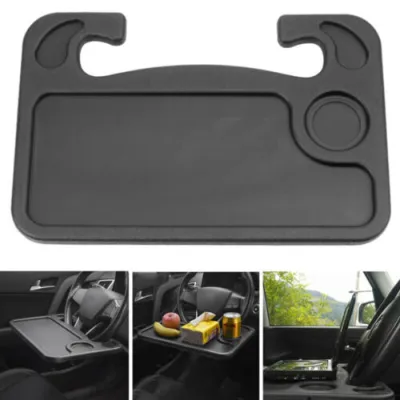
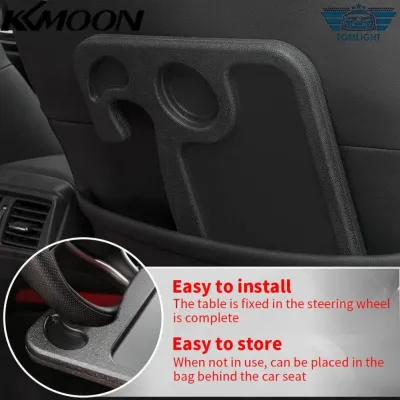
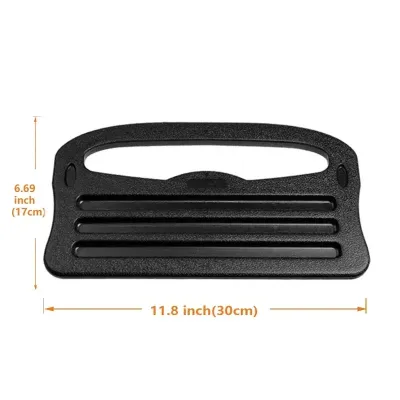
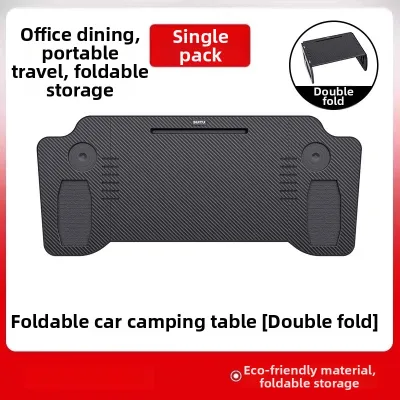
Prices are valid at publication and may change. Please refer to the product page for the latest price.
Beyond the wheel itself, you must examine the dashboard overhang and the depth of the instrument cluster. A phone mounted directly on the steering wheel sits in front of your dashboard displays. You must verify that the height and width of your phone, when placed in the mount, will not block your view of the speedometer, fuel gauge, warning lights, or digital multi-information displays. If your vehicle has a low-slung instrument cluster or a highly compact dashboard layout, a steering wheel mount may completely obscure vital driving data, making it an unsuitable choice.
Finally, test the full range of your steering column’s tilt and telescopic adjustments. Many drivers adjust their steering wheel position for comfort, but adding a phone mount can alter the clearance between the wheel and the dashboard or your legs. Ensure that when the steering wheel is pulled fully outward or pushed inward, the mounted device does not strike the dashboard trim, wiper stalks, or your knees. Performing these physical checks beforehand prevents you from buying a mount that physically restricts your driving position or damages your car’s interior panels.
Verify Airbag and Safety Clearances
Safety must be your absolute priority when installing any aftermarket accessory inside your vehicle, particularly on or near the steering wheel. The center hub of your steering wheel houses the driver’s side airbag, which is designed to deploy with extreme force in the event of a collision. You must strictly avoid placing any mount, strap, or adhesive bracket on the center hub or on any panels marked with “SRS Airbag” or similar safety indicators. If an airbag deploys beneath a mounted phone or bracket, the force will turn the device and the mounting hardware into dangerous, high-velocity projectiles inside the cabin, posing a severe risk of injury.

In addition to avoiding the center hub, you must ensure that any rim-mounted accessories do not extend inward toward the deployment zone or outward into your primary hand grip areas. During active driving, especially during tight turns or emergency maneuvers, your hands must be able to slide smoothly along the steering wheel rim without catching on the mount. A mount that protrudes too far can snag your fingers, sleeves, or jewelry, potentially causing you to lose control of the steering wheel at a critical moment. Keep the mount positioned in a neutral zone that does not interfere with your standard hand placements.
Always consult your vehicle’s owner manual before attaching any accessory to the steering assembly. Manufacturers often include specific warnings regarding aftermarket steering wheel covers, wraps, or clip-on devices. Some steering systems feature sensitive electronic sensors, heated wheel elements, or driver-monitoring cameras integrated into the steering column or rim. Attaching a heavy or tight-fitting steering wheel stand could interfere with these systems or exceed the structural limits specified by the manufacturer, potentially voiding your warranty or compromising active safety features.
Match Mount Mechanisms to Your Vehicle's Layout
Once you have verified the physical clearances and safety boundaries of your vehicle, you can compare the common types of steering wheel stands to find the best match. Clip-on and strap-based rim mounts are popular options that attach directly to the top or side of the steering wheel rim. When evaluating these, look closely at the mounting mechanism’s inner lining. A high-quality silicone or rubberized grip is essential to prevent the mount from sliding along the wheel’s texture, especially if your steering wheel is wrapped in smooth leather or synthetic materials. Ensure the strap can be tightened sufficiently so the mount remains stationary during rapid steering rotations.
Magnetic and adhesive mounts offer a lower profile but come with their own set of compatibility considerations. Adhesive mounts require a flat, non-porous surface to bond effectively, which is rarely found on textured leather or polyurethane steering wheels. Furthermore, the adhesive backing can leave a permanent residue, discolor the trim, or even tear delicate leather surfaces when removed. Magnetic mounts require you to attach a metal plate to the back of your phone or phone case. While convenient, you must ensure the magnetic connection is strong enough to withstand the vibrations of daily driving and the centrifugal force generated when turning the wheel.
If your steering wheel design, dashboard layout, or safety checks reveal that a steering wheel stand is not a viable option, you should pivot to alternative mounting locations. Dashboard-mounted suction cups, air vent clips, or windshield mounts are excellent alternatives that keep your phone within your line of sight without interfering with the steering mechanism or airbag deployment zones. These alternative locations often provide greater stability, better viewing angles, and fewer safety risks, making them a preferred choice for vehicles with complex steering wheel shapes or highly compact instrument clusters.
Installation and Operational Safety Checks
After selecting and installing your steering wheel stand, you must perform several operational safety checks before driving on public roads. Start by verifying the mount’s grip stability while the vehicle is parked. Apply firm, multi-directional pressure to the mount and the phone to ensure there is no slippage, shifting, or twisting. If the mount moves even slightly under manual pressure, it is highly likely to shift during a turn, which could distract you or interfere with your steering input.
Next, pay close attention to how the added weight of the mount and your phone affects the steering wheel’s dynamics. The combined weight can introduce subtle vibrations, rattling noises, or minor balance issues, particularly at higher speeds. If you notice any unusual resistance or a change in the self-centering behavior of the steering wheel, remove the mount immediately. The steering system must always feel smooth and responsive, free from any mechanical interference or artificial weight imbalances.
Finally, confirm that the mounted device does not obstruct any of the control stalks or paddles behind the steering wheel. You must be able to operate the turn signals, windshield wipers, and paddle shifters comfortably without your fingers hitting the phone or the mount. Ensure your hands can transition smoothly between different steering positions without any physical obstruction, maintaining complete control over all primary vehicle functions at all times.
Frequently Asked Questions (FAQ)
Can a steering wheel mount damage the leather or trim?
Yes, constant vibration and friction from clip-on or strap-based steering wheel stands can wear down leather, synthetic wraps, or plastic trim over time. The pressure exerted by tight clamps can leave permanent indentations, while the movement of the mount during steering can scuff or scratch delicate surfaces. To mitigate this risk, check your vehicle’s material care guidelines and consider placing a thin, protective layer of soft microfiber or silicone padding between the mount and the steering wheel surface.
Are there legal restrictions on steering wheel phone mounts in Singapore?
In Singapore, drivers must comply with strict regulations regarding mobile device usage and driver visibility. According to the Road Traffic Act, holding a mobile communication device while driving is an offence. While using a mounted phone for navigation is generally permitted, the mount itself must not obstruct your clear line of sight of the road or block your view of the vehicle’s instrument panel. Any steering wheel stand that interferes with your physical control of the vehicle or creates a distraction can be deemed unsafe by the traffic police, potentially leading to penalties. Always ensure your mounting solution complies with local traffic safety guidelines before setting off.
Community discussion
Share your experience or ask a question. Comments are reviewed before publication.