
Riding a motorcycle in Singapore offers an efficient way to navigate busy expressways and urban corridors, but keeping your eyes on a smartphone mounted to your handlebars presents distinct challenges. Sudden afternoon downpours, intense equatorial heat, and high-frequency engine vibrations can quickly damage a standard mobile device. Upgrading to a dedicated motorcycle Android Auto display provides a safer, more durable navigation and media hub. By mirroring your smartphone’s interface onto a ruggedized, weather-resistant screen, you keep your expensive phone safely tucked away in a pocket or under-seat compartment. However, selecting the right display requires careful evaluation of physical protections, screen technology, electrical compatibility, and mounting systems tailored to Singapore’s unique tropical environment.
Key Physical Protections for Tropical Riding Conditions
When riding through a sudden monsoon downpour on the Pan Island Expressway, your equipment faces severe water ingress risks. The first specification to verify is the unit’s Ingress Protection (IP) rating. Look for a minimum rating of IP67, which certifies that the display can withstand immersion in water up to one meter deep for 30 minutes. Some premium units offer IP68 or IP69K ratings, providing superior protection against high-pressure water jets. However, keep in mind that these ratings are tested under controlled laboratory conditions. In practice, high-pressure sprayers at local self-service washing bays can easily bypass rubber seals, so you should always avoid directing water jets directly at the display or its cable entry points.
Beyond water resistance, Singapore’s intense ultraviolet (UV) radiation and high ambient temperatures pose a constant threat to outdoor-parked motorcycles. Prolonged exposure to direct sunlight can cause cheap plastic enclosures to become brittle, crack, or fade. More critically, extreme heat can lead to screen delamination, where the adhesive holding the display layers together softens and fails, resulting in permanent air bubbles or yellowing. When evaluating a display, check the manufacturer’s specifications for UV-stabilized housing materials and an operating temperature range that extends to at least 60°C or 70°C to ensure the unit can handle direct solar soaking.
Products mentioned in this guide
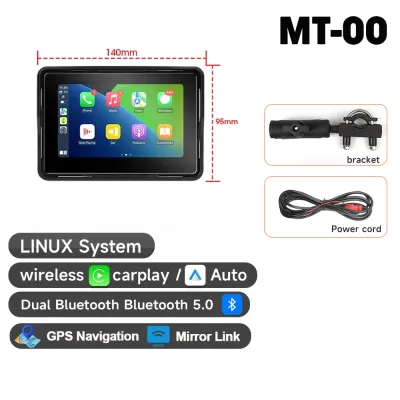
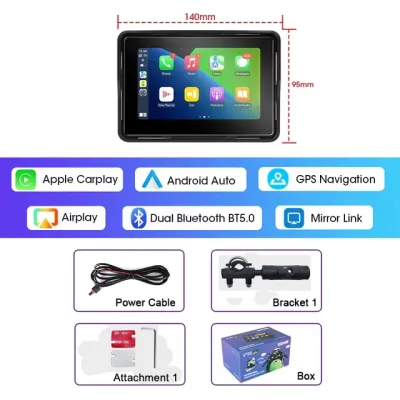
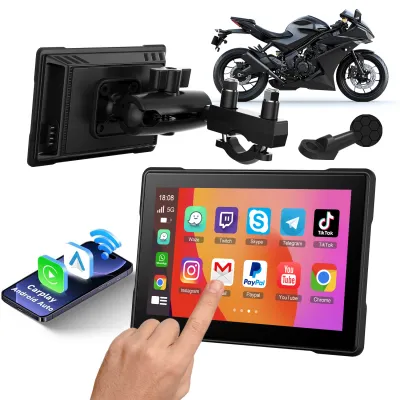
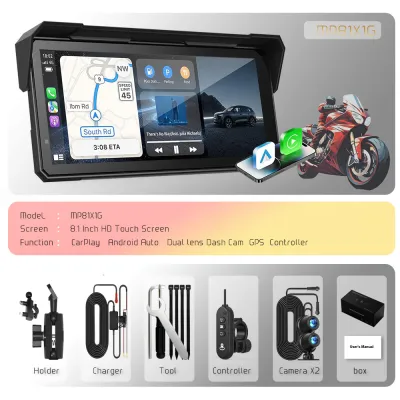
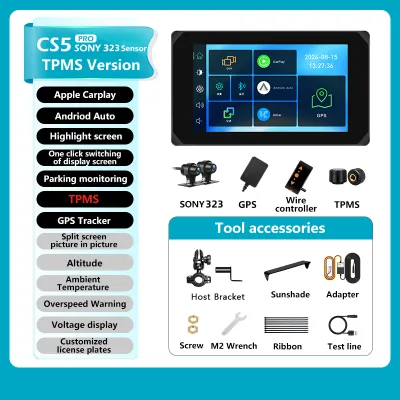
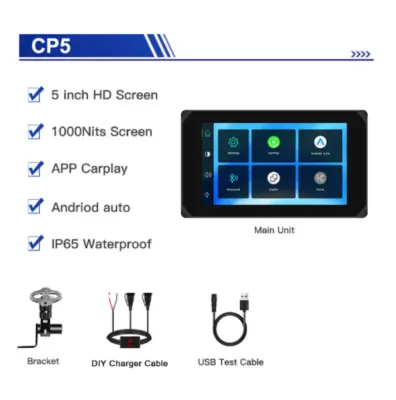
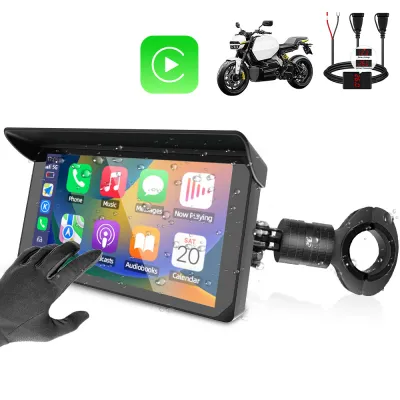
Prices are valid at publication and may change. Please refer to the product page for the latest price.
Internal thermal management is equally vital for long-term reliability. Many consumer electronics rely on internal lithium-ion batteries, which are highly susceptible to swelling, degradation, and even thermal runaway when exposed to high heat. For a motorcycle display, it is highly recommended to choose a battery-less design that draws power directly from the motorcycle’s electrical system. These units utilize passive cooling designs, such as integrated aluminum heat sinks on the rear casing, to dissipate heat efficiently without relying on moving parts like fans, which are prone to failure when exposed to road dust and moisture.
Assessing Screen Readability and Touch Response in Sunlight
Equatorial sunlight at noon can render standard consumer screens completely unreadable. To maintain clear visibility of your navigation maps, you must look closely at the display’s peak brightness, measured in nits. A standard smartphone or car display typically offers 400 to 600 nits, which is insufficient under direct sunlight. For safe motorcycle riding, prioritize displays that specify a peak brightness of at least 800 to 1000 nits. Additionally, verify if the screen features optical bonding, a manufacturing process that eliminates the air gap between the outer glass and the LCD panel. This treatment significantly reduces internal reflections and glare, dramatically improving contrast in bright conditions.

Another common optical hurdle is the use of polarized sunglasses, which can cause the screen to appear completely black at certain viewing angles. Before purchasing, check if the display utilizes a circular polarizing filter or is specifically designed to remain visible through polarized lenses. Touchscreen usability is also critical when wearing riding gear or operating in wet weather. Standard capacitive touchscreens often misinterpret water droplets as finger presses, causing erratic screen behavior during a downpour. Look for displays that feature wet-touch algorithms or resistive touch technology, which relies on physical pressure rather than electrical conductivity, ensuring reliable inputs even when the screen is wet or when you are wearing heavy leather riding gloves.
Rapidly changing lighting conditions require a responsive display that adapts automatically. When transitioning from bright open roads into dark underpasses or long tunnels like the Marina Coastal Expressway or Kallang-Paya Lebar Expressway, a screen stuck at maximum brightness can temporarily blind you. Conversely, a dim screen is unreadable when exiting back into the glare. Ensure the display includes a built-in ambient light sensor with adjustable sensitivity, allowing the backlight to transition smoothly and quickly between day and night modes without requiring manual intervention while riding.
Electrical Compatibility and Vibration-Safe Mounting
Integrating an aftermarket electronic accessory requires a clear understanding of your motorcycle’s electrical capacity. While a compact Android Auto display typically draws a modest 1 to 2 amperes of current, you must cross-reference this with your bike’s stator output and battery capacity, especially if you ride a smaller-capacity commuter bike or have already installed other accessories like auxiliary lights, dash cameras, or horn upgrades. To prevent draining your battery, never wire the display directly to the battery terminals without an ignition-switched relay. The wiring harness should connect to an accessory power source, ensuring the display turns off automatically when the ignition key is turned off.
Physical installation must account for the destructive nature of motorcycle vibrations. Single-cylinder and twin-cylinder engines produce high-frequency vibrations that travel directly up the forks to the handlebars. Over time, these vibrations can crack internal solder joints on the display’s circuit board, leading to intermittent power loss or complete device failure. Furthermore, if you plan to connect your smartphone via a wired connection, these vibrations can destroy the delicate optical image stabilization systems in modern phone cameras. To mitigate this, invest in a high-quality mounting system that incorporates rubber vibration isolators or dampeners designed specifically for motorcycle use.
Cable management is the final piece of a reliable installation. When routing the power harness from the battery or fuse box to the handlebars, ensure the cables are protected by high-temperature split-loom tubing. Route the wiring carefully along the frame, keeping it clear of hot engine components, the exhaust system, and sharp metal edges. Crucially, leave enough slack around the steering column to allow the handlebars to turn fully from lock to lock without pinching, stretching, or binding the cables. Use waterproof, multi-pin connectors for any disconnect points to simplify maintenance and protect the electrical joints from corrosion.
Evaluating Connectivity and Rider-Focused Controls
Motorcycle Android Auto displays generally offer both wired and wireless connectivity options, each with distinct trade-offs in a tropical climate. Wireless connection via dual-band Wi-Fi and Bluetooth is highly convenient, allowing you to keep your phone safely zipped inside a pocket or backpack. However, running GPS navigation, cellular data, and wireless screen projection simultaneously causes smartphones to generate significant internal heat. In Singapore’s high ambient temperatures, a phone sealed in a pocket can quickly overheat, trigger thermal throttling, or shut down entirely. A wired connection via a waterproof USB cable keeps the phone charged and reduces its thermal load, but requires routing an additional cable and securing the phone in a ventilated, shaded compartment.
Interacting with a touchscreen while riding is highly dangerous and can lead to traffic violations. To minimize distractions, prioritize displays that support external control interfaces. Some systems offer handlebar-mounted physical remotes that allow you to cycle through navigation screens, adjust volume, or accept calls without taking your hands off the grips. Additionally, verify that the display integrates seamlessly with voice assistant platforms like Google Assistant, enabling you to control your navigation and media using voice commands spoken into your helmet’s microphone.
Audio routing is another critical consideration for clear navigation prompts and communication. The display should support a dual-channel Bluetooth setup. This configuration allows your smartphone to connect to the display for visual navigation while simultaneously routing the audio output directly to your helmet’s Bluetooth intercom system. Relying on the display’s built-in speakers is highly discouraged, as they are rarely loud enough to be heard over wind noise, traffic, and engine rumble at expressway speeds, and can distract surrounding road users.
Final Pre-Purchase Verification Checklist
Before finalizing your purchase of a motorcycle Android Auto display, use this structured checklist to verify that the unit meets your specific riding needs and safety requirements:
- Confirm the display has a certified IP67 or higher weatherproofing rating.
- Verify the peak brightness is at least 800 nits and features an anti-glare or optically bonded screen.
- Ensure the mounting hardware includes high-frequency vibration dampening.
- Check that the unit's power draw is compatible with your motorcycle's charging system and utilizes an ignition-switched power source.
- Verify that the display supports dual-channel Bluetooth for direct audio routing to your helmet headset.
Always consult your specific motorcycle model’s owner manual before performing any electrical modifications. Altering the factory wiring harness can void your vehicle’s warranty or interfere with sensitive onboard electronics like ABS or traction control systems. If the manufacturer’s documentation does not explicitly cover aftermarket accessory installation, or if you encounter any electrical conflicts during planning, stop immediately and consult a qualified motorcycle technician at a reputable local workshop.
When planning your purchase, allocate your budget realistically across the entire setup. A reliable, high-quality display unit typically ranges from S$150 to S$400. Do not skimp on the mounting hardware; expect to allocate S$50 to S$100 for a premium, vibration-dampened mount. Finally, if you are not experienced with motorcycle electrical systems, set aside S$50 to S$120 for professional installation fees at a professional workshop to ensure a clean, safe, and fused connection that protects your motorcycle’s electrical integrity.
Frequently Asked Questions (FAQ)
Can I use a standard car Android Auto display on a motorcycle?
No, using a standard car display on a motorcycle is highly discouraged and unsafe. Car displays are designed for climate-controlled vehicle interiors and lack the necessary weatherproofing to survive sudden tropical downpours or high humidity. They also lack the robust internal construction required to withstand continuous, high-frequency motorcycle vibrations, which will quickly damage internal components. Furthermore, car screens typically have much lower peak brightness levels (often under 500 nits) and lack anti-glare treatments, making them completely unreadable under direct equatorial sunlight.
Will the screen overheat if parked under the sun in Singapore?
Yes, any electronic display left in direct sunlight in Singapore can overheat. When parked outdoors, solar radiation can cause the display’s internal temperatures to far exceed the ambient air temperature, risking screen delamination, adhesive failure, or temporary processor shutdown. To protect your investment, try to park in shaded areas, such as multi-storey carparks, whenever possible. If you must park in an open lot, use a breathable motorcycle cover to shield the handlebars, or choose a display mount with a quick-release mechanism that allows you to easily detach the screen and carry it with you.
Community discussion
Share your experience or ask a question. Comments are reviewed before publication.