
Upgrading an older vehicle with modern wireless connectivity requires matching the right car link kit to your specific dashboard setup. There is no single “best” option for every vehicle; the ideal choice depends entirely on your car’s existing physical interfaces, your tolerance for audio compression, and whether you need hands-free calling or just music streaming. This guide breaks down the operational requirements, audio characteristics, and compatibility limits of FM transmitters, AUX adapters, and USB-based kits to help you make a reliable upgrade decision.
Many drivers of older vehicles find themselves stuck between the desire for modern smartphone integration and the high cost of replacing a perfectly functional factory dashboard head unit. While a complete infotainment overhaul can be expensive and require complex dashboard disassembly, a simple car link kit can bridge the technology gap for a fraction of the effort. However, choosing the wrong adapter type can lead to frustrating audio static, ground loop noise, or complete incompatibility with your car’s electrical system. By understanding how each technology interfaces with your vehicle, you can select an upgrade that delivers clear sound and reliable daily operation.
Assessing Your Older Car's Audio Interfaces
To determine which car link kit is compatible with your vehicle, you must first conduct a thorough physical audit of your dashboard and center console. The presence or absence of specific ports dictates your upgrade path.
Products mentioned in this guide
Prices are valid at publication and may change. Please refer to the product page for the latest price.
Begin by searching for a 3.5mm auxiliary (AUX) input. This port is typically located on the faceplate of the factory radio, inside the center console storage bin, or near the bottom of the dashboard stack. Be careful not to confuse a front-row AUX input with headphone jacks intended for rear-seat entertainment screens, as these rear jacks generally do not route audio to the vehicle’s primary speaker system.
Next, examine any built-in USB ports. Older vehicles often feature USB ports that are strictly wired for 5V power delivery, meaning they can charge a mobile device but cannot transmit data or audio signals to the head unit. To verify whether a port supports data, consult your vehicle owner’s manual or plug in a standard USB flash drive loaded with audio files to see if the head unit recognizes the source.
Locate your 12V cigarette lighter sockets. These sockets serve as the primary power source for most aftermarket adapters. Note their physical proximity to the radio and air vents, as this will influence how you route power cables and where you mount the receiver to avoid cluttering your gear shifter or climate controls.
Finally, evaluate your factory steering wheel controls. Standard steering wheel buttons in older cars typically rely on resistor-based analog signals or proprietary digital protocols to communicate with the factory radio. Understanding this setup is crucial, as basic plug-and-play adapters cannot interface with these controls without specialized, vehicle-specific wiring harnesses.
FM Transmitters: The Universal but Compromised Option
FM transmitters represent the most universally compatible car link kit category, serving as a fallback option for vehicles that lack any auxiliary inputs or data-capable USB ports.

The operational mechanism of an FM transmitter is straightforward: the device receives an audio signal from your smartphone via Bluetooth and broadcasts it as a low-power FM radio signal over a short distance. To hear the audio, you tune your car’s factory radio to the exact frequency broadcast by the transmitter.
While highly accessible, this signal path introduces significant audio quality compromises. Because the audio is converted from a digital Bluetooth stream to an analog radio frequency, it is highly susceptible to radio frequency (RF) interference. In urban environments with crowded radio bands, you will likely experience static, signal drift, and audio dropouts as commercial broadcast towers overpower your transmitter.
Furthermore, FM transmission inherently compresses the audio signal, limiting dynamic range and often reducing stereo separation to a flat, mono-like sound profile. This makes FM transmitters less than ideal for listeners who prioritize high-fidelity music reproduction.
Physical installation requires plugging the transmitter into a 12V power socket. Depending on the design, the unit may protrude significantly from your dashboard or console, potentially interfering with nearby controls. You must also manage the physical placement of the device to ensure the integrated microphone is positioned close enough to your face for clear voice pickup during calls.
Setting up the device requires manual configuration. You must scan your local radio dial to identify a completely empty frequency—one characterized only by static. Once identified, you program both the transmitter and your car radio to this frequency. In regional areas or during long road trips, you may need to repeat this process frequently as you enter areas with different local broadcast stations.
AUX Bluetooth Adapters: Better Audio with Power Caveats
For vehicles equipped with a 3.5mm auxiliary input, an AUX Bluetooth adapter offers a substantial step up in audio fidelity by establishing a direct, wired connection to the car’s amplifier.
Unlike FM transmitters, which rely on wireless radio broadcasts, an AUX adapter receives the digital Bluetooth signal from your phone, decodes it internally, and sends a line-level analog audio signal directly into the vehicle’s sound system via a physical cable. This direct path eliminates RF interference, static, and signal dropouts, resulting in a much cleaner, more consistent listening experience with full stereo separation.
However, AUX adapters introduce specific power management and installation considerations. These devices require a continuous power source to operate, which typically means running a USB power cable from the adapter to a 12V-to-USB charger plugged into your cigarette lighter socket or to an adjacent USB port. This dual-cable requirement (one for audio, one for power) can create visible cable clutter on your dashboard if not carefully routed.
A common technical issue with AUX adapters is the introduction of alternator whine or ground loop noise. This manifests as a high-pitched buzzing sound that rises and falls with the vehicle’s engine speed. It occurs when the audio source and the power source share a common ground loop through the car’s electrical system. Resolving this issue often requires purchasing an additional passive ground loop isolator, which plugs inline between the adapter and the AUX port to filter out the electrical noise.
Hands-free calling performance is another variable factor. Because the adapter is typically mounted near the AUX port—which may be low on the dashboard or hidden inside a console—the built-in microphone is often poorly positioned to capture your voice. To achieve acceptable call quality, look for kits that feature a separate, clip-on microphone with a long cable that can be routed up the dashboard pillar to the sun visor or steering column, away from floor-level road noise.
USB CarPlay and Bluetooth Kits: Premium Features, Strict Compatibility
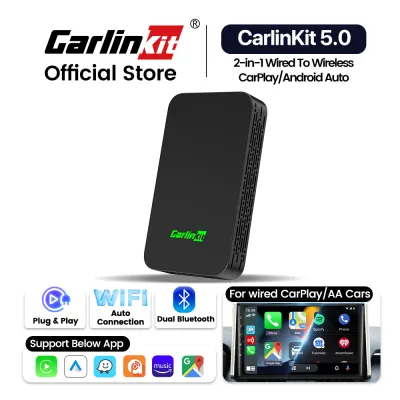
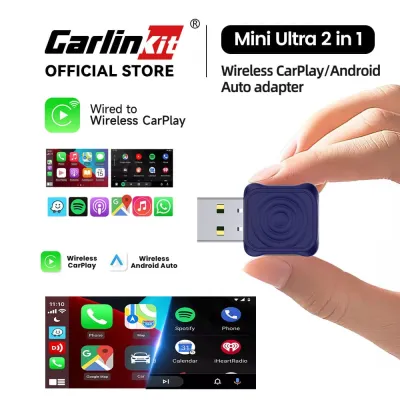
USB-based car link kits, including advanced CarPlay and Android Auto integration boxes, represent the premium tier of aftermarket Bluetooth upgrades, offering seamless dashboard integration and superior feature sets.
It is critical to distinguish between simple USB Bluetooth audio receivers and full integration kits. Simple USB receivers plug into a factory USB port and emulate a USB flash drive or an iPod, requiring the car’s head unit to support specific audio decoding profiles (such as A2DP or mass storage class playback). Full integration boxes, on the other hand, act as a hardware bridge to project a complete smartphone interface onto your car’s factory screen.
The primary limitation of these kits is their strict compatibility requirements. If your vehicle’s USB port is wired solely for charging and lacks a direct data connection to the factory head unit, these kits will not function. The head unit must possess the necessary internal hardware and firmware to process data streams from the USB port.
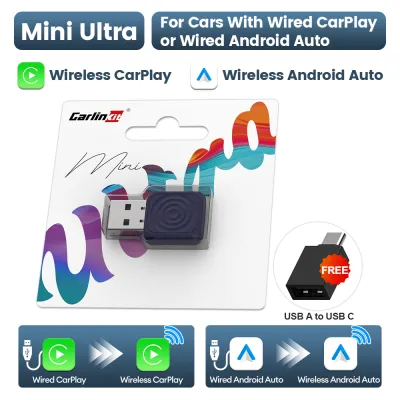
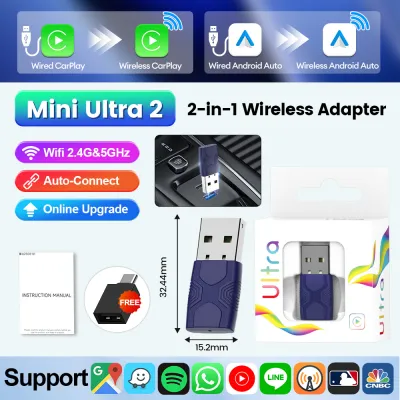
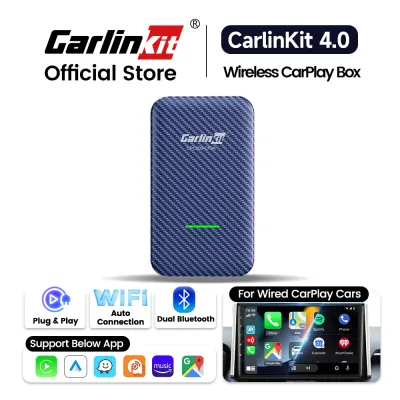
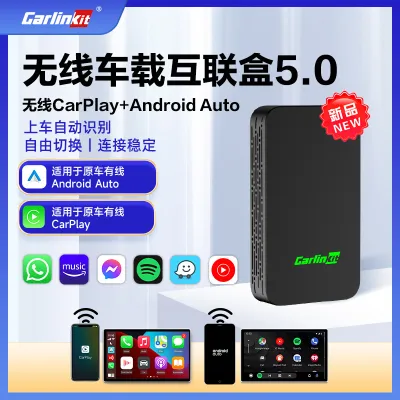
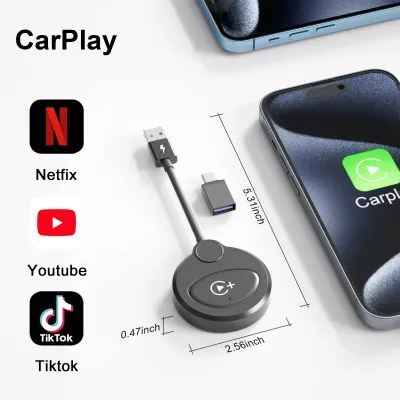
For CarPlay and Android Auto integration boxes, the requirements are even more stringent. These devices do not add CarPlay to a radio that never had it; rather, they typically convert an existing wired CarPlay system into a wireless one, or they require a factory head unit that runs a compatible operating system capable of hosting the integration software. The kit acts as a video and data bridge, translating wireless signals from your phone into the specific wired protocols expected by the factory screen.
Before purchasing any USB-based integration kit, you must verify your exact head unit part numbers, software versions, and vehicle model years against the manufacturer’s official compatibility list. Attempting to force compatibility on an unsupported system can result in system crashes, unresponsive screens, or potential damage to the vehicle’s infotainment firmware. If your upgrade requires any electrical modifications or disassembly of the dashboard, always consult the original vehicle documentation and consider seeking qualified professional installation to preserve your vehicle’s electrical integrity and road safety.
Comparison Matrix: Matching the Kit to Your Needs
To help you quickly evaluate which upgrade path aligns with your vehicle’s layout and your personal preferences, the following matrix compares the three primary car link kit technologies across key operational dimensions.
| Upgrade Type | Required Car Interfaces | Audio Quality Potential | Installation Complexity | Hands-Free Call Quality | Best Suited For |
|---|---|---|---|---|---|
| FM Transmitter | Working 12V socket and functional FM radio | Moderate (prone to static and RF interference) | Very Low (plug-and-play into 12V socket) | Low (microphone is often far from driver) | Older vehicles with no AUX or data USB ports |
| AUX Bluetooth Adapter | 3.5mm AUX input and nearby USB or 12V power source | High (direct wired connection, clear stereo sound) | Low to Moderate (requires routing power and audio cables) | Moderate (depends heavily on microphone placement) | Vehicles with an AUX port prioritizing music quality |
| USB CarPlay / Bluetooth Kit | Data-capable USB port and compatible factory head unit | Excellent (lossless digital transfer or high-bandwidth wireless) | Moderate to High (may require firmware updates or professional setup) | High (utilizes vehicle's integrated microphone or premium kit mic) | Modern-classic vehicles with compatible factory screens |
Decision Framework: Which Car Link Kit Should You Buy?
To select the correct car link kit, follow a logical decision path based on your vehicle’s physical layout and your personal audio priorities.
Choose an FM Transmitter if your vehicle lacks both a 3.5mm AUX input and a data-capable USB port, and you do not wish to perform invasive dashboard modifications. This is the most cost-effective and universal solution, though you must accept the trade-offs of potential radio interference and compressed audio quality.
Choose an AUX Adapter if your car features a working 3.5mm input and you prioritize consistent, high-fidelity music playback over advanced screen integration. This path offers the best balance of audio quality and simple installation, provided you are willing to manage the power cables and potentially install a ground loop isolator to eliminate electrical noise.
Choose a USB CarPlay or Bluetooth Kit if your vehicle’s factory head unit explicitly supports data protocols through its USB port, and you desire advanced features like steering wheel control integration, on-screen navigation, or superior hands-free call quality. This option provides the most seamless, modern user experience but requires careful verification of hardware compatibility.
Regardless of the path you choose, always verify the retailer’s return policy before purchasing. Because older automotive electrical systems and factory infotainment firmware can exhibit highly specific compatibility quirks, physical testing in your actual vehicle is often the only definitive way to confirm that a specific car link kit will operate reliably without electrical interference or software conflicts.
Frequently Asked Questions (FAQ)
Will a Bluetooth adapter drain my car battery if left plugged in?
Whether a Bluetooth adapter drains your car battery depends entirely on how your vehicle’s 12V accessory sockets or USB ports are wired. In many older vehicles, the 12V cigarette lighter socket is switched, meaning power is cut completely when you turn off the ignition and remove the key. In this scenario, leaving the adapter plugged in poses no risk of battery drain.
However, some vehicles feature constantly live 12V sockets that draw power directly from the battery even when the engine is off and the vehicle is locked. If your adapter’s LED indicator lights remain illuminated after you exit the vehicle, the device is drawing a small amount of parasitic current. Over several days of inactivity, this continuous draw can weaken or completely drain an older car battery. If your vehicle has a constantly live socket, you should unplug the adapter when parking the car for extended periods.
Can I use my factory steering wheel controls with these adapters?
Standard plug-and-play FM transmitters and AUX Bluetooth adapters operate completely independently of your vehicle’s internal data networks, such as the CAN bus or analog steering wheel control circuits. Because these adapters only receive an audio stream and have no data connection to the steering wheel buttons, you cannot use your factory steering wheel controls to skip tracks or answer calls. You must control playback directly from your smartphone or via the physical buttons on the adapter itself.
Only specific, hardwired integration modules or advanced USB kits designed for compatible head units can translate steering wheel button presses into Bluetooth commands. These advanced systems require a direct data connection to the vehicle’s wiring harness to intercept the control signals. If retaining steering wheel control functionality is a priority, you will need to verify compatibility with specialized integration hardware rather than relying on basic auxiliary or FM broadcast adapters.
Community discussion
Share your experience or ask a question. Comments are reviewed before publication.