
To find the best phone holder for your Tesla Model Y seat back organizer, you must first evaluate how the mount anchors to the vehicle’s unique interior architecture. Because the Model Y features integrated front seats with a continuous headrest design rather than traditional exposed dual metal poles, standard universal headrest mounts cannot be installed in the typical fashion. Instead, you must choose between a specialized mount that clips directly into the seams of the front seat’s plastic back shell or a holder that integrates seamlessly with the straps, webbing, or rigid panels of your aftermarket seat back organizer.
Selecting the right combination ensures that rear passengers—whether children watching a movie or adults tracking a road trip route—have a clear, stable, and safe view of their devices. By understanding the physical constraints of the Model Y cabin and the structural limits of different organizer materials, you can avoid common pitfalls like excessive screen vibration, damaged upholstery, or compromised passenger safety.
Assessing Model Y Seat and Organizer Compatibility
Before purchasing any phone holder, you must carefully examine the physical design of your Model Y’s front seats and the specific construction of your seat back organizer. The Model Y front seats are wrapped in a premium polyurethane vegan leather. While this material is highly durable and easy to clean, it is sensitive to prolonged concentrated pressure, friction, and harsh chemical adhesives. If your seat back organizer hangs from the top of the seat, it typically utilizes a strap that wraps around the narrow neck of the integrated headrest or hooks that slip into the top seam of the plastic seat back shell. You must ensure that any additional phone mount does not pinch or tear this material.
Products mentioned in this guide
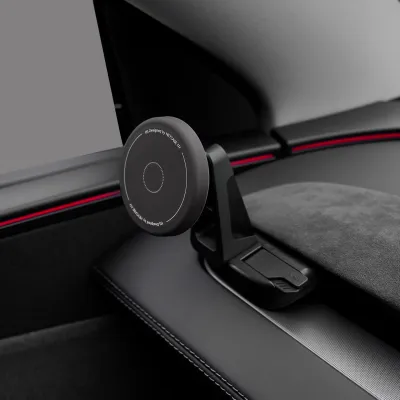
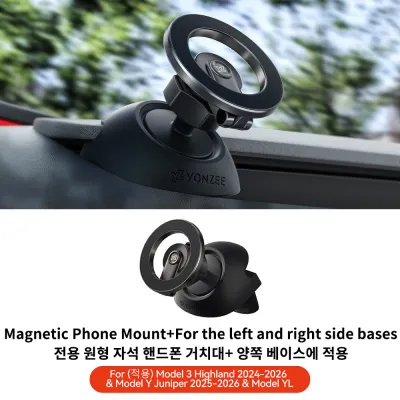
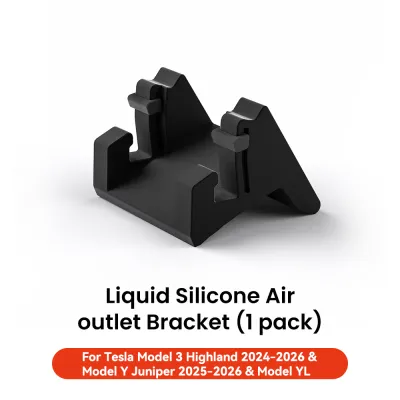
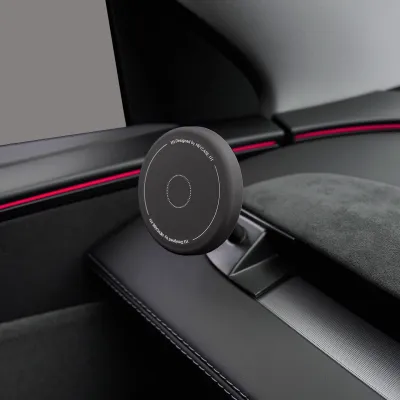
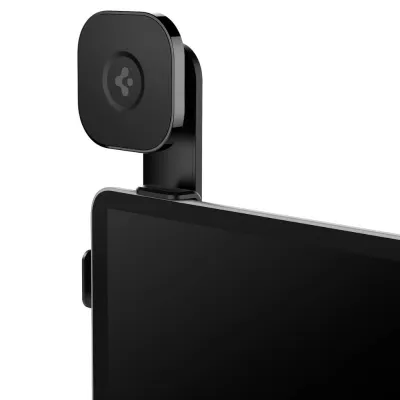
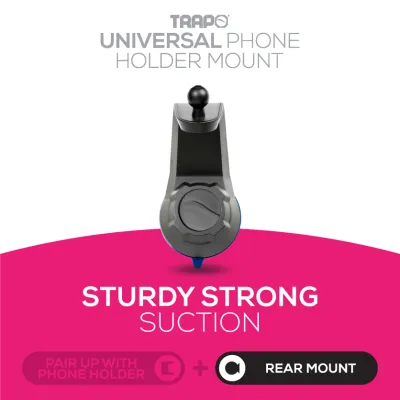
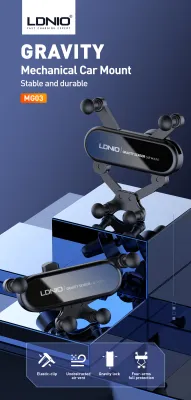
Prices are valid at publication and may change. Please refer to the product page for the latest price.
Next, evaluate the structural rigidity of the seat back organizer itself. If you plan to attach a phone holder directly to the organizer’s fabric, pockets, or webbing, you must assess the weight of your mobile device. A modern smartphone can weigh over 200 grams, and when placed on a flexible fabric surface, gravity will inevitably cause the pocket or strap to sag. This sagging results in a drooped viewing angle and excessive screen bounce while the vehicle is in motion. For direct attachment, look for organizers that feature a reinforced, rigid backboard made of polyethylene plastic or thick, high-density felt that distributes the weight of the phone holder evenly across the seat back.
If your organizer is entirely soft-sided, a mount that attaches directly to the vehicle’s seat structure is generally preferred. In this scenario, you must measure the gap width and depth at the top of the plastic seat back shell. Many aftermarket Tesla-specific mounts are designed to clip into this exact seam. Verifying these dimensions beforehand prevents you from buying a clamp that is either too thick to fit into the seam or too loose to remain secure during your drive.
Comparing Mount Types for Seat Back Integration
When integrating a phone holder with a seat back organizer, you will generally choose from three primary mounting styles, each offering distinct advantages and trade-offs in terms of stability, adjustability, and installation ease.

Tesla-specific seat back clamps are engineered specifically for the Model Y’s seat geometry. These mounts typically feature a thin, curved bracket that slides directly into the narrow gap between the front seat’s leather upholstery and the hard plastic back shell. Because they anchor directly to the vehicle’s rigid seat frame, they provide an incredibly stable, wobble-free platform that operates independently of the organizer. This design allows you to hang a heavy organizer below the mount without compromising the phone’s stability. However, you must ensure the bracket has a soft protective lining to avoid scratching the plastic shell or tearing the vegan leather seam.
Strap and webbing mounts are designed to clip directly onto the MOLLE (Modular Lightweight Load-carrying Equipment) webbing, horizontal straps, or mesh pockets of your seat back organizer. These holders usually feature heavy-duty spring clips, utility hooks, or hook-and-loop straps that thread through the organizer’s existing attachment points. This style is highly versatile, allowing you to position the phone at various heights depending on the passenger’s needs. The primary trade-off is stability; because the mount relies entirely on the tension of the organizer’s straps, any slack in the organizer will translate into screen movement when driving over uneven surfaces.
Adhesive and suction mounts are best suited for seat back organizers that feature integrated hard plastic trays, folding tables, or flat, non-porous panels. These mounts use a vacuum suction cup or a semi-permanent adhesive pad to bond with the flat surface. While they offer clean aesthetics and flexible placement, they are highly dependent on surface preparation and environmental conditions. In warm climates, such as Singapore’s tropical weather, cabin temperatures inside a parked car can rise significantly, which can weaken adhesive bonds over time. If you choose an adhesive mount, always verify that the adhesive is rated for high-temperature automotive environments and avoid applying it directly to textured fabrics or the vehicle’s original vegan leather.
Evaluating Stability and Viewing Angles for Rear Passengers
Rear passengers, particularly children watching videos on long drives, are highly sensitive to screen vibration. The Model Y’s suspension is tuned for a responsive, sporty feel, which means road vibrations and minor bumps are easily transmitted into the cabin. To prevent eye strain and motion sickness, your chosen phone holder must incorporate effective vibration dampening. Look for mounts with short, rigid extension arms rather than long, flexible goosenecks, as shorter arms minimize the leverage that amplifies road vibrations. Additionally, mounts featuring rubberized or silicone-padded cradles help absorb high-frequency vibrations before they reach the device.
Multi-axis adjustability is another crucial factor for passenger comfort. Rear passengers vary greatly in height, and their seating positions will change depending on whether they are sitting upright or reclining the rear seats. A phone holder equipped with a high-quality ball joint allows for 360-degree rotation and wide-angle tilting. This adjustability is especially important in the Model Y to combat glare from the expansive glass roof. Being able to tilt the screen downward or away from direct sunlight ensures a clear view without requiring the passenger to unbuckle or strain their neck.
Finally, assess the retention strength of the holder’s grip mechanism. The mount must hold your phone securely during sudden braking, sharp cornering, or emergency maneuvers. Spring-loaded cradles provide a highly secure physical grip by wrapping around the sides and bottom of the device, often featuring a quick-release button for easy removal. Magnetic mounts, particularly those compatible with MagSafe technology, offer excellent convenience for quick, one-handed mounting. However, if you choose a magnetic mount, ensure it utilizes high-strength neodymium magnets (often labeled as N52 grade) to guarantee the phone does not slip off when traversing speed bumps or rough terrain.
Safe Installation and Interior Protection Checks
Before finalizing your phone holder and seat back organizer setup, you must perform a series of safety and material compatibility checks to protect both your passengers and your vehicle’s interior.
First and foremost, verify that the installed phone holder and organizer do not obstruct any safety equipment. The Model Y is equipped with side-curtain airbags that deploy from the roofline, as well as side airbags embedded within the outer bolsters of the front seats. Ensure that no straps, brackets, or mounted devices cross over these deployment zones. Additionally, the phone holder must not interfere with the routing or operation of the rear seat belts. The device should be positioned so that in the event of a sudden stop, a passenger’s head or torso cannot easily make contact with the rigid mount.
To protect your Model Y’s premium interior materials, always perform a compatibility test before applying any adhesives or tight clamps. If your mount or organizer uses an adhesive backing, test a small, inconspicuous area of the organizer’s material or a hidden portion of the seat’s plastic shell first. Clean the mounting surface thoroughly with a mild, isopropyl alcohol wipe (if approved by the material manufacturer) to remove oils and dust, ensuring a strong bond. For clamp-style mounts, inspect the contact points to ensure they are fully lined with silicone or soft rubber; bare metal or hard plastic edges can leave permanent indentations or scratches on the seat back shell.
Lastly, check the mechanical clearance of the front seats. Sit in the front seat and adjust it through its full range of motion, including reclining and height adjustments. The phone holder and organizer must not bind against the center console, door pillars, or restrict the front seat’s travel. From the rear seat, verify that the mount leaves ample knee clearance for passengers entering and exiting the vehicle, ensuring a comfortable and hazard-free cabin environment.
Frequently Asked Questions (FAQ)
Are magnetic mounts safe for Model Y vegan leather and organizers?
Magnetic phone mounts are generally safe to use around the Model Y’s vegan leather and seat back organizers, provided they are installed correctly. The magnetic fields generated by consumer phone mounts are not strong enough to damage the polyurethane vegan leather or interfere with modern smartphone electronics. However, you must never apply an adhesive magnetic base directly to the vegan leather upholstery, as the adhesive can cause permanent stretching, discoloration, or residue when removed. Instead, mount the magnetic holder to a rigid plastic portion of your seat back organizer. Additionally, ensure the magnetic mount has a smooth, rubberized face to prevent the metal backing plates on your phone case from scratching any adjacent surfaces.
How do I prevent headrest clamp mounts from scratching the metal poles?
While the Model Y features integrated front headrests without traditional exposed metal poles, some aftermarket dual-seat entertainment bars or specialized heavy-duty organizers utilize mounting brackets that clamp onto the internal metal support structure beneath the headrest cushion or attach to the seat’s internal frame. To prevent these clamps from scratching or marring the metal and plastic surfaces, always verify that the clamp mechanism includes high-density silicone or rubber padding on all interior contact surfaces. If the mount lacks built-in padding, you can apply a layer of automotive-grade silicone tape or electrical tape to the contact area before tightening the clamp. Avoid overtightening the mechanism; tighten it only until it is snug and slip-free to prevent denting or warping the underlying structure.
Community discussion
Share your experience or ask a question. Comments are reviewed before publication.