
Setting up a rear-seat entertainment system often creates a direct conflict between passenger comfort and cabin utility. While a magnetic car phone holder offers a quick, hands-free way for passengers to watch videos or follow navigation, mounting it in the wrong spot can completely block access to seat-back organizers, map pockets, or fold-down tray tables.
Achieving a practical balance requires selecting a mounting system that utilizes unused space, such as the headrest poles, rather than obstructing the functional storage areas directly below. By evaluating your vehicle’s specific seat layout and choosing a highly adjustable mount, you can keep your devices secure and your storage fully accessible.
Evaluating Mounting Positions to Preserve Seat-Back Storage
To keep your seat-back organizers fully functional, you must carefully evaluate where the phone holder will sit. Headrest pole mounts are generally the most effective solution for preserving storage space. Because these mounts clamp onto the metal support bars of the front headrests, they suspend the phone high above the seat-back surface, leaving map pockets and hanging organizers completely unobstructed.
Products mentioned in this guide
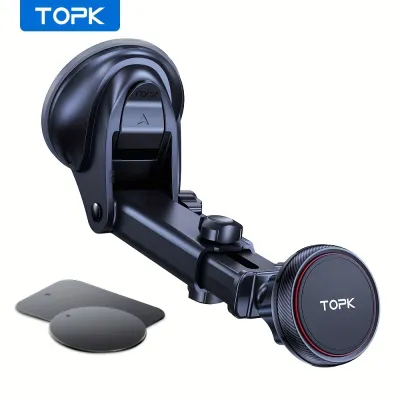
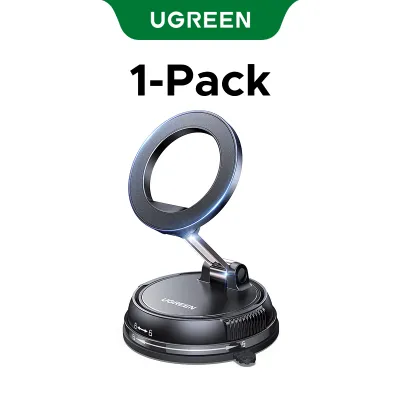
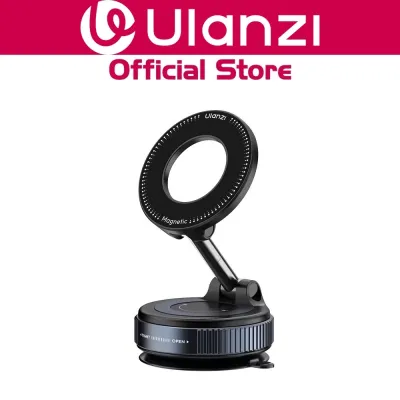
![🇸🇬[Ready Stock] New 360 Rotation Vacuum Suction Cup Phone Holder Foldable Magnetic Magsafe Car Phone Mount for Gym/Mirror/Smooth Surface](https://img.lazcdn.com/g/p/8209a6499e644df04a911de525ca3b30.jpg_400x400q80.jpg_.webp)
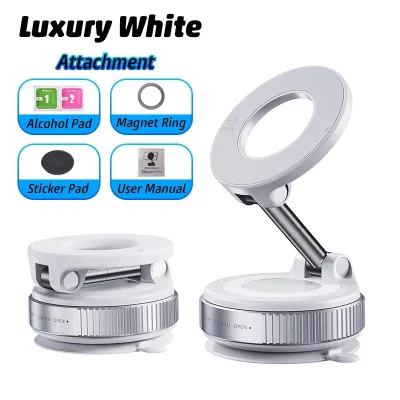
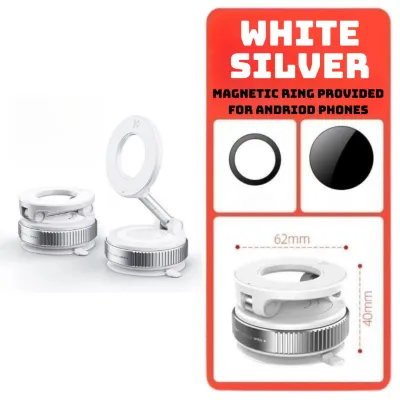
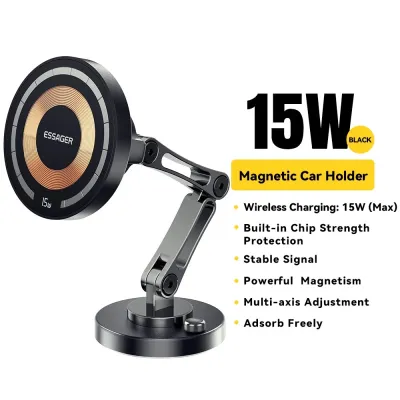
Prices are valid at publication and may change. Please refer to the product page for the latest price.
In contrast, surface-mounted holders that rely on adhesives or straps across the seat back often cover the very openings you need to access. These adhesive mounts can also degrade over time due to temperature fluctuations inside the cabin, potentially falling off and dropping your device. Side-rail or gap-filler mounts, which attach to the seat frame or slide into the gaps between seat panels, can work well but may limit how far back the front seats can recline.
Before purchasing, examine the layout of your existing storage accessories. If you use a large, multi-pocket organizer that hangs from the headrest poles, a standard pole mount might compete for the same physical space. Fold-down tray tables also require a clear path to open and close, meaning any phone mount must sit high enough or extend far enough to avoid physical interference.
Deciding between a center-mounted setup and a side-mounted setup depends on your typical passenger configuration. A center mount attaches to one headrest pole but uses an extension arm to position the phone between the two front seats, making it ideal for shared viewing among multiple rear passengers. Individual side mounts, which keep the phone directly in front of one passenger, are better for solo viewers but require separate units for each side of the vehicle.
To ensure a proper fit, measure the vertical clearance between the bottom of the headrest and the top edge of your seat-back organizer or map pocket. This measurement tells you how much space you have for the mounting bracket and any articulating arms. Choosing a mount with a compact base ensures that the installation hardware does not pinch or crowd your storage pockets.
Core Features to Look for in a Rear-Seat Magnetic Holder
When selecting a magnetic car phone holder, the strength of the magnetic connection is paramount, especially since rear passengers are more likely to interact with the screen while the vehicle is in motion. Look for manufacturers that specify the magnetic array design and provide clear guidelines on the maximum supported device weight. Keep in mind that thick phone cases can significantly reduce magnetic attraction, so verify whether the mount is rated for use with your specific case style.

Adjustability is another critical factor for rear-seat entertainment. Look for mounts featuring robust articulation arms, telescopic poles, or 360-degree ball joints. These features allow passengers to tilt and rotate the phone to avoid glare from the side windows. Crucially, the adjustment mechanism must allow you to position the phone in a way that does not obstruct the driver’s rearview mirror or create a blind spot.
If your phone or case does not have built-in magnetic alignment, verify that the mount package includes high-quality adhesive metal plates or magnetic rings. These plates must be applied directly to the back of the phone or case to establish a secure connection. Check the manufacturer’s instructions regarding the placement of these plates, as incorrect positioning can interfere with wireless charging capabilities.
Finally, prioritize mounts that feature quick-release mechanisms. A quick-release clamp or a simple thumb-screw design allows you to remove the entire holder assembly in seconds. This is incredibly useful when you need to pack large items into your seat-back organizers, clean the vehicle interior, or fold the seats down flat for extra cargo space.
Safety Boundaries and Vehicle Compatibility Checks
Safety must always come first when installing aftermarket accessories inside a vehicle cabin. Before mounting any hardware to the headrest poles, consult your vehicle’s owner manual to check the location of side curtain airbags or active headrest safety systems. The mount and the attached phone must never sit within the deployment path of any airbag, nor should they interfere with the normal operation of seat recline and adjustment mechanisms.
Magnetic fields can affect sensitive medical equipment. Review all manufacturer warnings regarding magnetic interference if you or your frequent passengers use pacemakers, insulin pumps, or other implanted medical devices. Ensure that the magnetic mount is kept at a safe distance from these devices as specified by medical professionals and product documentation.
To protect your vehicle’s interior, verify that the mounting hardware features adequate protective padding, such as silicone sleeves or rubberized liners, where it contacts the headrest poles. Unprotected metal clamps can easily scratch the metal poles, tear the surrounding leather, or wear down fabric upholstery over time. A snug, padded fit also prevents the mount from slipping or vibrating while driving.
It is vital to understand the physical limitations of magnetic mounts during sudden braking, sharp turns, or collisions. While a strong magnet can hold a standard smartphone during normal driving, heavy tablets or large devices may require a mechanical clamping backup to prevent them from becoming dangerous projectiles in an accident. If you plan to mount a larger device for rear-seat entertainment, verify the manufacturer’s weight limits and consider a hybrid mount that combines magnetic alignment with physical side clamps.
Installation and Adjustment Best Practices
Before beginning the installation, thoroughly inspect your vehicle’s headrest poles and the surrounding seat back. Look for any existing damage, loose fittings, or non-standard shapes that might prevent a secure attachment. Some modern vehicles feature integrated headrests without exposed metal poles, which will require alternative mounting solutions rather than a standard pole clamp.
When installing the holder, secure the mounting bracket strictly according to the product manual. Avoid over-tightening the screws, as this can strip the threads or damage the headrest mechanism. Once the bracket is in place, test its stability by applying gentle downward pressure or using a dummy weighted object before trusting it with your actual phone.
Over long road trips, road vibrations can cause articulating arms to droop. Adjust the tension screws or ball joint collars so they are tight enough to hold the phone’s weight steady over bumps, yet loose enough to allow manual repositioning without bending the mounting bracket. Regularly check these fittings to ensure they have not loosened over time.
Always observe clear stop conditions during installation. If the mounting hardware feels loose even when fully tightened, if it conflicts with the seat’s electronic controls, or if the installation seems to require structural modifications to the seat, stop immediately. In these cases, consult your vehicle manufacturer or a qualified automotive professional to find a compatible and safe solution.
Frequently Asked Questions (FAQ)
Can magnetic mounts damage car seat leather or fabric?
Yes, poorly designed or improperly installed mounts can cause physical damage to your vehicle’s upholstery. Adhesives used for surface mounts can leave behind sticky residues that are difficult to remove, or they can even pull away the top layer of leather when peeled off. Additionally, mounts that rub directly against the seat fabric without protective padding can cause friction burns or tears. To prevent this, prioritize headrest pole mounts that do not contact the seat surface directly, or ensure the mount uses soft, non-abrasive silicone padding at all contact points.
Are headrest pole mounts universally compatible with all vehicle seats?
No, headrest pole mounts are not universally compatible. They require exposed, dual-pole headrests to clamp onto. Vehicles with integrated sports seats, active headrest systems that lack exposed poles, or single-pole headrests cannot accommodate standard pole clamps. Furthermore, pole diameters and the spacing between poles vary significantly between vehicle makes and models. Always measure your vehicle’s headrest pole diameter and the distance between the poles, then compare these measurements with the manufacturer’s specifications before purchasing.

Community discussion
Share your experience or ask a question. Comments are reviewed before publication.