
Upgrading your car audio system with a modern aftermarket head unit is one of the most impactful ways to modernize your daily drive. While the physical hardware of the head unit determines the screen quality and audio amplification, the daily user experience relies heavily on smartphone integration. Choosing between Apple CarPlay and Android Auto is rarely a matter of choosing one head unit over another, as most modern aftermarket receivers support both protocols. Instead, the decision depends on your current smartphone ecosystem, how you prefer to interact with voice assistants, and your specific vehicle integration needs.
The Primary Filter: Your Smartphone Ecosystem
The most fundamental factor in your decision is the smartphone currently in your pocket. Apple CarPlay is a proprietary protocol that strictly requires a compatible iPhone, while Android Auto is designed exclusively for compatible Android devices. If you are deeply committed to one ecosystem, your choice is effectively made for you, as neither system will project the interface of the opposing operating system.
For households sharing a single vehicle, the situation requires a more flexible approach. If different family members drive the same car using different phone brands, you must select an aftermarket head unit that supports both CarPlay and Android Auto. Fortunately, dual-compatibility is a standard feature on most mid-range and premium aftermarket receivers, allowing the system to switch interfaces seamlessly depending on which phone is connected.
Products mentioned in this guide
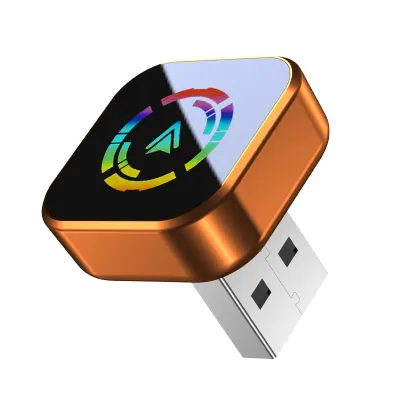
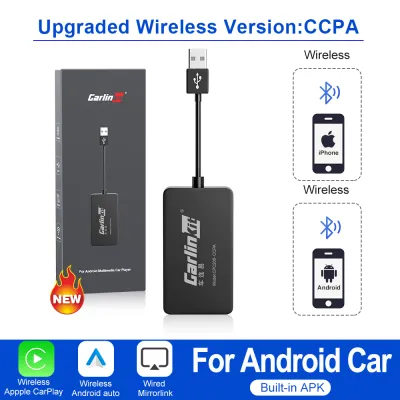
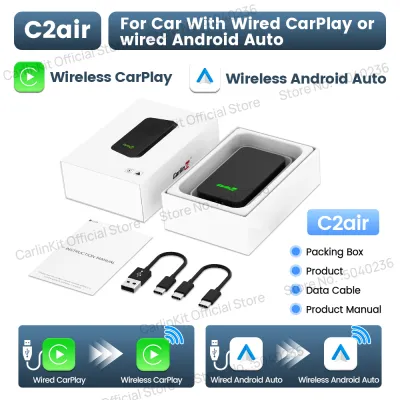
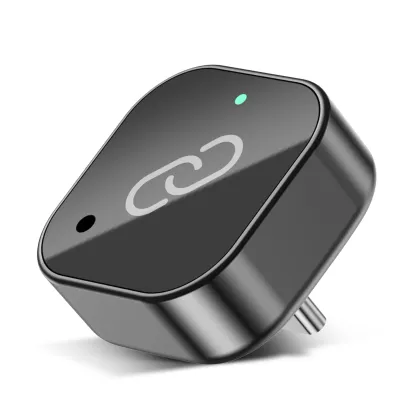
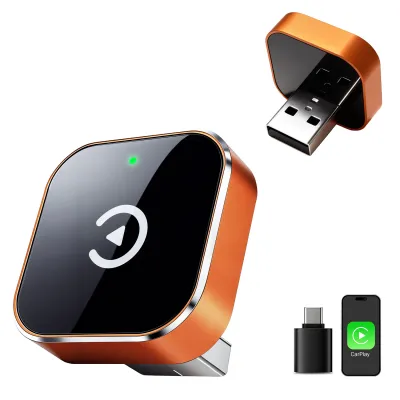
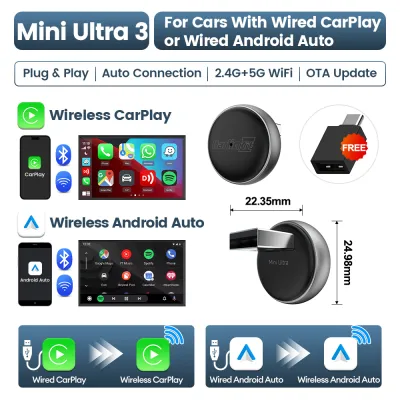
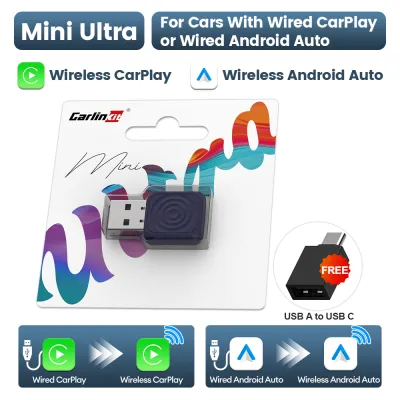
Prices are valid at publication and may change. Please refer to the product page for the latest price.
It is also essential to verify the operating system version on your mobile device before purchasing any upgrade hardware. While older phones may support basic wired connections, wireless projection often requires more recent operating system versions and specific hardware capabilities on the phone itself. Checking your phone’s settings to ensure it meets the minimum requirements for wireless connectivity prevents unexpected compatibility issues after installation.
Head Unit Compatibility and Installation Checks
When planning a car audio upgrade, you must verify how the aftermarket head unit connects to your smartphone. Wired connections are highly reliable and charge your device simultaneously, but they require routing a physical USB cable from the back of the receiver to an accessible point in your cabin. Wireless CarPlay and Android Auto offer greater convenience, but they require a head unit equipped with specific built-in Wi-Fi and Bluetooth modules to handle the high-bandwidth data transfer.

Physical installation constraints within your dashboard will dictate which head units are viable options for your vehicle. Standard dashboard slots are categorized as single-DIN (two inches tall) or double-DIN (four inches tall). While double-DIN slots easily accommodate large touchscreen displays, single-DIN slots may require specialized receivers with floating or fold-out screens. You must measure your dashboard clearance and consult the head unit’s physical dimensions to ensure a proper fit.
Integrating a new receiver into your vehicle’s existing electrical system requires careful planning to preserve factory features. Modern vehicles often route steering wheel controls, backup cameras, and factory amplifiers through proprietary wiring networks. To retain these functions, you will typically need vehicle-specific wiring harnesses and digital integration modules. Always consult your vehicle’s manual and the head unit manufacturer’s official fit guide, and consider seeking professional installation from a qualified car audio specialist to ensure all safety systems and electrical connections are wired correctly.
Interface, Navigation, and Audio Experience
The daily interaction with your upgraded audio system is shaped by how each platform presents information and handles voice commands. Apple CarPlay features a clean, grid-based user interface that mirrors the aesthetic of iOS, utilizing simplified app icons and a dedicated dashboard view that displays maps, media controls, and calendar events simultaneously. Android Auto offers a dynamic, widget-based layout that prioritizes contextual information, adapting the screen space to show navigation alongside media playback controls.
Voice control is a critical safety feature for hands-free operation while driving. CarPlay relies on Siri, which integrates deeply with Apple services, allowing you to send messages, make calls, and control Apple Music using natural language. Android Auto utilizes Google Assistant, which is widely recognized for its robust search capabilities, accurate voice recognition, and seamless integration with Google Maps and third-party messaging applications.
Audio routing and volume management differ slightly between the two platforms, particularly during active navigation. Both systems are designed to lower the volume of your music—a process known as ducking—when navigation prompts are spoken, but the customization of these volume levels depends on the head unit’s software. It is important to note that the actual sound quality, clarity, and bass response of your system are determined by the head unit’s built-in digital-to-analog converter (DAC), internal amplifier, and your car’s speakers, rather than the projection protocol itself.
CarPlay vs Android Auto Feature Matrix
To help you compare the practical differences and identify what to look for when shopping for a new receiver, the following matrix outlines the key functional elements of both platforms.
| Feature | Apple CarPlay | Android Auto | What to Verify on the Head Unit Box |
|---|---|---|---|
| Default Navigation | Apple Maps (supports third-party apps) | Google Maps (supports third-party apps) | GPS antenna inclusion for precise positioning |
| Voice Assistant | Siri | Google Assistant | External microphone input for clear voice pickup |
| Connection Type | Wired or Wireless (via Wi-Fi/Bluetooth) | Wired or Wireless (via Wi-Fi/Bluetooth) | Dual-band Wi-Fi (5 GHz) support for wireless stability |
| Interface Style | Grid-based app layout with dashboard | Dynamic widget-based split-screen | Screen resolution and capacitive touch responsiveness |
| Audio Quality | Dependent on head unit DAC and hardware | Dependent on head unit DAC and hardware | Pre-amp output voltage and built-in equalizer bands |
Making the Final Decision for Your Audio Upgrade
Choosing the right integration protocol ultimately comes down to aligning your smartphone habits with your driving preferences. You should prioritize Apple CarPlay if you are an iPhone user who values a consistent, iOS-style interface, relies on Siri for daily tasks, and prefers a straightforward, app-centric layout. This path ensures that your navigation, messaging, and media apps transition seamlessly from your phone to your dashboard screen.
Conversely, you should focus on Android Auto if you use an Android smartphone, prefer the predictive capabilities of Google Assistant, and want a highly customizable split-screen interface. Android Auto is particularly well-suited for drivers who rely heavily on Google’s ecosystem for navigation, calendar scheduling, and hands-free communication.
Before purchasing any hardware, verify the specific integration requirements of your vehicle. If your car has complex steering wheel controls, a factory-installed backup camera, or an active multi-channel amplifier system, consult a professional car audio installer in Singapore. They can recommend the exact wiring harnesses and interface modules needed to maintain these safety and convenience features. Finally, prioritize head units that offer responsive capacitive touchscreens, robust local warranty support, and high-quality internal audio components to ensure your upgrade delivers lasting value.
Frequently Asked Questions (FAQ)
Can I use both CarPlay and Android Auto on the same head unit?
Yes, most modern aftermarket double-DIN head units are designed with dual-compatibility, meaning they support both protocols. However, only one system can project onto the screen at any given time. The active interface is determined by the specific smartphone connected to the receiver’s USB port or paired via wireless Bluetooth and Wi-Fi. This dual-compatibility makes these head units an excellent choice for households where different drivers use different phone ecosystems.
Does wireless projection drain my phone battery faster than wired?
Yes, wireless projection consumes significantly more battery power and generates more heat because your phone must continuously transmit high-bandwidth video and audio data over Wi-Fi and Bluetooth. For short daily commutes, the convenience of leaving your phone in your pocket is highly practical. However, for longer road trips, using a wired USB connection is recommended to keep your device charged and prevent thermal throttling, or you should pair wireless projection with a dedicated wireless charger or high-output USB port.
Community discussion
Share your experience or ask a question. Comments are reviewed before publication.