
Choosing between Apple CarPlay and your vehicle’s built-in GPS for daily driving in Singapore depends on whether you prioritize real-time, crowd-sourced traffic updates or offline reliability and smartphone battery preservation. Phone-based projection excels in dynamic urban routing, allowing you to navigate around sudden congestion on major expressways like the PIE or CTE. Conversely, native vehicle systems offer a stable, uninterrupted baseline when cellular signals drop in deep underground car parks or long tunnels, while also sparing your smartphone from thermal stress and battery drain. Understanding how these systems operate under local driving conditions is key to selecting the right tool for your daily commute.
Core Differences in Navigation Experience
Apple CarPlay operates as a projection technology, meaning it does not run navigation software directly on your car’s hardware. Instead, it mirrors compatible applications from your iPhone onto the vehicle’s infotainment screen, utilizing the phone’s processor, cellular data, and location services. This setup requires a continuous connection, established either through a physical lightning or USB-C cable, or via a wireless connection using Bluetooth and Wi-Fi. If your connection is interrupted, the navigation interface on your dashboard will immediately freeze or disconnect.
In contrast, a built-in GPS system is a self-contained unit integrated directly into the vehicle’s dashboard by the manufacturer. It runs proprietary software stored on the car’s internal hard drive or flash memory and relies on a dedicated external GPS antenna, typically mounted on the roof or behind the rearview mirror. Because it operates independently of your smartphone, it does not require cellular reception, cables, or wireless pairing to function. However, its performance, menu responsiveness, and visual interface are entirely limited by the processing power and software ecosystem designed by the automaker at the time of the vehicle’s production.
Products mentioned in this guide
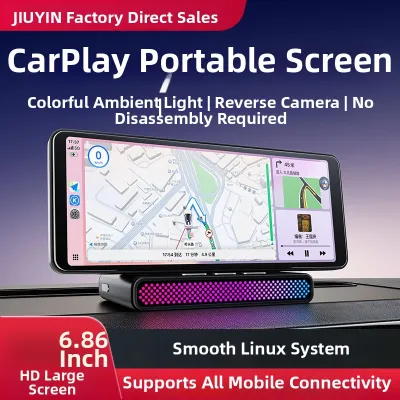

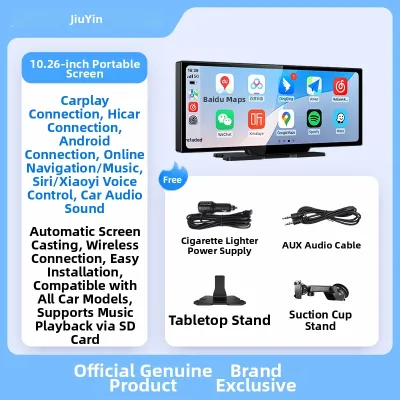
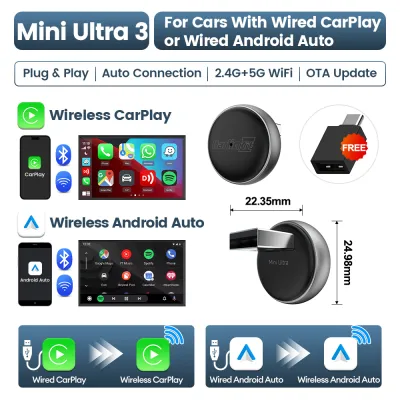
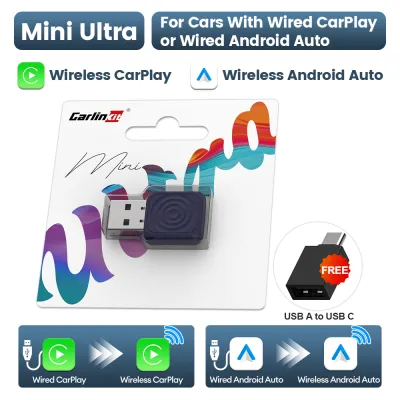
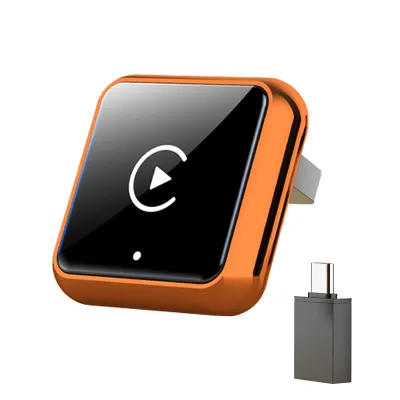
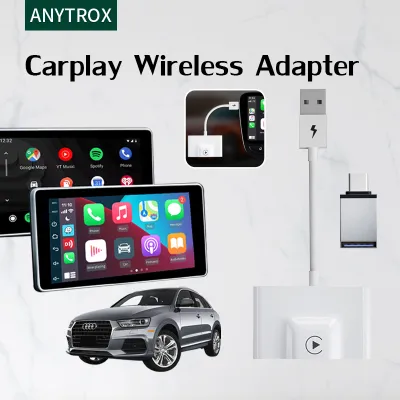
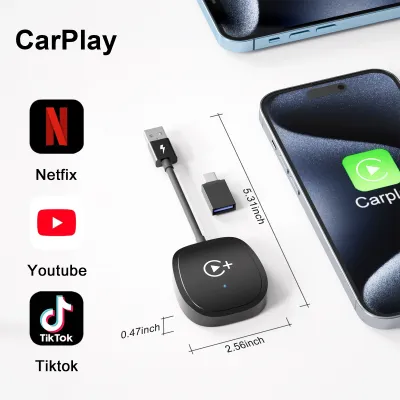
Prices are valid at publication and may change. Please refer to the product page for the latest price.
Accuracy, Real-Time Traffic, and Map Updates
For daily commuters in Singapore, routing accuracy and live traffic data are critical for avoiding Electronic Road Pricing (ERP) charges and peak-hour bottlenecks. CarPlay-compatible navigation apps excel in this area by leveraging real-time, crowd-sourced data from millions of active users. This allows the system to detect sudden slowdowns, accidents, or road closures instantly and suggest alternative routes dynamically. Because these applications update their map databases continuously in the cloud, new roads, temporary diversions, and updated speed camera locations are reflected almost immediately without requiring manual user intervention.

Built-in car GPS systems handle traffic data differently, often relying on older broadcast technologies like the Radio Data System-Traffic Message Channel (RDS-TMC) or requiring an active internet connection via an embedded SIM card or smartphone Wi-Fi tethering. If your vehicle lacks an active data subscription or a tethered connection, the native GPS will calculate routes based solely on static historical data, leaving you unaware of sudden traffic build-ups on the road ahead. Furthermore, updating the maps on a built-in system is rarely automatic. It typically requires downloading large update files from the manufacturer’s portal onto a USB drive, or scheduling a visit to an authorized dealership, which can be both time-consuming and costly. Drivers should consult their vehicle’s owner manual to verify if their native GPS supports over-the-air updates or requires manual dealer installation.
Interface, Convenience, and Daily Usability
The daily usability of each system often comes down to how easily you can input destinations and interact with the screen while driving. CarPlay leverages the familiar user interface of your iPhone, allowing you to search for destinations using your phone’s keyboard before you start driving, or by accessing your saved favorites and search history. Voice control is highly integrated through Siri, enabling you to dictate addresses, ask for points of interest, or reply to messages using natural language commands. The system also manages screen real estate efficiently, offering split-screen layouts that display your map alongside media controls and upcoming calendar events.
Built-in systems, while highly integrated into the car’s physical cabin, can sometimes feel clunky by comparison. Destination input often requires typing on a resistive touchscreen or using a physical rotary dial, which can be tedious when searching for specific building names or postal codes. While many modern vehicles feature proprietary voice recognition systems, they often require specific, rigid command structures and may struggle with local accents or unique Singaporean street names. On the positive side, native GPS systems are designed to integrate seamlessly with the vehicle’s secondary displays, such as head-up displays (HUD) on the windshield or digital instrument clusters behind the steering wheel, providing turn-by-turn directions directly in your line of sight without distracting you from the road.
Cost, Data Usage, and Hardware Dependencies
While CarPlay is generally free to use if your vehicle supports it, there are hidden hardware and data costs to consider. Running high-definition maps and streaming real-time traffic data continuously will consume a portion of your mobile data allowance. While most local telecom plans offer generous data caps, drivers on limited packages should monitor their usage to avoid speed throttling. Additionally, running GPS, cellular data, and screen projection simultaneously places a heavy processing load on your iPhone. In Singapore’s tropical climate, this high workload combined with direct sunlight hitting the dashboard can lead to rapid battery drain and thermal throttling, causing your phone to overheat and shut down. To mitigate this, drivers often need to invest in high-quality wired connections, active-cooling phone mounts, or wireless charging cradles.
Built-in GPS systems do not consume your personal mobile data or drain your phone’s battery, making them highly efficient for long journeys. However, they are not entirely free of long-term costs. Many automakers bundle live traffic services and map updates into complimentary trial periods, after which you must pay an annual subscription fee to keep the services active. If you choose not to renew, you are left with static, outdated maps that may not reflect new housing estates or major road re-alignments. Additionally, if you drive an older vehicle that lacks native CarPlay support, you may need to purchase aftermarket infotainment head units or wireless adapters, which require professional installation to ensure compatibility with your car’s existing wiring and steering wheel controls.
Decision Framework: Which Navigation System Fits Your Commute?
To determine the best setup for your daily drive, evaluate your specific commuting habits and vehicle capabilities.
Choose projected phone navigation via CarPlay if:
- You commute during peak hours and rely heavily on real-time traffic alerts to bypass congestion and ERP gantries.
- You prefer using voice commands to search for destinations, send messages, and control music hands-free.
- You want access to the most up-to-date maps without paying for manufacturer subscription fees or visiting a dealership.
Choose built-in car GPS if:
- You frequently drive through areas with poor cellular reception, such as deep underground parking structures or remote coastal roads.
- You want to preserve your smartphone's battery life and avoid the risk of device overheating during warm afternoon drives.
- Your vehicle features a head-up display or digital instrument cluster that only displays navigation data from the native system.
Verify first if:
- Your vehicle's infotainment system supports wired or wireless CarPlay, and check the owner's manual for any specific USB port requirements.
- Your mobile data plan has sufficient allowance to handle daily navigation streaming without incurring extra charges.
- Your native car GPS requires a paid subscription for live traffic updates, and check the manufacturer's website for the latest map version availability.
Frequently Asked Questions (FAQ)
Does projected phone navigation use my mobile data?
Yes, projected systems like Apple CarPlay rely entirely on your connected smartphone’s mobile data plan to download map tiles, search for points of interest, and receive real-time traffic updates. While basic map caching can reduce data consumption slightly, active navigation over long daily commutes will contribute to your monthly data usage. It is advisable to check your local telecommunications provider’s data limits to ensure your plan can comfortably accommodate daily navigation alongside your regular mobile activities.
Can I use built-in car GPS without a phone connection?
Yes, built-in car GPS systems are designed to operate completely independently of your smartphone. They utilize a dedicated GPS antenna built into the vehicle to receive satellite signals, allowing the system to track your location and calculate routes even when you have no cellular reception. However, without a tethered phone connection or an active built-in cellular subscription, you may lose access to real-time traffic updates, dynamic rerouting, and live point-of-interest searches.
Is wireless projection as reliable as a wired connection for navigation?
While wireless projection offers excellent convenience by automatically connecting when you enter the vehicle, it is generally more susceptible to interference and latency than a physical cable. In areas with high electromagnetic interference, such as certain toll plazas or dense urban corridors, you may experience brief connection drops or map lag. For maximum stability, faster map rendering, and simultaneous device charging, a high-quality, certified wired connection remains the recommended choice for daily commuting. Refer to your vehicle’s infotainment manual to confirm compatibility with wireless adapters or to troubleshoot persistent connection issues.
Community discussion
Share your experience or ask a question. Comments are reviewed before publication.