
The choice between Apple CarPlay and Android Auto for daily driving in Singapore depends on your smartphone ecosystem and how you prefer to interact with navigation apps. Both systems act as projection interfaces, mirroring your phone’s processing power, data connection, and app configurations onto your car’s dashboard screen. Rather than searching for a universal winner, the right choice comes down to evaluating how each system handles your specific daily routing needs, voice control preferences, and vehicle hardware compatibility. Navigating expressways like the Pan Island Expressway (PIE) or Central Expressway (CTE), managing Electronic Road Pricing (ERP) gantries, and dealing with tropical heat are key daily driving realities that these systems help manage.
Core Navigation Apps and Real-Time Routing
Apple CarPlay defaults to Apple Maps, while Android Auto defaults to Google Maps. However, both platforms support major third-party navigation apps, including Google Maps, Waze, and Sygic. This flexibility ensures that regardless of your phone’s operating system, you can access your preferred mapping interface on your car’s dashboard.
In Singapore, real-time routing is critical for avoiding sudden congestion on major expressways or navigating around ERP zones. The accuracy of traffic updates, speed camera alerts, and route recalculation depends entirely on your phone’s active mobile data connection and the specific app’s backend servers, rather than the car’s head unit itself. A stable 4G or 5G connection ensures that your navigation app receives instantaneous updates about road closures, accidents, or heavy traffic ahead.
Products mentioned in this guide
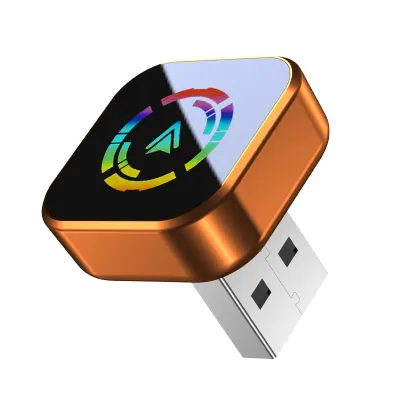
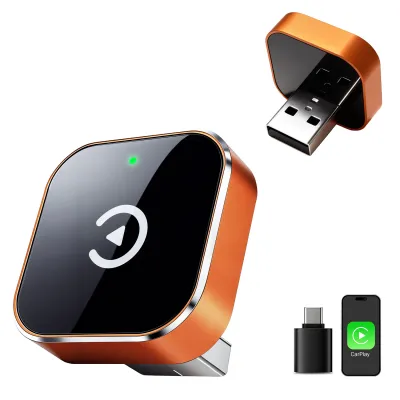
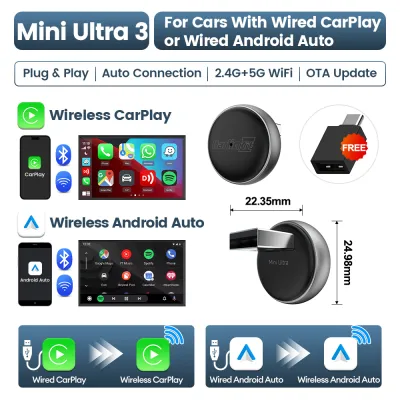
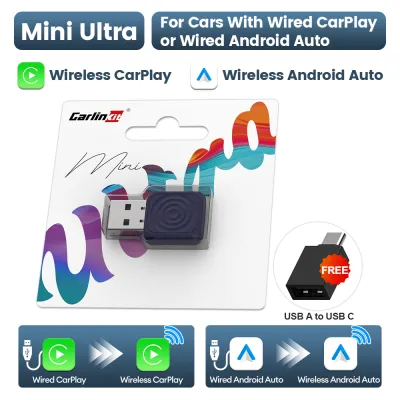
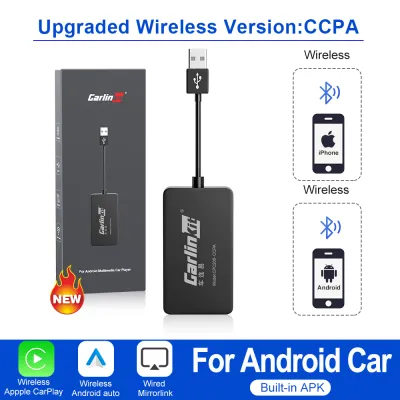
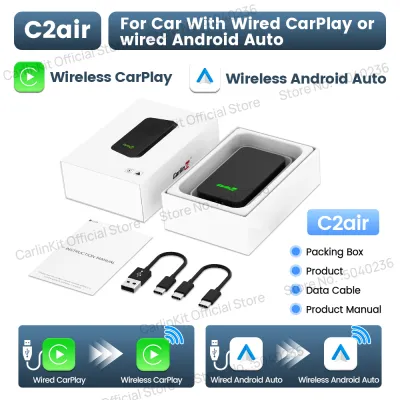
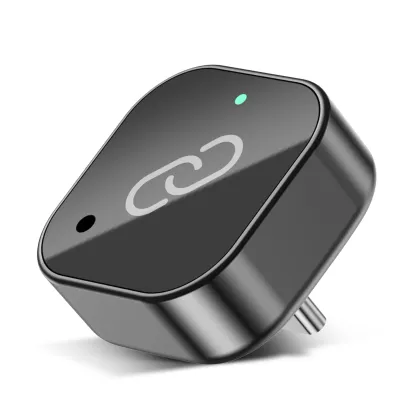
Prices are valid at publication and may change. Please refer to the product page for the latest price.
Lane guidance and point-of-interest (POI) displays differ slightly between the interfaces. Google Maps on Android Auto often provides highly detailed lane configurations for complex Singapore junctions, such as exiting the Kallang-Paya Lebar Expressway (KPE) or navigating the Marina Coastal Expressway (MCE) underground. Apple Maps on CarPlay has evolved to offer clear lane guidance and 3D landmarks in supported areas, though coverage can vary depending on local map updates.
Waze integration is highly popular among local drivers for community-reported road hazards, speed traps, and traffic police sightings. On both CarPlay and Android Auto, Waze integrates directly into the dashboard, though the visual layout and menu navigation are optimized to match each platform’s design language. CarPlay displays Waze alerts clearly within its dashboard view, while Android Auto allows for a split-screen layout where Waze can run alongside your media player.
When choosing an app, consider how it handles ERP-avoidance routing. Some navigation apps allow you to toggle toll-free routes to bypass ERP gantries during peak hours, a feature that operates identically whether projected via CarPlay or Android Auto. This can save you significant amounts on your daily commute, provided you configure the settings within the app on your smartphone before starting your journey.
Interface Design and Hands-Free Usability
The visual layout of your dashboard affects how quickly you can glance at directions while keeping your eyes on the road. Apple CarPlay uses a clean, grid-based icon layout and a split-screen “Dashboard” view that displays your active map, upcoming turn instructions, and current media playback simultaneously. This layout is highly intuitive and minimizes the need to swipe through multiple screens while driving.

Android Auto features a customizable split-screen layout that dynamically adjusts based on your car screen’s aspect ratio. This allows you to view your navigation map alongside media controls and incoming notifications, with the option to swap app positions depending on whether your car is right-hand drive or left-hand drive. This level of customization is particularly useful for optimizing visibility on wider or non-standard dashboard screens.
Hands-free voice control is essential for safe driving on busy Singapore roads. CarPlay utilizes Siri, which integrates deeply with iOS system functions, allowing you to send messages via WhatsApp, make calls, or input destinations using natural language. Siri’s integration with Apple’s ecosystem makes it highly responsive for users who rely on Apple services for their daily tasks.
Android Auto relies on Google Assistant, which is widely recognized for its robust voice recognition and ability to understand diverse accents and local street names accurately. Whether you are searching for a specific building along Anson Road or navigating to a residential block in Yishun, Google Assistant typically processes the request quickly and accurately, reducing the need for manual typing.
Physical control compatibility is another crucial factor. While touchscreens are standard, many vehicles feature rotary dial controllers, trackpads, or steering wheel buttons. CarPlay and Android Auto both support these physical inputs, but the ease of navigation varies; some drivers find CarPlay’s linear grid easier to navigate with a rotary dial, while others prefer Android Auto’s dynamic cursor movement. Always check your vehicle’s owner manual to confirm how physical controls map to smartphone projection interfaces.
Vehicle Compatibility and Connection Types
Before deciding on a system, you must verify your vehicle’s factory head unit specifications. Most modern cars sold in Singapore come equipped with hardware that supports both Apple CarPlay and Android Auto, but older models may require specific software updates or hardware modules. You should consult your vehicle’s official documentation or contact the authorized dealer to verify compatibility based on your specific model year and trim level.
Connection types generally fall into wired (via USB-A or USB-C) and wireless (via Wi-Fi and Bluetooth) categories. Wired connections offer the most stable data transmission and keep your phone charged, which is beneficial during long drives. Wireless connections offer convenience but can cause your phone to run hot, especially when navigating under direct sunlight in Singapore’s tropical climate while simultaneously using a wireless charging pad.
Operating system compatibility is straightforward but requires verification. Ensure your iPhone or Android device is updated to the latest operating system version to prevent pairing failures, audio lag, or sudden disconnections. Older phone models with outdated software may struggle to run the projection interface smoothly, leading to laggy map rendering or delayed voice commands.
If your current vehicle lacks built-in smartphone projection, aftermarket head unit upgrades or integration modules are available. However, modifying your car’s electrical system or disassembling the dashboard carries safety and warranty risks. Always consult your vehicle’s manufacturer documentation and seek qualified professional installation for any aftermarket electrical work to avoid damaging original wiring, sensors, or safety systems like reversing cameras.
Decision Framework: Which System Should You Use?
Your choice between these two systems should align primarily with your daily-carry smartphone. If you are an iPhone user, Apple CarPlay provides a seamless extension of your device, offering consistent performance, familiar typography, and tight integration with iOS-specific features. It is the most logical and hassle-free option for anyone already invested in the Apple ecosystem.
If you carry an Android device, Android Auto is the logical choice, offering deep integration with Google Assistant and flexible split-screen layouts that adapt well to various screen shapes. It provides a highly customizable experience that allows you to tailor the dashboard layout to your specific driving preferences and screen dimensions.
For shared family cars where drivers use different phone operating systems, verify that your vehicle’s head unit supports dual-system compatibility. While most modern systems can handle both, only one platform can project onto the screen at any given time. Ensure you have high-quality, certified cables for both device types stored in the glove compartment to maintain connection stability when switching drivers.
Frequently Asked Questions (FAQ)
Can a car head unit support both Apple CarPlay and Android Auto?
Yes, the majority of modern factory-installed and aftermarket head units are designed to support both platforms. However, the system will only run one interface at a time, depending on which smartphone is physically connected or wirelessly paired as the primary device. If two drivers with different phones are in the car, you must select which device projects to the screen via the head unit’s connection settings.
Is a wireless connection reliable for daily navigation?
Wireless connections offer excellent convenience for short daily commutes, but they can occasionally suffer from interference or dropouts in areas with high electromagnetic activity, such as underground carparks or tunnels. Additionally, wireless projection combined with GPS tracking can rapidly drain your phone’s battery and cause it to overheat in warm climates. For longer journeys or when maximum stability is required, a wired connection using an original or certified high-quality cable is highly recommended.
Community discussion
Share your experience or ask a question. Comments are reviewed before publication.